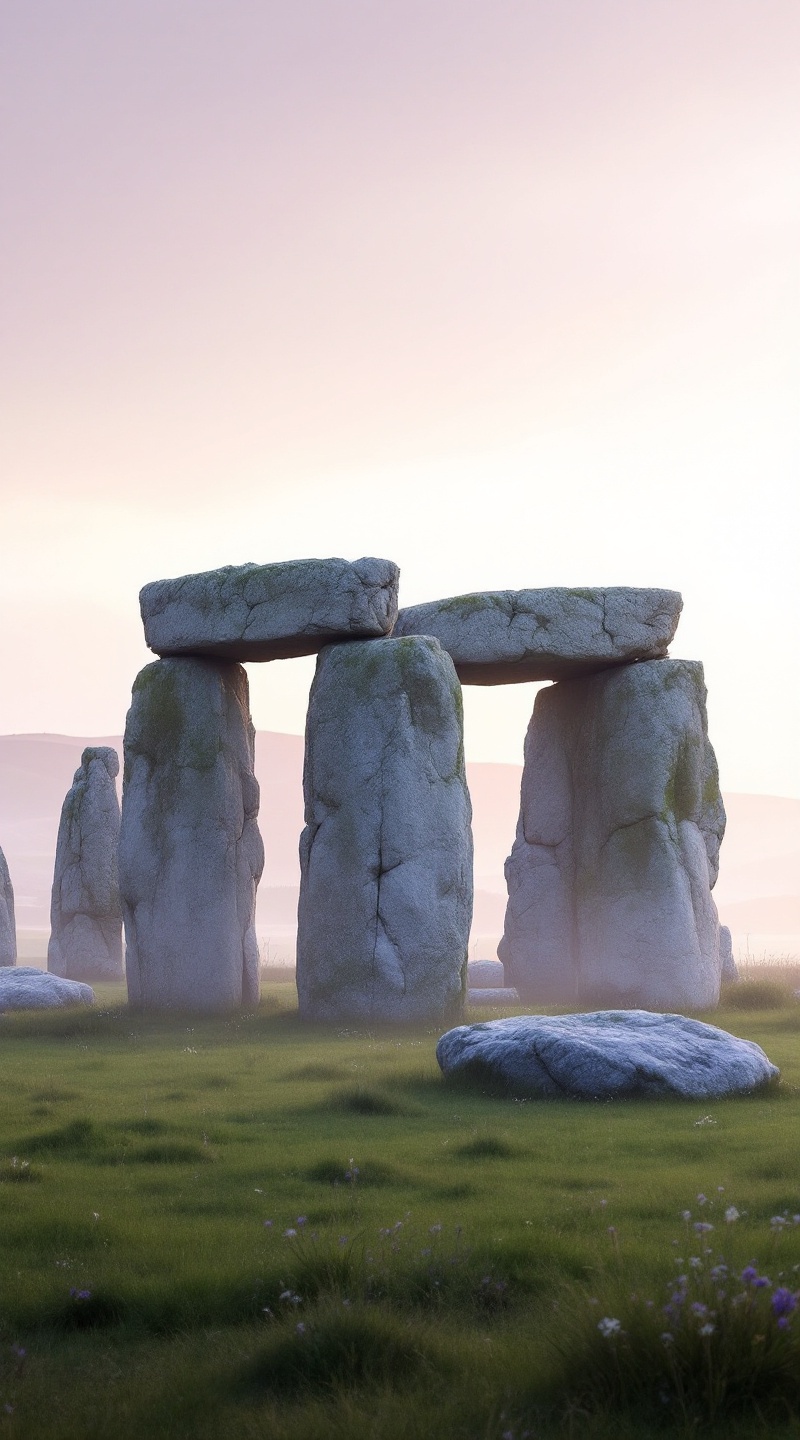
Stonehenge - Flux.1.1 pro
prompt
Create an image of Stonehenge at dawn, shrouded in a soft mist that enhances its ancient mystique. The iconic sarsen stones, weathered and gray, rise majestically against a pastel sky painted in hues of lavender and soft peach. The rough textures of the stones contrast with the smooth, dew-kissed grass surrounding them, creating a serene landscape. In the background, rolling hills fade into the distance, dotted with wildflowers that add subtle splashes of color. Capture the intricate shadows cast by the stones as the first rays of sunlight break through the mist, illuminating the site with a warm glow. Emphasize the monument's historical significance as a prehistoric ritual site, evoking a sense of wonder and reverence. Use a wide-angle lens to encompass both the grandeur of the stones and the tranquil beauty of the landscape, aiming for a dreamy, ethereal quality that highlights the timeless allure of this ancient wonder.
Analisi Dettagliata del Prompt Immagine Flux AI
Analizza il prompt dettagliato utilizzato per generare l'immagine con il Generatore Immagini Flux AI.
Esplora i Prompt Flux per il Generatore Immagini Flux AI
Come generare immagini con Flux.1.1 pro
Segui questi quattro semplici passaggi per creare l'immagine desiderata.
Passaggio 1: Inserisci il Tuo Testo (Sentiti libero di perfezionare il prompt per risultati migliori)
Passaggio 2: Scegli le Proporzioni dell'Immagine
Passaggio 3: Seleziona il Tuo Modello Flux:
Passaggio 4: Clicca il Pulsante Genera e Attendi Alcuni Secondi per la Tua Immagine
Strumenti Flux AI correlati per prompt su Flux.1.1 pro
Scopri strumenti avanzati di Flux AI per potenziare il tuo flusso di lavoro creativo.