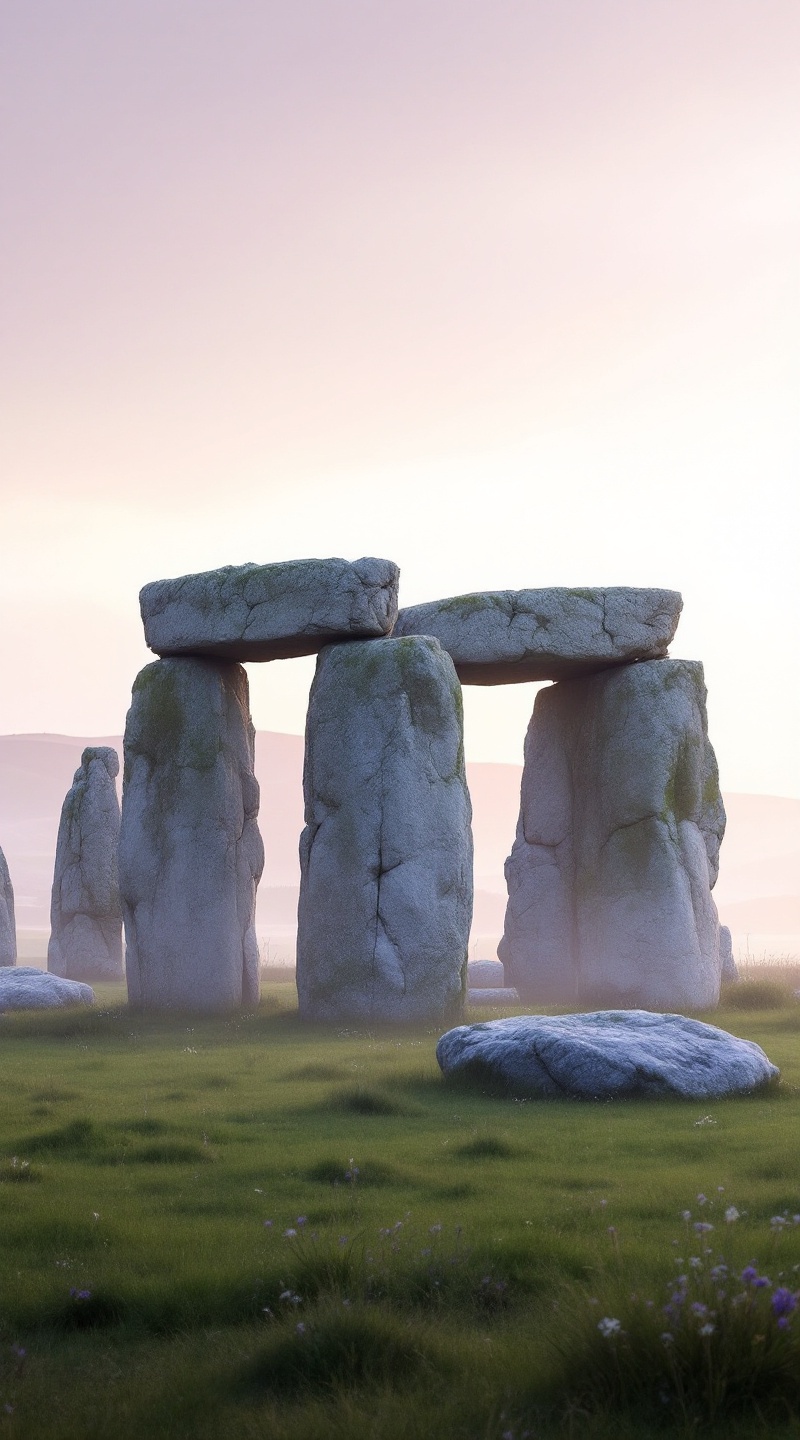
Stonehenge - Flux.1.1 pro
프롬프트
Create an image of Stonehenge at dawn, shrouded in a soft mist that enhances its ancient mystique. The iconic sarsen stones, weathered and gray, rise majestically against a pastel sky painted in hues of lavender and soft peach. The rough textures of the stones contrast with the smooth, dew-kissed grass surrounding them, creating a serene landscape. In the background, rolling hills fade into the distance, dotted with wildflowers that add subtle splashes of color. Capture the intricate shadows cast by the stones as the first rays of sunlight break through the mist, illuminating the site with a warm glow. Emphasize the monument's historical significance as a prehistoric ritual site, evoking a sense of wonder and reverence. Use a wide-angle lens to encompass both the grandeur of the stones and the tranquil beauty of the landscape, aiming for a dreamy, ethereal quality that highlights the timeless allure of this ancient wonder.
Flux AI 이미지 프롬프트에 대한 상세 분석
Flux AI Image Generator를 사용하여 이미지를 생성하는 데 사용된 상세한 프롬프트를 분석합니다.
Flux AI 이미지 생성기 프롬프트 탐색
을 통해 이미지를 생성하는 방법 Flux.1.1 pro
원하는 이미지를 만들기 위해 다음 네 가지 간단한 단계를 따르세요.
단계 1: 텍스트 입력 (더 나은 결과를 위해 프롬프트를 자유롭게 수정하세요)
단계 2: 이미지 종횡비 선택
단계 3: Flux 모델 선택:
단계 4: 생성 버튼을 클릭하고 몇 초간 기다려 이미지를 받으세요
프롬프트와 관련된 Flux AI 도구 Flux.1.1 pro
Flux AI의 고급 도구를 발견하여 창의적인 작업 흐름을 향상시키세요.