Neon Heist: Shadows & Data - Flux.1 schnell
prompt
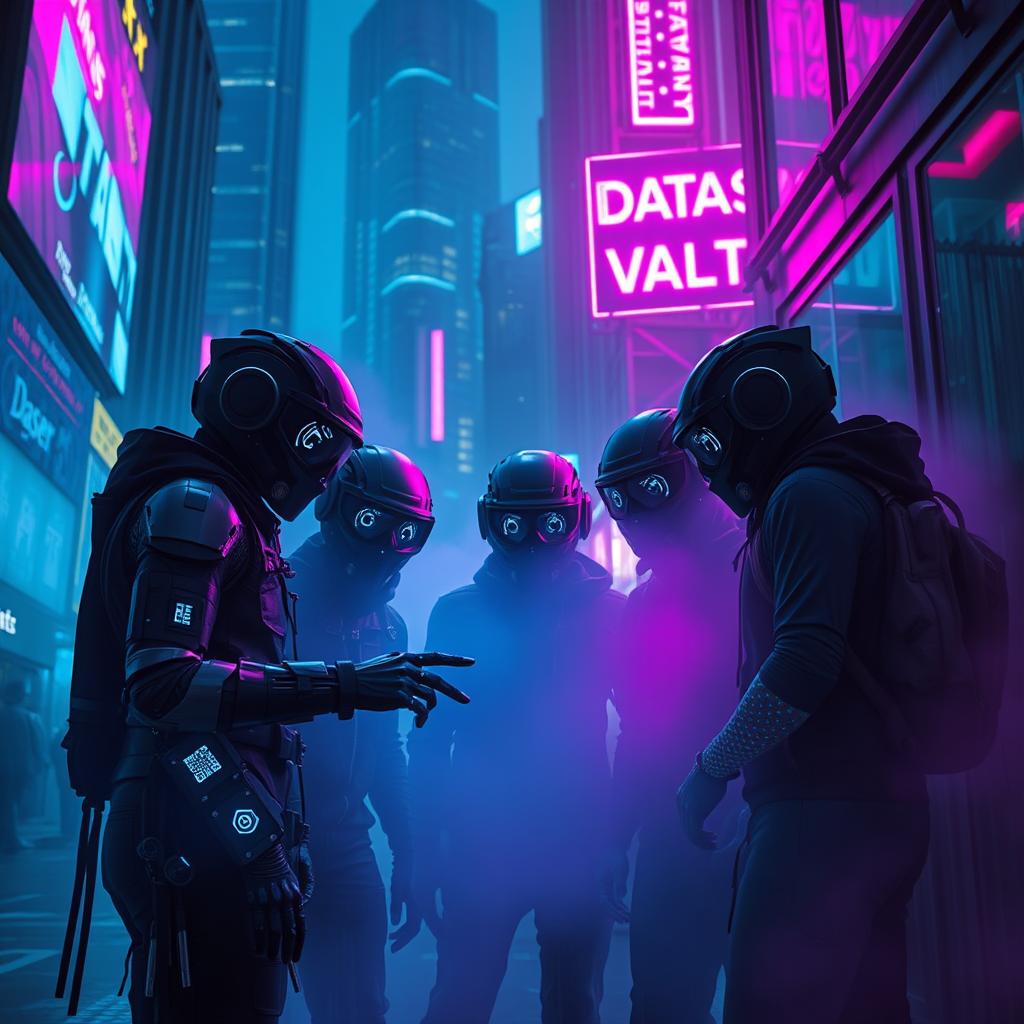
In a dimly lit cyberpunk city, neon mist swirls through the rain-soaked streets, casting an ethereal glow in shades of electric blue and vibrant magenta. Skyscrapers loom overhead, their glass façades reflecting the pulsating lights of holographic advertisements that flicker and dance in the fog. A group of augmented thieves, clad in sleek, high-tech gear adorned with glimmering circuitry, huddle in a shadowy alley, their faces obscured by visors displaying scrolling data streams. One thief, with a robotic arm, taps commands on a holographic interface projected from their wrist, while another, with luminescent tattoos, scans the area for surveillance drones. In the background, a flickering neon sign reads “Data Vault,” hinting at their target. The air is thick with tension, the atmosphere electric, as the thieves prepare to execute their digital heist amidst the haunting beauty of the neon-drenched urban landscape.
Analisi Dettagliata del Prompt Immagine Flux AI
Analizza il prompt dettagliato utilizzato per generare l'immagine con il Generatore Immagini Flux AI.
Esplora i Prompt Flux per il Generatore Immagini Flux AI
Come generare immagini con Flux.1 schnell
Segui questi quattro semplici passaggi per creare l'immagine desiderata.
Passaggio 1: Inserisci il Tuo Testo (Sentiti libero di perfezionare il prompt per risultati migliori)
Passaggio 2: Scegli le Proporzioni dell'Immagine
Passaggio 3: Seleziona il Tuo Modello Flux:
Passaggio 4: Clicca il Pulsante Genera e Attendi Alcuni Secondi per la Tua Immagine
Strumenti Flux AI correlati per prompt su Flux.1 schnell
Scopri strumenti avanzati di Flux AI per potenziare il tuo flusso di lavoro creativo.