Lace & Blooms: Elegant Hand Tattoo - Flux.1 dev
prompt
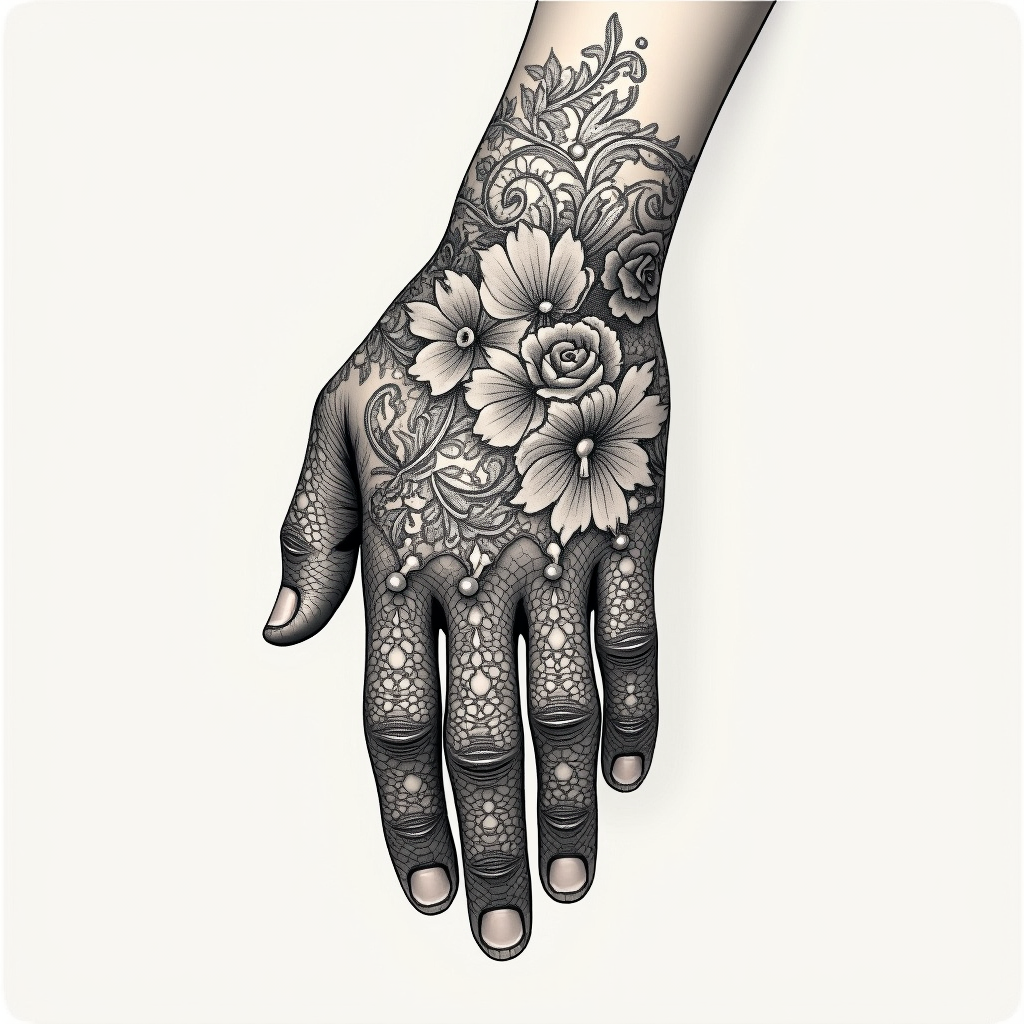
Create a tattoo design for the hand featuring an intricate lace pattern that wraps elegantly around the fingers and extends to the wrist. Incorporate delicate floral motifs, such as roses and lilies, intertwined with swirling vines and filigree elements to enhance the lace effect. The artistic style should be a blend of realistic and traditional, showcasing fine details and shading that mimic the texture of real lace. The tattoo should be medium-sized, covering the top of the hand and part of the wrist, with a monochromatic color palette in black and deep gray to emphasize the intricacy. Include subtle dot work and line shading for depth, creating a sense of movement. The design should evoke a romantic and vintage aesthetic, symbolizing elegance and femininity, while also reflecting the wearer's appreciation for intricate craftsmanship.
Analisi Dettagliata del Prompt Immagine Flux AI
Analizza il prompt dettagliato utilizzato per generare l'immagine con il Generatore Immagini Flux AI.
Esplora i Prompt Flux per il Generatore Immagini Flux AI
Come generare immagini con Flux.1 dev
Segui questi quattro semplici passaggi per creare l'immagine desiderata.
Passaggio 1: Inserisci il Tuo Testo (Sentiti libero di perfezionare il prompt per risultati migliori)
Passaggio 2: Scegli le Proporzioni dell'Immagine
Passaggio 3: Seleziona il Tuo Modello Flux:
Passaggio 4: Clicca il Pulsante Genera e Attendi Alcuni Secondi per la Tua Immagine
Strumenti Flux AI correlati per prompt su Flux.1 dev
Scopri strumenti avanzati di Flux AI per potenziare il tuo flusso di lavoro creativo.