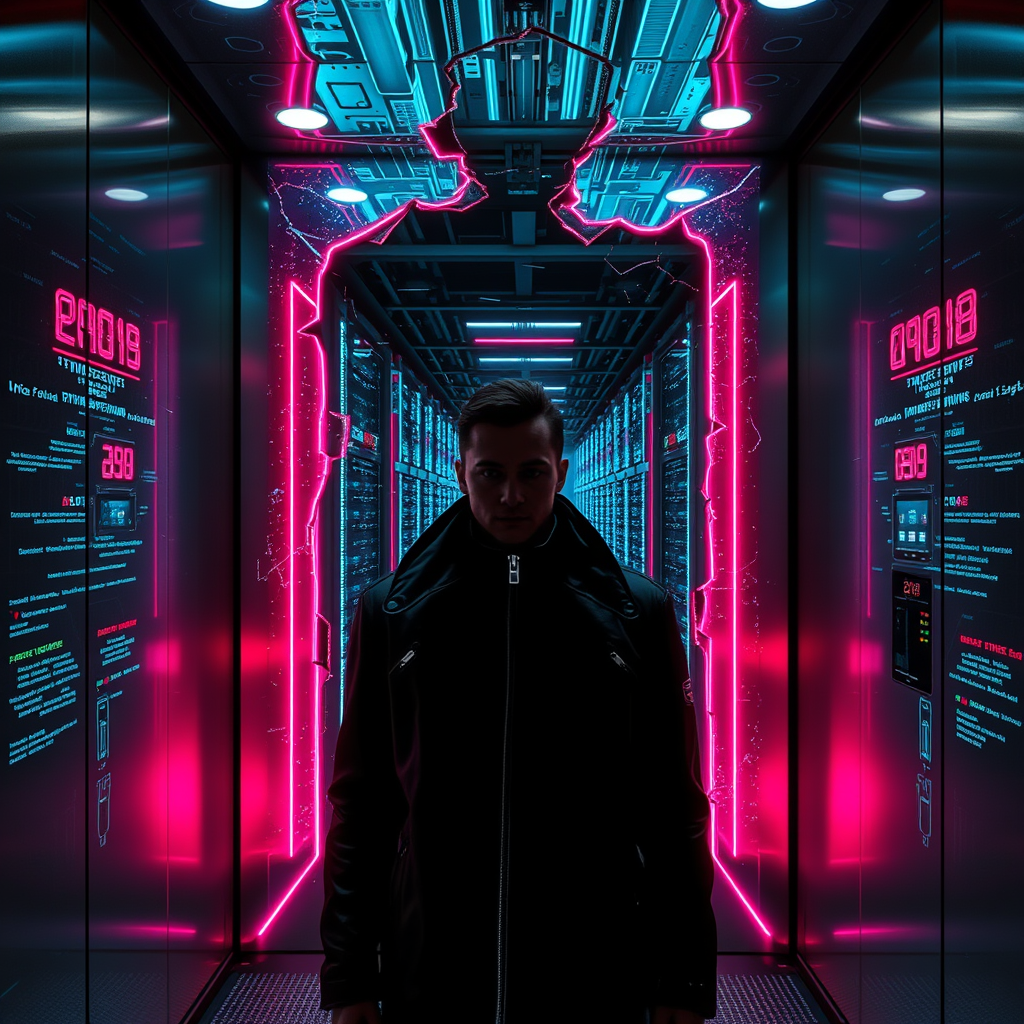
Glitching elevator displays reveal hidden data centers - Flux.1 schnell
prompt
A glitching elevator display flickers with erratic neon glyphs, its sleek metallic surface cracked to reveal a hidden labyrinth of sprawling data centers beyond—towering server racks pulse with bioluminescent coolant, casting an eerie glow of electric blues and violets across the sterile, high-tech abyss. The elevator’s interior is a sleek, retro-futuristic capsule of brushed steel and holographic panels, now distorted by digital corruption, while the world outside fractures into a maze of cables, conduits, and humming mainframes. A lone figure in a high-collared cyberpunk jacket stands silhouetted against the chaos, their face half-lit by the unstable displays, eyes reflecting the cascading errors. Glitch artifacts ripple through the air like digital ghosts, and the floor numbers stutter between reality and cryptic code. The atmosphere is thick with the hum of machinery and the scent of ozone, a hidden underworld of data bleeding into the mundane, where the boundaries of the digital and physical realms blur into a mesmerizing, dystopian dreamscape.
Analisi Dettagliata del Prompt Immagine Flux AI
Analizza il prompt dettagliato utilizzato per generare l'immagine con il Generatore Immagini Flux AI.
Esplora i Prompt Flux per il Generatore Immagini Flux AI
Come generare immagini con Flux.1 schnell
Segui questi quattro semplici passaggi per creare l'immagine desiderata.
Passaggio 1: Inserisci il Tuo Testo (Sentiti libero di perfezionare il prompt per risultati migliori)
Passaggio 2: Scegli le Proporzioni dell'Immagine
Passaggio 3: Seleziona il Tuo Modello Flux:
Passaggio 4: Clicca il Pulsante Genera e Attendi Alcuni Secondi per la Tua Immagine
Strumenti Flux AI correlati per prompt su Flux.1 schnell
Scopri strumenti avanzati di Flux AI per potenziare il tuo flusso di lavoro creativo.