Glitching elevator displays reveal hidden data centers - Flux.1 schnell
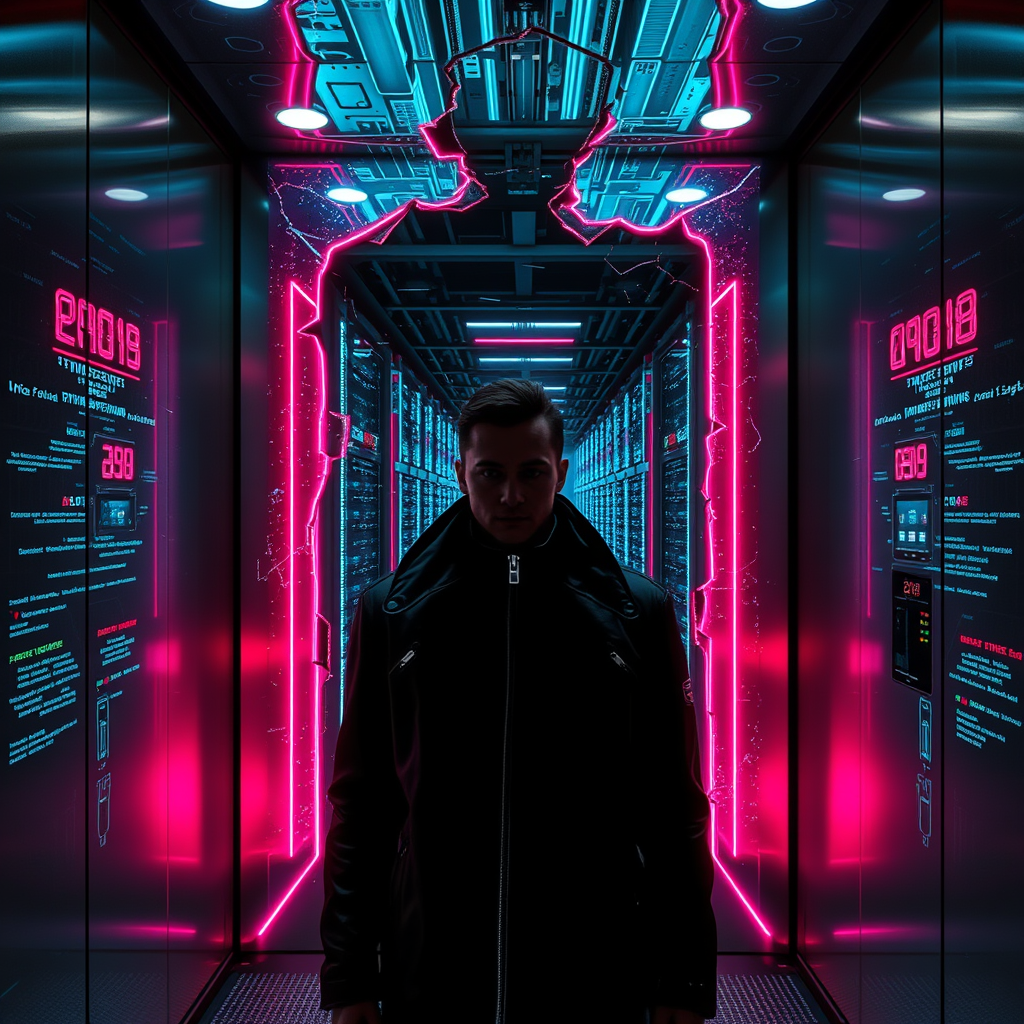
Prompt
A glitching elevator display flickers with erratic neon glyphs, its sleek metallic surface cracked to reveal a hidden labyrinth of sprawling data centers beyond—towering server racks pulse with bioluminescent coolant, casting an eerie glow of electric blues and violets across the sterile, high-tech abyss. The elevator’s interior is a sleek, retro-futuristic capsule of brushed steel and holographic panels, now distorted by digital corruption, while the world outside fractures into a maze of cables, conduits, and humming mainframes. A lone figure in a high-collared cyberpunk jacket stands silhouetted against the chaos, their face half-lit by the unstable displays, eyes reflecting the cascading errors. Glitch artifacts ripple through the air like digital ghosts, and the floor numbers stutter between reality and cryptic code. The atmosphere is thick with the hum of machinery and the scent of ozone, a hidden underworld of data bleeding into the mundane, where the boundaries of the digital and physical realms blur into a mesmerizing, dystopian dreamscape.
Análise Detalhada do Prompt de Imagem Flux IA
Analise o prompt detalhado usado para gerar a imagem com o Flux IA Image Generator.
Explore Prompts Flux para o Gerador de Imagens
Como gerar uma imagem por Flux.1 schnell
Siga estes quatro passos simples para criar a imagem desejada.
Passo 1: Insira seu texto (Sinta-se à vontade para refinar seu prompt para melhores resultados)
Passo 2: Escolha a proporção da imagem
Passo 3: Selecione seu modelo Flux:
Passo 4: Clique no botão Gerar e aguarde alguns segundos para sua imagem
Ferramentas Flux IA relacionadas a prompts sobre Flux.1 schnell
Descubra ferramentas avançadas da Flux IA para melhorar seu fluxo de trabalho criativo.