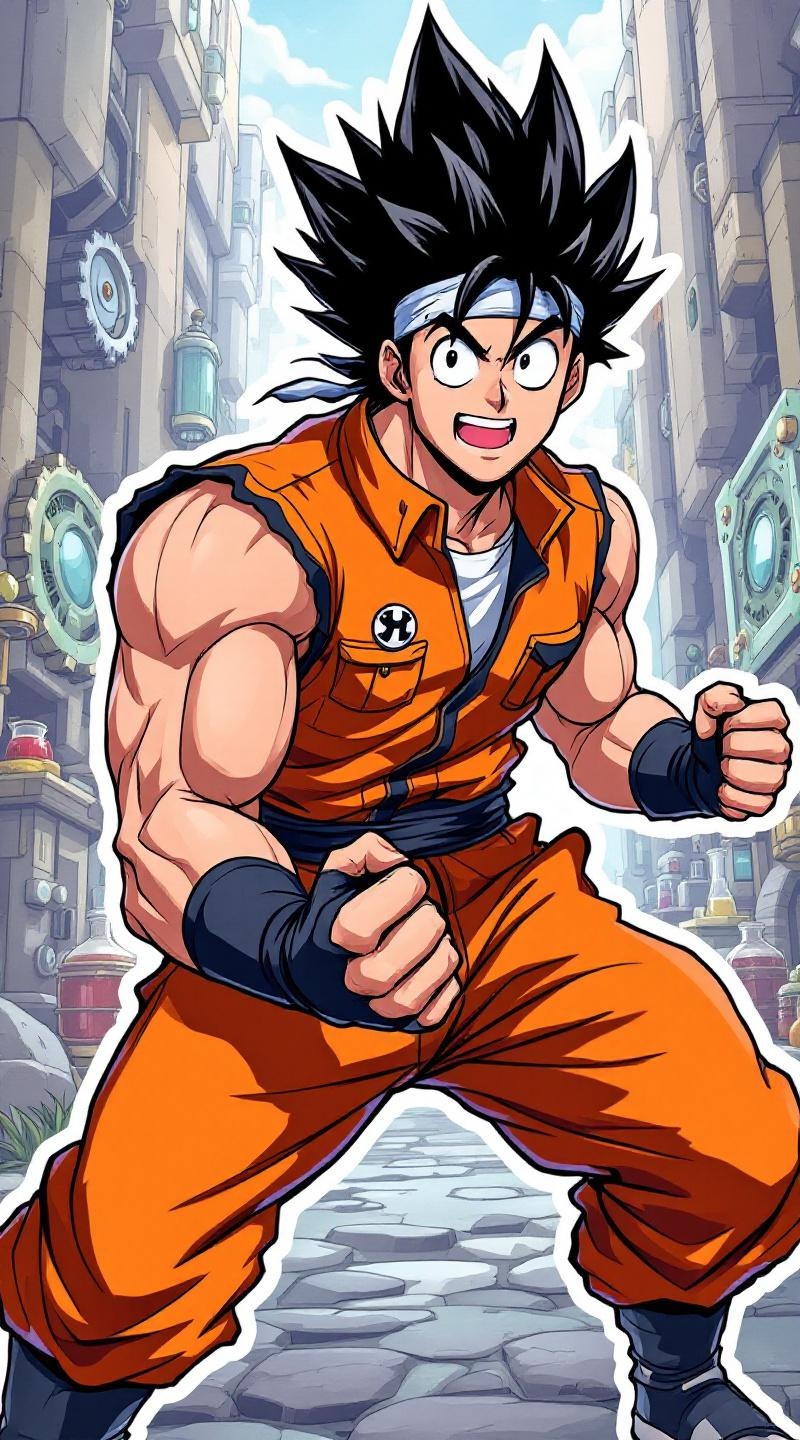
《Dr. Stone》-Taiju Oki - Flux.1.1 pro
prompt
**Prompt:** "Anime sticker-style illustration of Taiju Oki from *Dr. Stone*, featuring his iconic spiky black hair, robust build, and determined expression with wide, energetic eyes. He wears his signature orange sleeveless jumpsuit with black trim, fingerless gloves, and a white undershirt. Dynamic pose, fists clenched, exuding enthusiasm and strength. Background: a vibrant, simplified science-themed setting with gears, beakers, and stone textures, reflecting the show’s revival theme. Bold outlines, bright colors, and exaggerated facial expressions typical of anime sticker art. Include his trademark bandana tied around his forehead for added authenticity. Stylized with sharp highlights and minimal shading for a crisp, pop-art feel." (999 characters)
Analisi Dettagliata del Prompt Immagine Flux AI
Analizza il prompt dettagliato utilizzato per generare l'immagine con il Generatore Immagini Flux AI.
Esplora i Prompt Flux per il Generatore Immagini Flux AI
Come generare immagini con Flux.1.1 pro
Segui questi quattro semplici passaggi per creare l'immagine desiderata.
Passaggio 1: Inserisci il Tuo Testo (Sentiti libero di perfezionare il prompt per risultati migliori)
Passaggio 2: Scegli le Proporzioni dell'Immagine
Passaggio 3: Seleziona il Tuo Modello Flux:
Passaggio 4: Clicca il Pulsante Genera e Attendi Alcuni Secondi per la Tua Immagine
Strumenti Flux AI correlati per prompt su Flux.1.1 pro
Scopri strumenti avanzati di Flux AI per potenziare il tuo flusso di lavoro creativo.