Coco Chanel - Flux.1 schnell
プロンプト
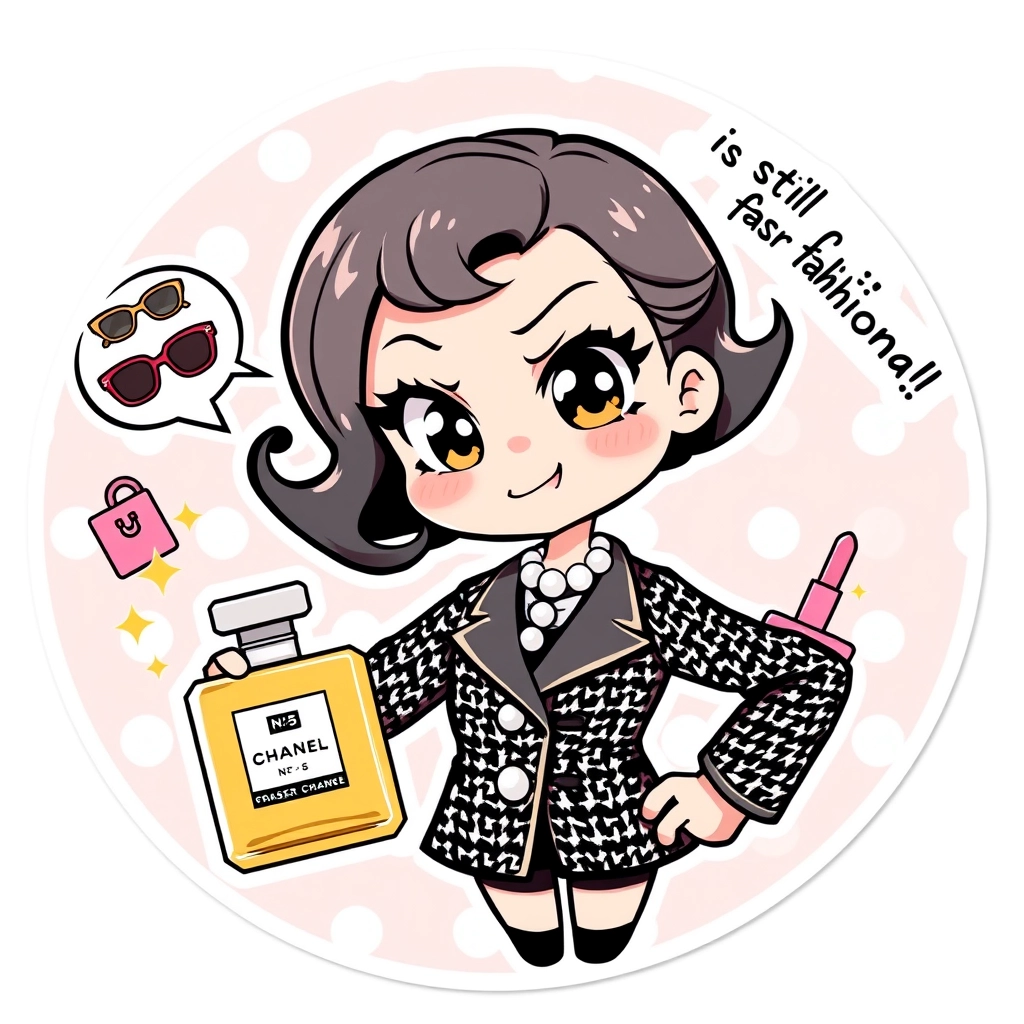
Chibi anime-style Coco Chanel with exaggerated large eyes and a mischievous smirk, wearing her iconic black and white tweed suit and pearl necklace. Her hair styled in a short bob with a playful curl. She's striking a sassy pose with one hand on her hip and the other holding an oversized perfume bottle labeled "No. 5". The background features a pastel pink and white polka dot pattern with floating cartoon-style fashion items like sunglasses, handbags, and lipsticks. Coco has a speech bubble exclaiming "Fashionably late is still fashionable!" in a cute font. The art style combines clean lines with soft shading, creating a kawaii effect. Add sparkles and small stars around Coco to enhance the charming atmosphere. The overall composition is circular, perfect for a sticker format, with a thin white border around the edge.
Flux AI Image Promptの詳細分析
Flux AI Image Generatorを使用して画像を生成するために使用された詳細なプロンプトを分析します。
Flux AI画像生成のプロンプトを探索
で画像を生成する方法 Flux.1 schnell
以下の4つの簡単なステップに従って、希望する画像を作成してください。
ステップ 1: テキストを入力 (より良い結果のためにプロンプトを調整してください)
ステップ 2: 画像のアスペクト比を選択
ステップ 3: Fluxモデルを選択:
ステップ 4: 生成ボタンをクリックして数秒待ち、画像を取得
プロンプトに関連するFlux AIツール Flux.1 schnell
Flux AIの高度なツールを発見して、クリエイティブな作業フローを強化しましょう。