Serena Williams - Flux.1 pro
プロンプト
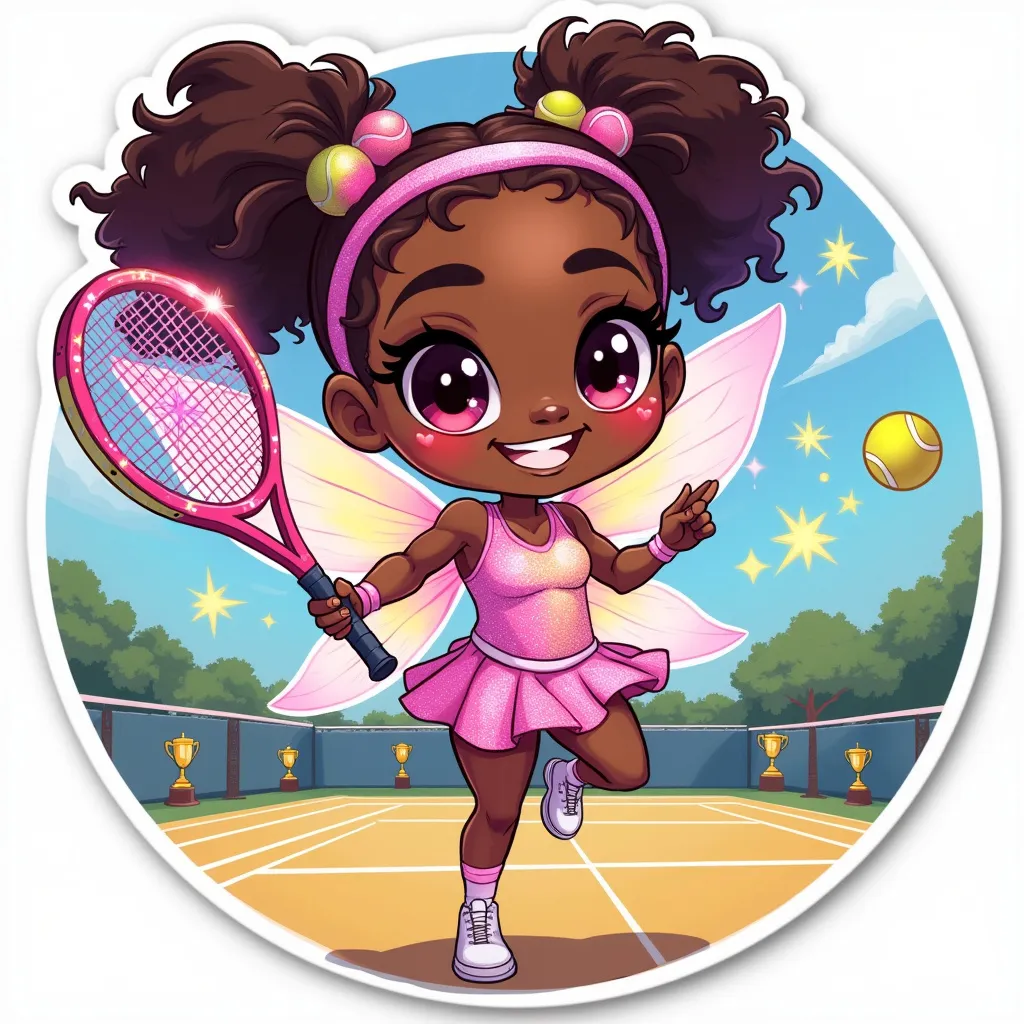
Chibi-style Serena Williams as a mischievous tennis fairy, with exaggerated big eyes and a playful grin. She's wearing a sparkly, pastel-colored tennis outfit with tiny wings on her back. Her hair is styled in her signature ponytail with colorful tennis ball-shaped hair ties. She's holding an oversized magical tennis racket that's glowing and leaving a trail of stars. The background is a whimsical tennis court with floating tennis balls and trophies. Serena is posed mid-jump, with one leg kicked up behind her. Soft, pastel color palette with pops of neon. Kawaii-inspired details like heart-shaped sweat drops and starry eyes. The overall composition is circular, perfect for a sticker format. Add a subtle shimmer effect and a thin white border around the entire image. Use clean, bold linework and flat colors for a crisp, sticker-like appearance.
Flux AI Image Promptの詳細分析
Flux AI Image Generatorを使用して画像を生成するために使用された詳細なプロンプトを分析します。
Flux AI画像生成のプロンプトを探索
で画像を生成する方法 Flux.1 pro
以下の4つの簡単なステップに従って、希望する画像を作成してください。
ステップ 1: テキストを入力 (より良い結果のためにプロンプトを調整してください)
ステップ 2: 画像のアスペクト比を選択
ステップ 3: Fluxモデルを選択:
ステップ 4: 生成ボタンをクリックして数秒待ち、画像を取得
プロンプトに関連するFlux AIツール Flux.1 pro
Flux AIの高度なツールを発見して、クリエイティブな作業フローを強化しましょう。