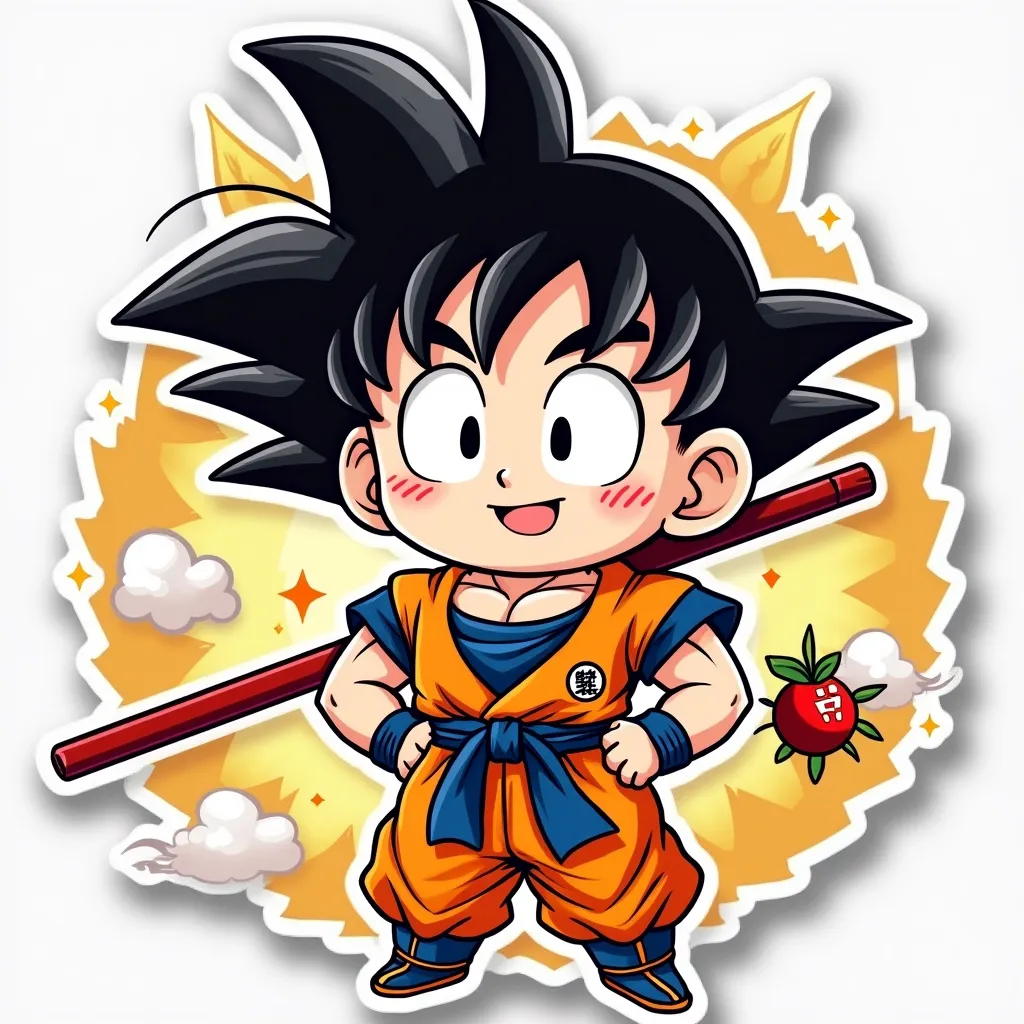
Goku - Flux.1 pro
プロンプト
Anime sticker style, chibi Goku with spiky black hair and orange gi, cute oversized head and large expressive eyes, confident grin, hands on hips power pose, muscular arms and chest, blue undershirt peeking out, red pole strapped to back, small fluffy nimbus cloud floating nearby, golden halo effect around figure, vibrant color palette with bold outlines, simplified background with speed lines and energy swirls, Dragon Ball logo in corner, kawaii style with exaggerated proportions, glossy sticker-like finish, slight 3D effect with drop shadow, playful and energetic atmosphere, small stars and ki energy sparks scattered around, miniature four-star Dragon Ball hovering near Goku's head, tiny Shenron dragon curling around edge of sticker, clean vector-like art style with smooth gradients, rounded corners on overall sticker shape, white border framing the entire design
Flux AI Image Promptの詳細分析
Flux AI Image Generatorを使用して画像を生成するために使用された詳細なプロンプトを分析します。
Flux AI画像生成のプロンプトを探索
で画像を生成する方法 Flux.1 pro
以下の4つの簡単なステップに従って、希望する画像を作成してください。
ステップ 1: テキストを入力 (より良い結果のためにプロンプトを調整してください)
ステップ 2: 画像のアスペクト比を選択
ステップ 3: Fluxモデルを選択:
ステップ 4: 生成ボタンをクリックして数秒待ち、画像を取得
プロンプトに関連するFlux AIツール Flux.1 pro
Flux AIの高度なツールを発見して、クリエイティブな作業フローを強化しましょう。