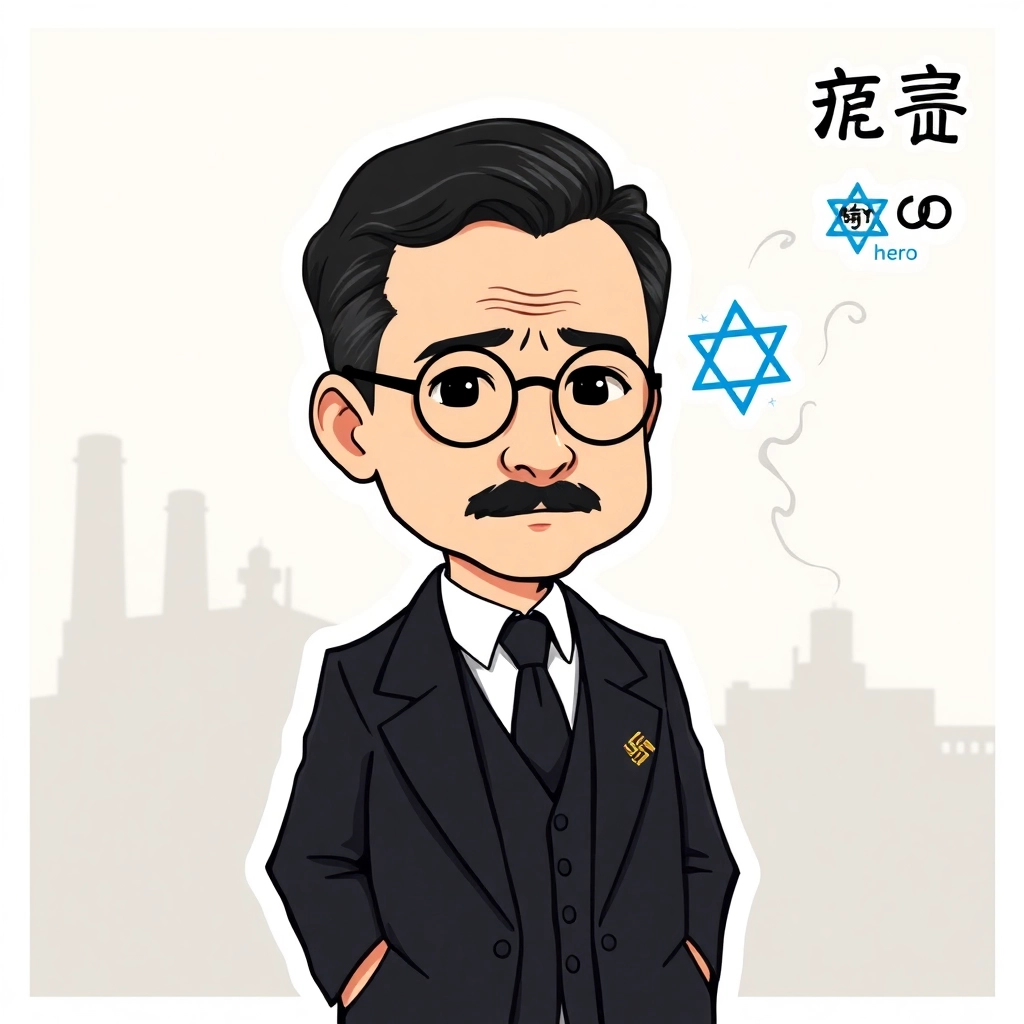
Oskar Schindler - Flux.1 schnell
プロンプト
Anime sticker style, Oskar Schindler portrait, middle-aged man with receding dark hair and thin mustache, round wire-framed glasses, serious expression with hint of compassion, wearing a 1940s-era dark suit and tie, white shirt collar visible, standing pose with hands in pockets, background shows faded factory silhouette, muted color palette with emphasis on grays and sepia tones, chibi-inspired proportions with slightly oversized head and eyes, clean line art with minimal shading, subtle sparkle effect in eyes, small Nazi Party pin on lapel contrasted with a larger Star of David symbol floating nearby, wispy smoke trails forming shape of people in the air around him, sticker-like white border surrounding the entire image, kanji for "hero" written in corner
Flux AI Image Promptの詳細分析
Flux AI Image Generatorを使用して画像を生成するために使用された詳細なプロンプトを分析します。
Flux AI画像生成のプロンプトを探索
で画像を生成する方法 Flux.1 schnell
以下の4つの簡単なステップに従って、希望する画像を作成してください。
ステップ 1: テキストを入力 (より良い結果のためにプロンプトを調整してください)
ステップ 2: 画像のアスペクト比を選択
ステップ 3: Fluxモデルを選択:
ステップ 4: 生成ボタンをクリックして数秒待ち、画像を取得
プロンプトに関連するFlux AIツール Flux.1 schnell
Flux AIの高度なツールを発見して、クリエイティブな作業フローを強化しましょう。