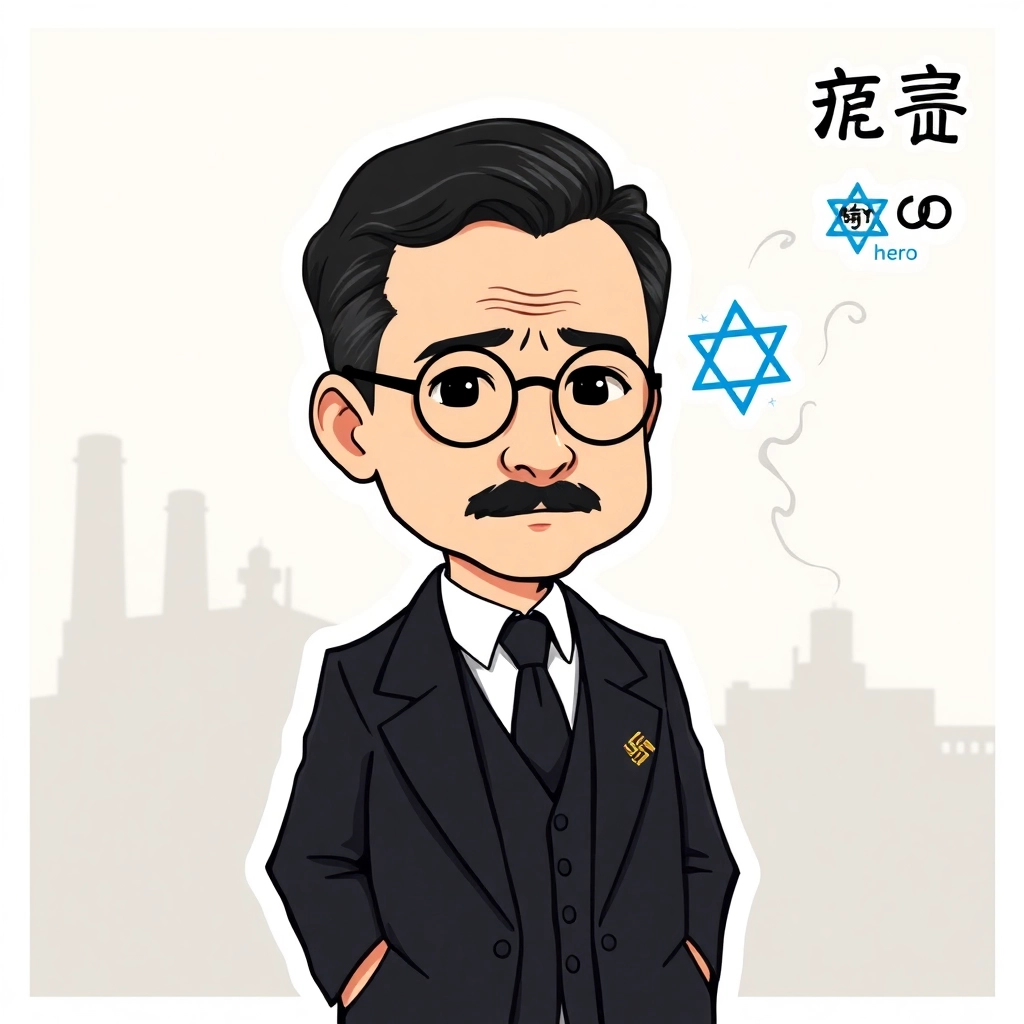
Oskar Schindler - Flux.1 schnell
prompt
Anime sticker style, Oskar Schindler portrait, middle-aged man with receding dark hair and thin mustache, round wire-framed glasses, serious expression with hint of compassion, wearing a 1940s-era dark suit and tie, white shirt collar visible, standing pose with hands in pockets, background shows faded factory silhouette, muted color palette with emphasis on grays and sepia tones, chibi-inspired proportions with slightly oversized head and eyes, clean line art with minimal shading, subtle sparkle effect in eyes, small Nazi Party pin on lapel contrasted with a larger Star of David symbol floating nearby, wispy smoke trails forming shape of people in the air around him, sticker-like white border surrounding the entire image, kanji for "hero" written in corner
Detailed Analysis of the Flux AI Image Prompt
Analyze the detailed prompt used to generate the image with Flux AI Image Generator.
Explore Flux Prompts for the Flux AI Image Generator
How to generate image by Flux.1 schnell
Follow these four simple steps to create your desired image.
Step 1: Enter Your Text (Feel free to refine your prompt for better results)
Step 2: Choose Image Aspect Ratio
Step 3: Select Your Flux Model:
Step 4: Click the Generate Button and Wait a Few Seconds for Your Image
Related Flux AI tools for prompts about Flux.1 schnell
Discover advanced tools from Flux AI to boost your creative workflow.