Gon Freecss - Flux.1 pro
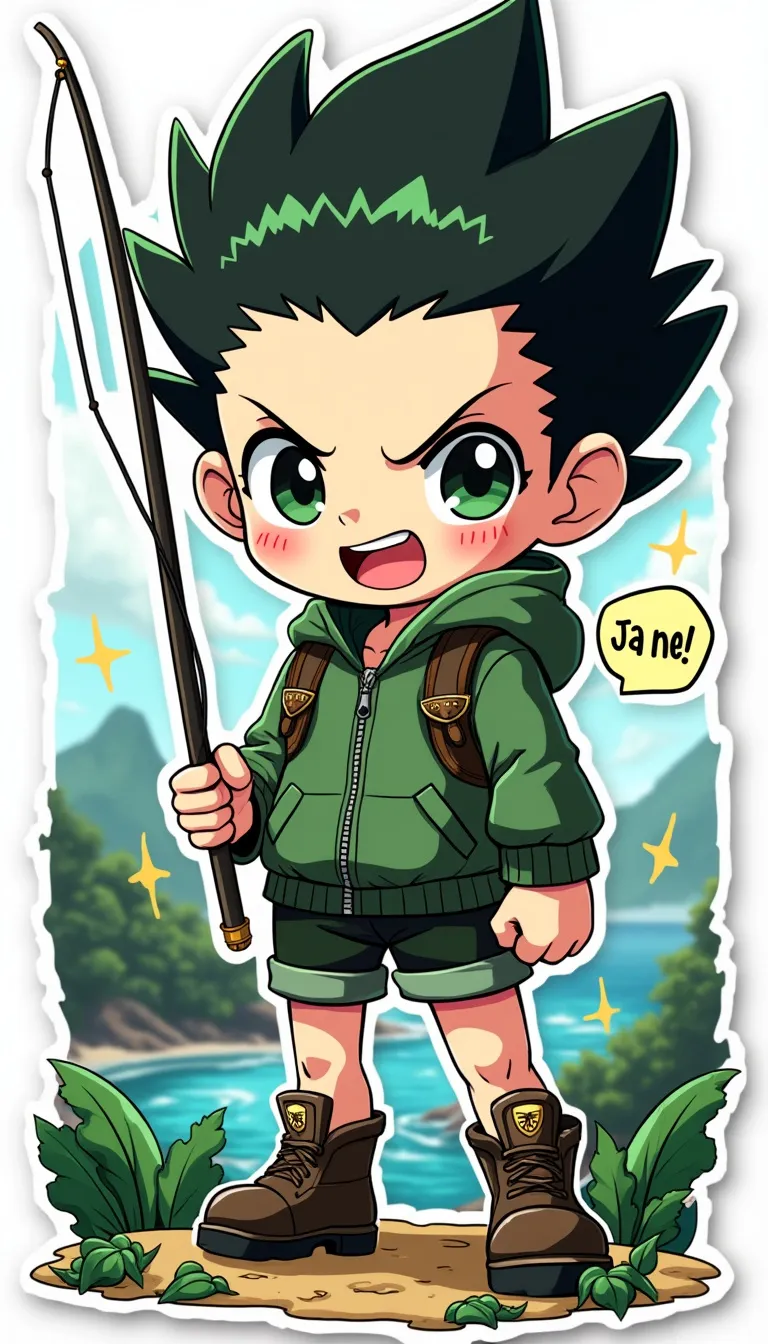
プロンプト
Anime sticker style, Gon Freecss from Hunter x Hunter, chibi proportions with oversized head and large expressive eyes. Spiky black hair with green tips, standing upright. Wearing green jacket, shorts, and boots. Determined expression with a wide grin. Holding fishing rod in one hand, other hand clenched in a fist. Nen aura visible as a subtle glow around him. Whale Island scenery in the background with lush forests and ocean. Colorful, vibrant palette with bold outlines. Cute, cartoonish features with simplified details. Small stars and sparkles scattered around for emphasis. Signature leaf motif near his feet. Slight sheen effect for sticker-like appearance. White border surrounding the entire image. Kawaii style with rounded edges and soft shading. Include small text bubble with "Ja ne!" written inside.
Flux AI Image Promptの詳細分析
Flux AI Image Generatorを使用して画像を生成するために使用された詳細なプロンプトを分析します。
Flux AI画像生成のプロンプトを探索
で画像を生成する方法 Flux.1 pro
以下の4つの簡単なステップに従って、希望する画像を作成してください。
ステップ 1: テキストを入力 (より良い結果のためにプロンプトを調整してください)
ステップ 2: 画像のアスペクト比を選択
ステップ 3: Fluxモデルを選択:
ステップ 4: 生成ボタンをクリックして数秒待ち、画像を取得
プロンプトに関連するFlux AIツール Flux.1 pro
Flux AIの高度なツールを発見して、クリエイティブな作業フローを強化しましょう。