Gon Freecss - Flux.1 pro
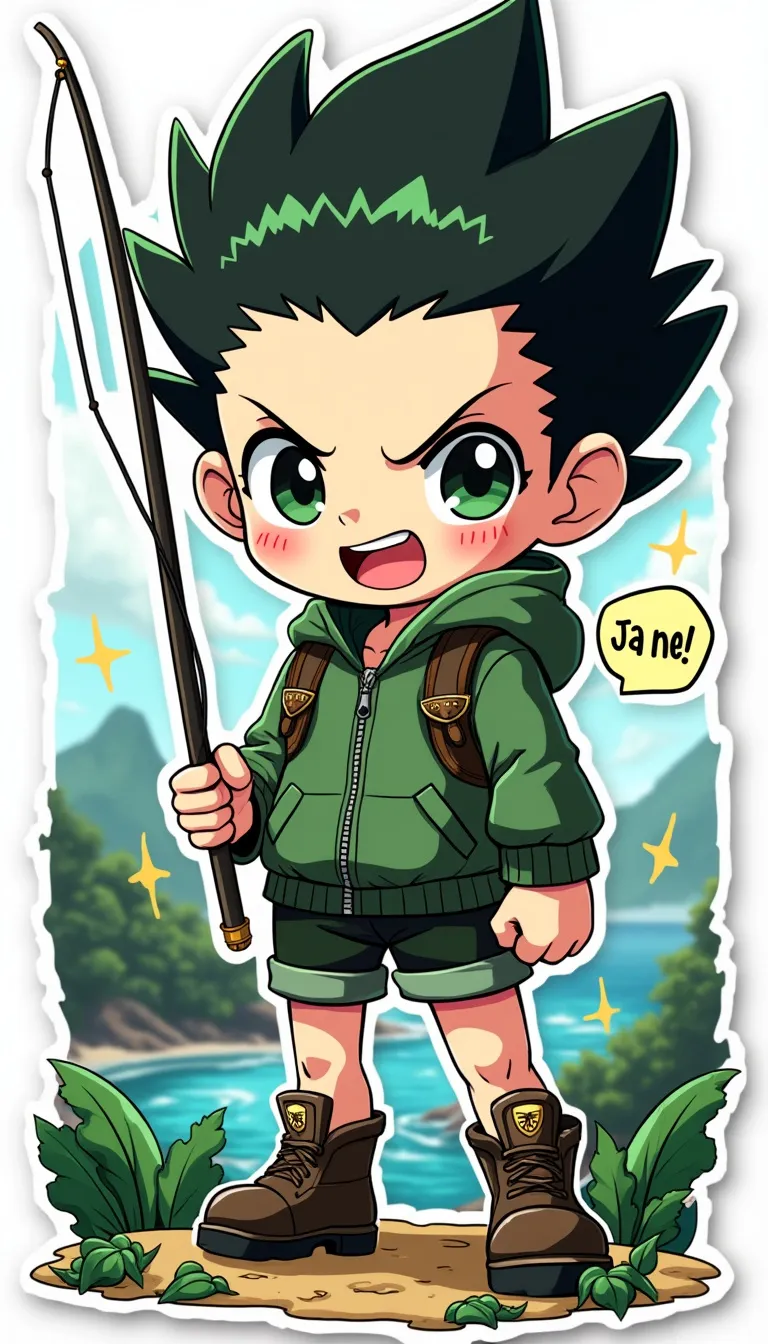
프롬프트
Anime sticker style, Gon Freecss from Hunter x Hunter, chibi proportions with oversized head and large expressive eyes. Spiky black hair with green tips, standing upright. Wearing green jacket, shorts, and boots. Determined expression with a wide grin. Holding fishing rod in one hand, other hand clenched in a fist. Nen aura visible as a subtle glow around him. Whale Island scenery in the background with lush forests and ocean. Colorful, vibrant palette with bold outlines. Cute, cartoonish features with simplified details. Small stars and sparkles scattered around for emphasis. Signature leaf motif near his feet. Slight sheen effect for sticker-like appearance. White border surrounding the entire image. Kawaii style with rounded edges and soft shading. Include small text bubble with "Ja ne!" written inside.
Flux AI 이미지 프롬프트에 대한 상세 분석
Flux AI Image Generator를 사용하여 이미지를 생성하는 데 사용된 상세한 프롬프트를 분석합니다.
Flux AI 이미지 생성기 프롬프트 탐색
을 통해 이미지를 생성하는 방법 Flux.1 pro
원하는 이미지를 만들기 위해 다음 네 가지 간단한 단계를 따르세요.
단계 1: 텍스트 입력 (더 나은 결과를 위해 프롬프트를 자유롭게 수정하세요)
단계 2: 이미지 종횡비 선택
단계 3: Flux 모델 선택:
단계 4: 생성 버튼을 클릭하고 몇 초간 기다려 이미지를 받으세요
프롬프트와 관련된 Flux AI 도구 Flux.1 pro
Flux AI의 고급 도구를 발견하여 창의적인 작업 흐름을 향상시키세요.