Chun-Li: Fury Unleashed! - Flux.1 schnell
プロンプト
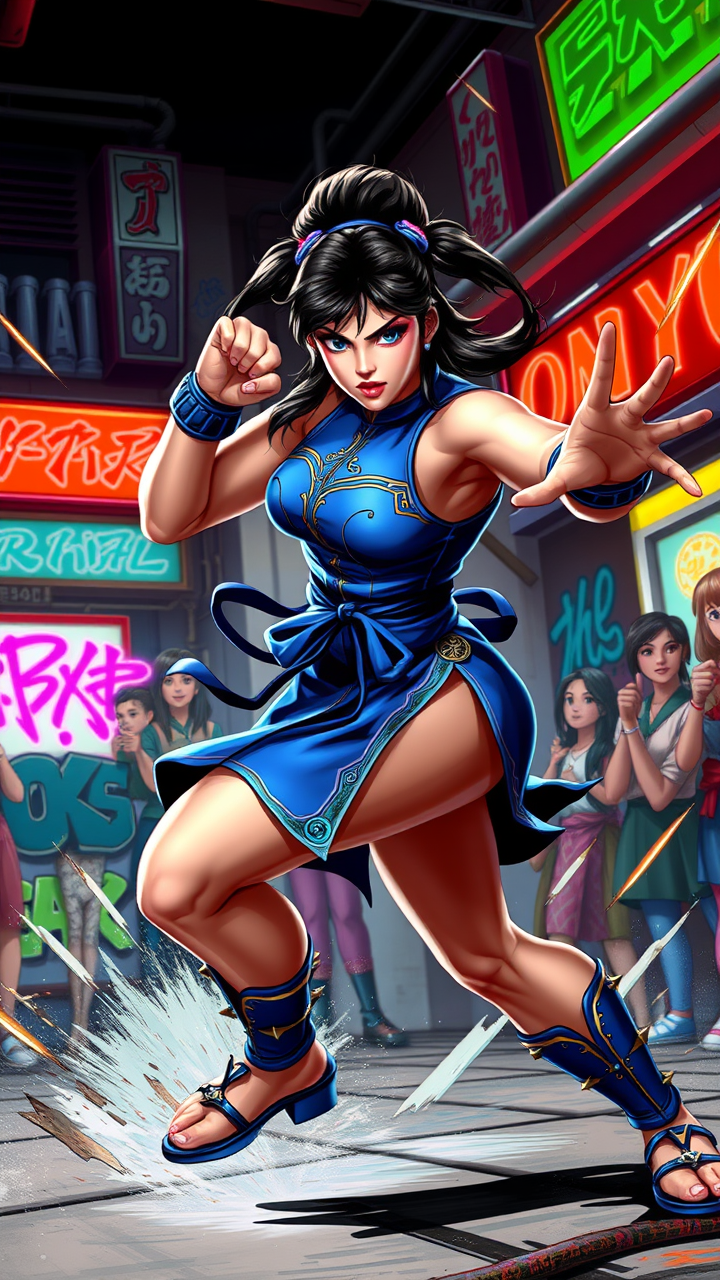
Create a dynamic fighting game scene inspired by "Street Fighter II," showcasing the iconic character Chun-Li in a fierce battle stance. She is depicted with her signature qipao dress, adorned with blue and gold accents, and her iconic spiked bracelets. Her powerful legs are coiled, ready to unleash a devastating kick, emphasizing her agility and strength. The background features a vibrant urban setting, reminiscent of classic arcade environments, with neon lights and graffiti-covered walls that pulse with energy. Include a cheering crowd, capturing the excitement of a tournament atmosphere. The overall mood is intense and exhilarating, filled with motion lines and energy bursts to convey the action. Highlight Chun-Li's determined expression, showcasing her fierce spirit and dedication as a fighter.
Flux AI Image Promptの詳細分析
Flux AI Image Generatorを使用して画像を生成するために使用された詳細なプロンプトを分析します。
Flux AI画像生成のプロンプトを探索
で画像を生成する方法 Flux.1 schnell
以下の4つの簡単なステップに従って、希望する画像を作成してください。
ステップ 1: テキストを入力 (より良い結果のためにプロンプトを調整してください)
ステップ 2: 画像のアスペクト比を選択
ステップ 3: Fluxモデルを選択:
ステップ 4: 生成ボタンをクリックして数秒待ち、画像を取得
プロンプトに関連するFlux AIツール Flux.1 schnell
Flux AIの高度なツールを発見して、クリエイティブな作業フローを強化しましょう。