Pawsitively Charming Café Tales - Flux.1.1 pro
プロンプト
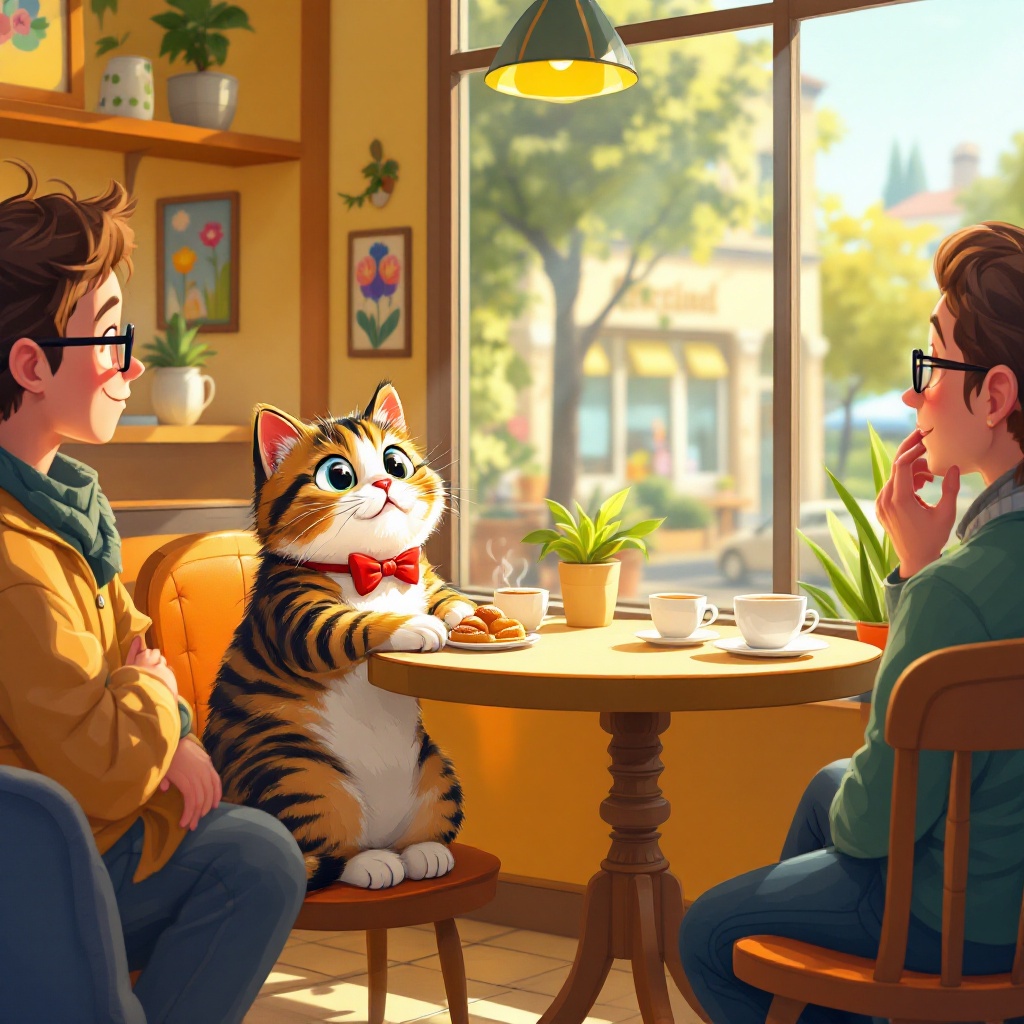
Create a whimsical scene in a cozy café where a charming tabby cat sits confidently at a small table, engaging with a group of amused patrons. The cat, wearing a tiny bowtie, leans forward with a playful expression, its paws resting on the table as it captivates the audience with an enchanting gaze. In contrast, a shy human, sitting alone at a nearby table, looks on with a mix of admiration and envy. The café is filled with warm, inviting colors—soft yellows and rich browns—with sunlight streaming through large windows, casting playful shadows. Include details like coffee cups, a small plate of pastries, and colorful artwork on the walls. Use a cartoonish, illustrative style with exaggerated features and expressions to enhance the humor and warmth of the scene, capturing the lightheartedness of the moment.
Flux AI Image Promptの詳細分析
Flux AI Image Generatorを使用して画像を生成するために使用された詳細なプロンプトを分析します。
Flux AI画像生成のプロンプトを探索
で画像を生成する方法 Flux.1.1 pro
以下の4つの簡単なステップに従って、希望する画像を作成してください。
ステップ 1: テキストを入力 (より良い結果のためにプロンプトを調整してください)
ステップ 2: 画像のアスペクト比を選択
ステップ 3: Fluxモデルを選択:
ステップ 4: 生成ボタンをクリックして数秒待ち、画像を取得
プロンプトに関連するFlux AIツール Flux.1.1 pro
Flux AIの高度なツールを発見して、クリエイティブな作業フローを強化しましょう。