Kenshin Himura - Flux.1 dev
プロンプト
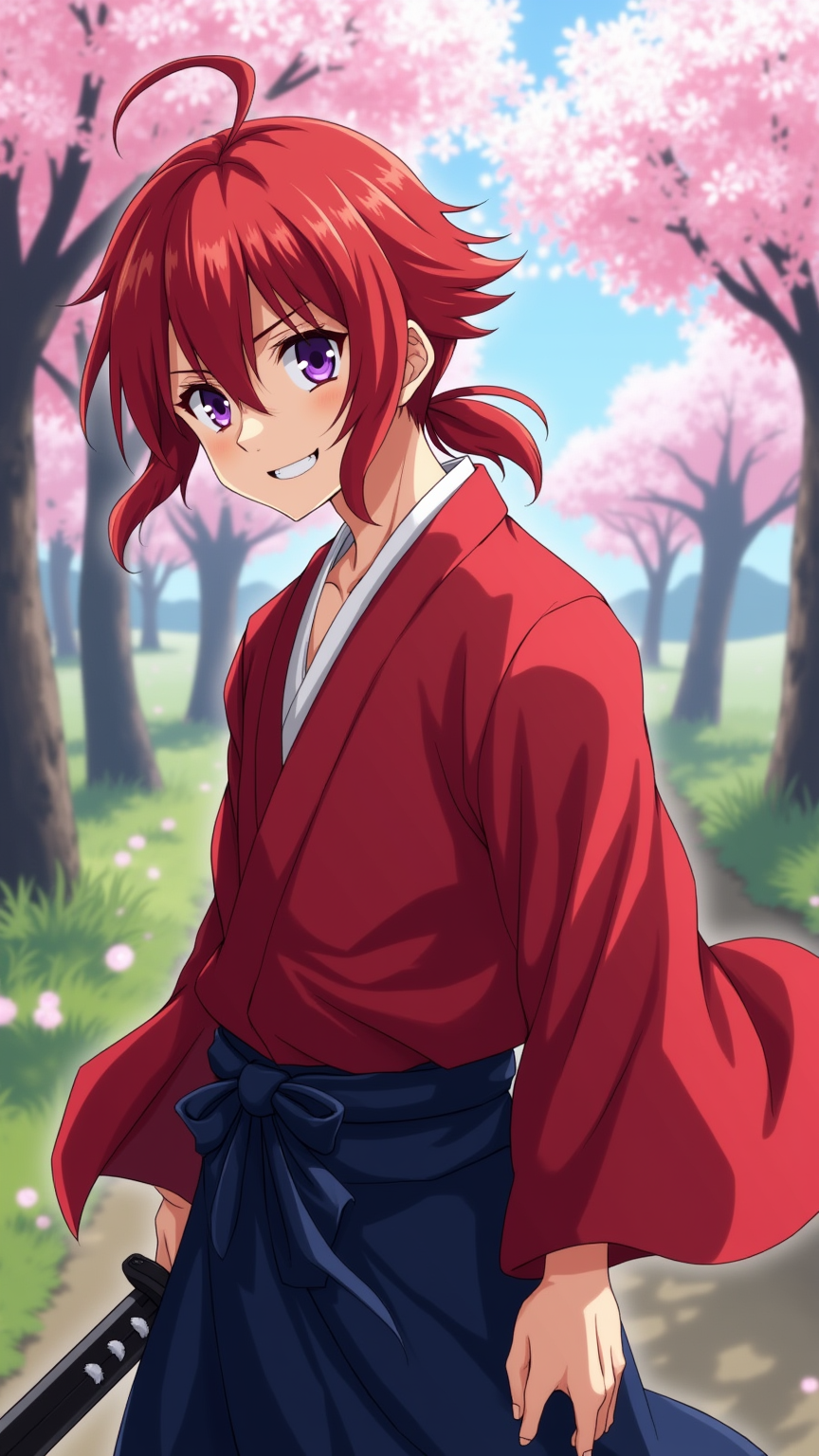
Generate an image of Kenshin Himura in a vibrant anime style. Capture his striking red hair, tied back in a loose ponytail, with a few strands framing his face. His expressive violet eyes should convey a mix of determination and kindness. Dress him in his iconic crimson kimono, with a white undergarment visible, and a dark blue hakama. Include his signature sakabatō (reverse-blade sword) sheathed at his side, emphasizing its unique design. Kenshin should be in a dynamic pose, slightly crouched, as if ready to spring into action, with a gentle smile that reflects his compassionate nature. The background should depict a serene rural landscape, with cherry blossom trees in full bloom, symbolizing peace and renewal. Use a soft color palette with bold outlines typical of anime art, and add a slight glow around Kenshin to highlight his heroic aura.
Flux AI Image Promptの詳細分析
Flux AI Image Generatorを使用して画像を生成するために使用された詳細なプロンプトを分析します。
Flux AI画像生成のプロンプトを探索
で画像を生成する方法 Flux.1 dev
以下の4つの簡単なステップに従って、希望する画像を作成してください。
ステップ 1: テキストを入力 (より良い結果のためにプロンプトを調整してください)
ステップ 2: 画像のアスペクト比を選択
ステップ 3: Fluxモデルを選択:
ステップ 4: 生成ボタンをクリックして数秒待ち、画像を取得
プロンプトに関連するFlux AIツール Flux.1 dev
Flux AIの高度なツールを発見して、クリエイティブな作業フローを強化しましょう。