Boudin. - Flux.1.1 pro
プロンプト
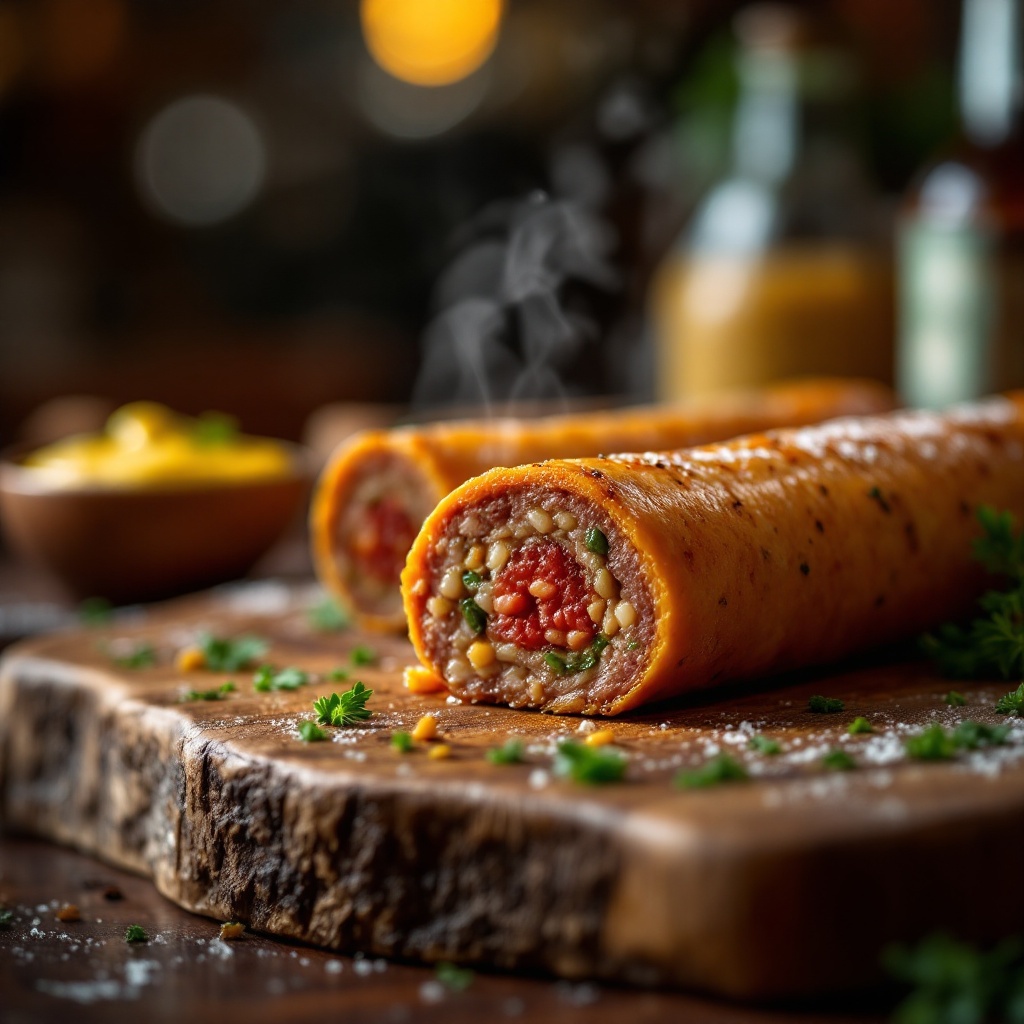
Capture a close-up macro shot of a perfectly cooked Boudin, its golden-brown casing glistening with a slight sheen, revealing hints of deep red and green from the rich blend of pork, rice, and spices within. Nestled on a rustic wooden board, the sausage is accompanied by a small bowl of vibrant, tangy mustard and a sprinkle of fresh parsley for a pop of color. The setting is an inviting kitchen with warm, ambient lighting casting a soft glow, enhancing the textures and details of the dish. Steam gently rises from the sausage, hinting at its warmth, while the aroma of herbs and spices fills the air. The composition focuses on the Boudin at the center, with a shallow depth of field blurring the background, drawing the viewer's eye to the succulent details and inviting them to indulge in this culinary delight.
Flux AI Image Promptの詳細分析
Flux AI Image Generatorを使用して画像を生成するために使用された詳細なプロンプトを分析します。
Flux AI画像生成のプロンプトを探索
で画像を生成する方法 Flux.1.1 pro
以下の4つの簡単なステップに従って、希望する画像を作成してください。
ステップ 1: テキストを入力 (より良い結果のためにプロンプトを調整してください)
ステップ 2: 画像のアスペクト比を選択
ステップ 3: Fluxモデルを選択:
ステップ 4: 生成ボタンをクリックして数秒待ち、画像を取得
プロンプトに関連するFlux AIツール Flux.1.1 pro
Flux AIの高度なツールを発見して、クリエイティブな作業フローを強化しましょう。