Boudin. - Flux.1.1 pro
프롬프트
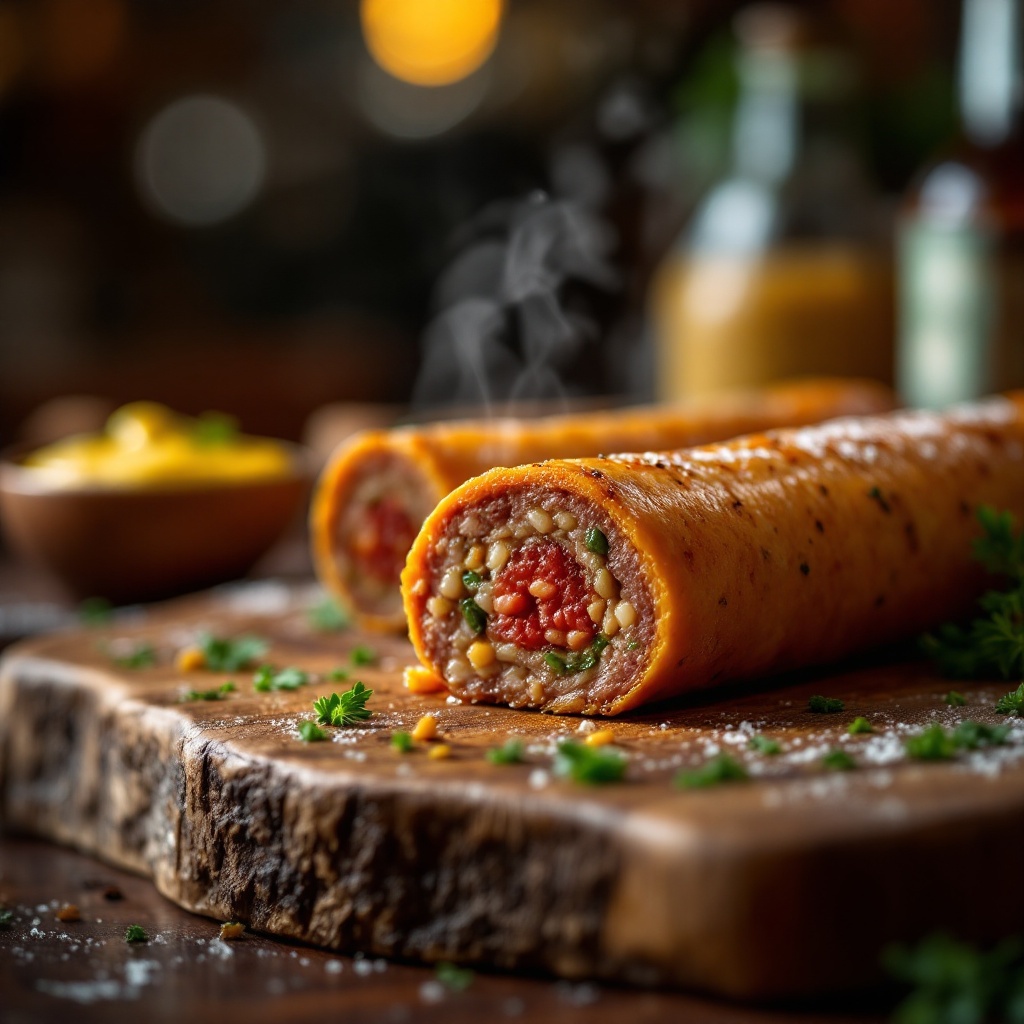
Capture a close-up macro shot of a perfectly cooked Boudin, its golden-brown casing glistening with a slight sheen, revealing hints of deep red and green from the rich blend of pork, rice, and spices within. Nestled on a rustic wooden board, the sausage is accompanied by a small bowl of vibrant, tangy mustard and a sprinkle of fresh parsley for a pop of color. The setting is an inviting kitchen with warm, ambient lighting casting a soft glow, enhancing the textures and details of the dish. Steam gently rises from the sausage, hinting at its warmth, while the aroma of herbs and spices fills the air. The composition focuses on the Boudin at the center, with a shallow depth of field blurring the background, drawing the viewer's eye to the succulent details and inviting them to indulge in this culinary delight.
Flux AI 이미지 프롬프트에 대한 상세 분석
Flux AI Image Generator를 사용하여 이미지를 생성하는 데 사용된 상세한 프롬프트를 분석합니다.
Flux AI 이미지 생성기 프롬프트 탐색
을 통해 이미지를 생성하는 방법 Flux.1.1 pro
원하는 이미지를 만들기 위해 다음 네 가지 간단한 단계를 따르세요.
단계 1: 텍스트 입력 (더 나은 결과를 위해 프롬프트를 자유롭게 수정하세요)
단계 2: 이미지 종횡비 선택
단계 3: Flux 모델 선택:
단계 4: 생성 버튼을 클릭하고 몇 초간 기다려 이미지를 받으세요
프롬프트와 관련된 Flux AI 도구 Flux.1.1 pro
Flux AI의 고급 도구를 발견하여 창의적인 작업 흐름을 향상시키세요.