Hiroshi Taniguchi - Flux.1.1 pro
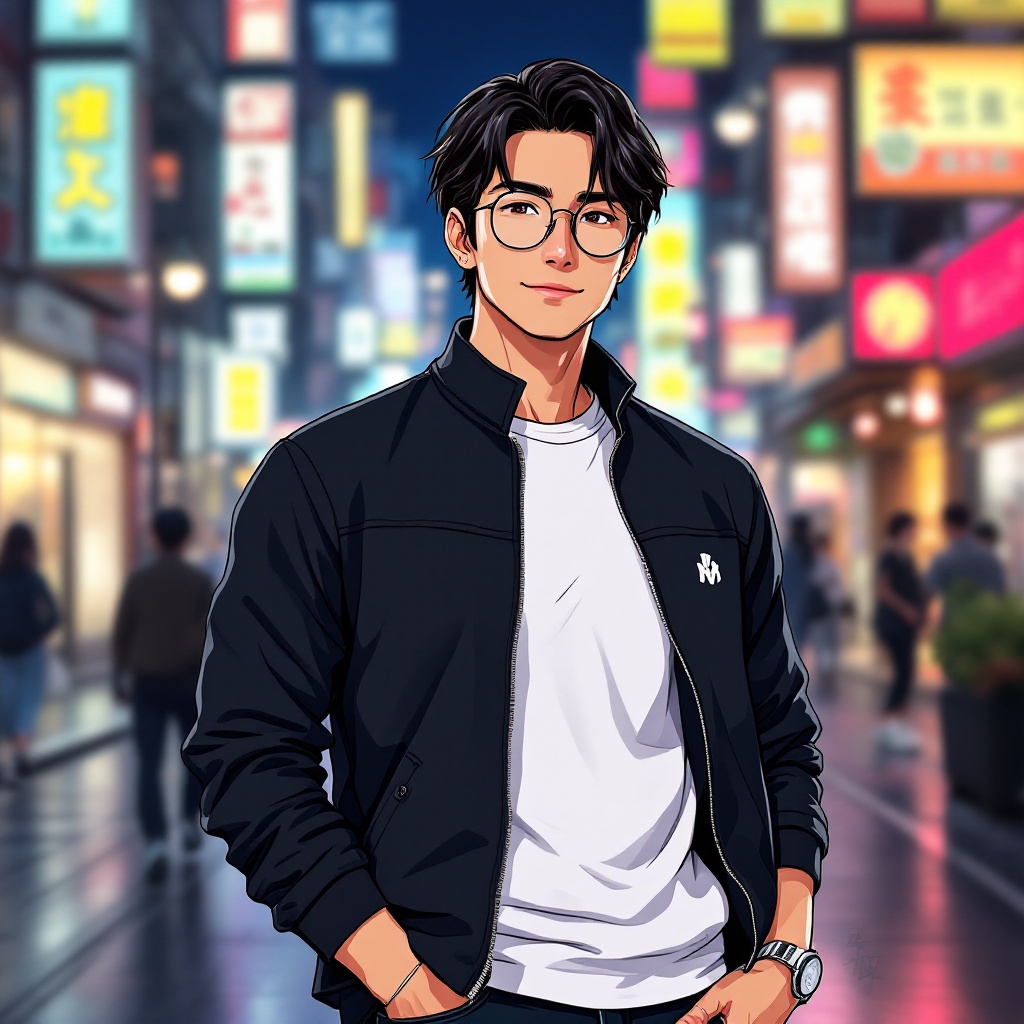
プロンプト
Create an anime-style illustration of Hiroshi Taniguchi, featuring his distinct features: medium-length dark hair with a slight wave, sharp jawline, and expressive brown eyes. He should be wearing a stylish, modern outfit consisting of a fitted black jacket over a white t-shirt, paired with dark jeans and sleek sneakers. Add a pair of round glasses perched on his nose and a small silver watch on his wrist. Capture him with a confident smile, standing with one hand in his pocket and the other casually adjusting his glasses. The background should depict a vibrant urban setting with colorful neon lights and bustling streets, reflecting a lively city atmosphere. Use a clean, polished anime art style with bold lines and vivid colors, incorporating slight shading for depth. Include signature elements like a small emblem on his jacket that represents his personal brand or interests, enhancing his character's uniqueness.
Flux AI Image Promptの詳細分析
Flux AI Image Generatorを使用して画像を生成するために使用された詳細なプロンプトを分析します。
Flux AI画像生成のプロンプトを探索
で画像を生成する方法 Flux.1.1 pro
以下の4つの簡単なステップに従って、希望する画像を作成してください。
ステップ 1: テキストを入力 (より良い結果のためにプロンプトを調整してください)
ステップ 2: 画像のアスペクト比を選択
ステップ 3: Fluxモデルを選択:
ステップ 4: 生成ボタンをクリックして数秒待ち、画像を取得
プロンプトに関連するFlux AIツール Flux.1.1 pro
Flux AIの高度なツールを発見して、クリエイティブな作業フローを強化しましょう。