Hiroshi Taniguchi - Flux.1.1 pro
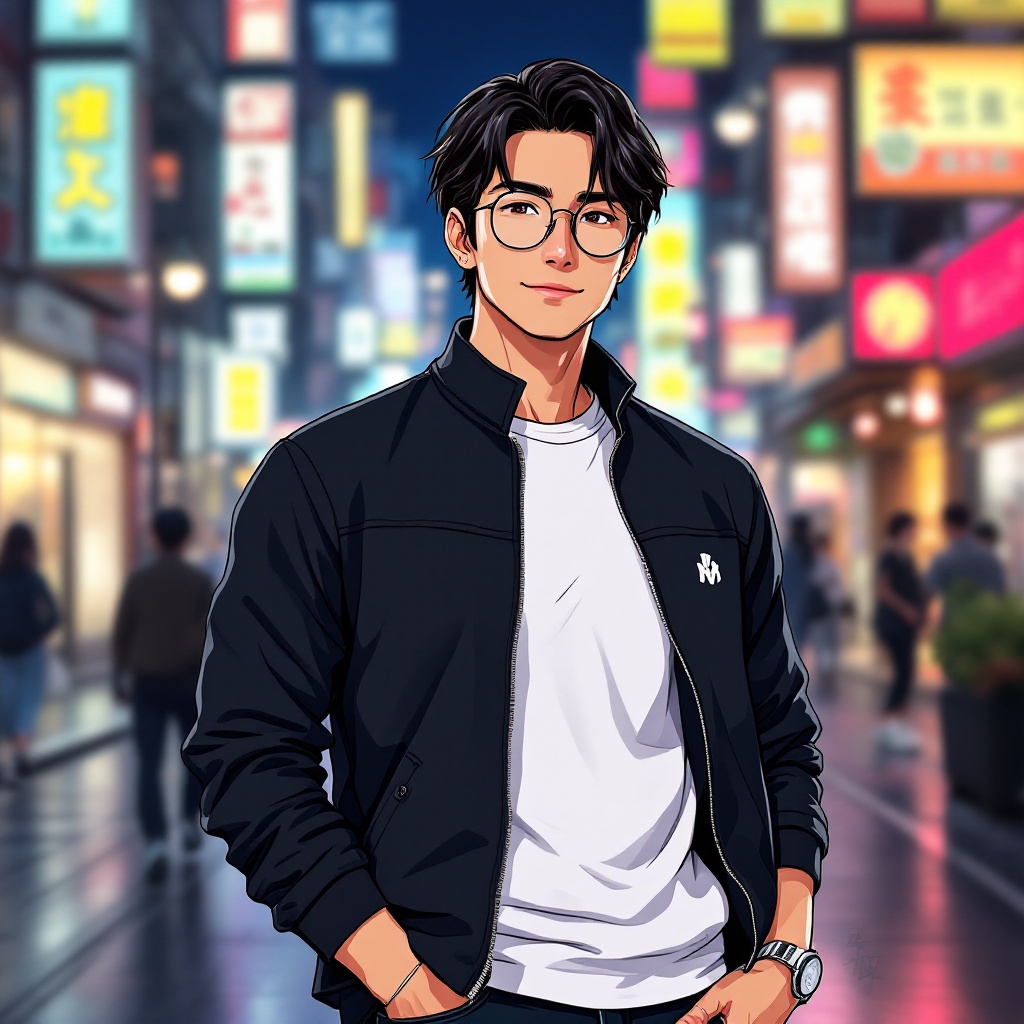
prompt
Create an anime-style illustration of Hiroshi Taniguchi, featuring his distinct features: medium-length dark hair with a slight wave, sharp jawline, and expressive brown eyes. He should be wearing a stylish, modern outfit consisting of a fitted black jacket over a white t-shirt, paired with dark jeans and sleek sneakers. Add a pair of round glasses perched on his nose and a small silver watch on his wrist. Capture him with a confident smile, standing with one hand in his pocket and the other casually adjusting his glasses. The background should depict a vibrant urban setting with colorful neon lights and bustling streets, reflecting a lively city atmosphere. Use a clean, polished anime art style with bold lines and vivid colors, incorporating slight shading for depth. Include signature elements like a small emblem on his jacket that represents his personal brand or interests, enhancing his character's uniqueness.
Detailed Analysis of the Flux AI Image Prompt
Analyze the detailed prompt used to generate the image with Flux AI Image Generator.
Explore Flux Prompts for the Flux AI Image Generator
How to generate image by Flux.1.1 pro
Follow these four simple steps to create your desired image.
Step 1: Enter Your Text (Feel free to refine your prompt for better results)
Step 2: Choose Image Aspect Ratio
Step 3: Select Your Flux Model:
Step 4: Click the Generate Button and Wait a Few Seconds for Your Image
Related Flux AI tools for prompts about Flux.1.1 pro
Discover advanced tools from Flux AI to boost your creative workflow.