Ryu's Urban Showdown: Fight On! - Flux.1.1 pro
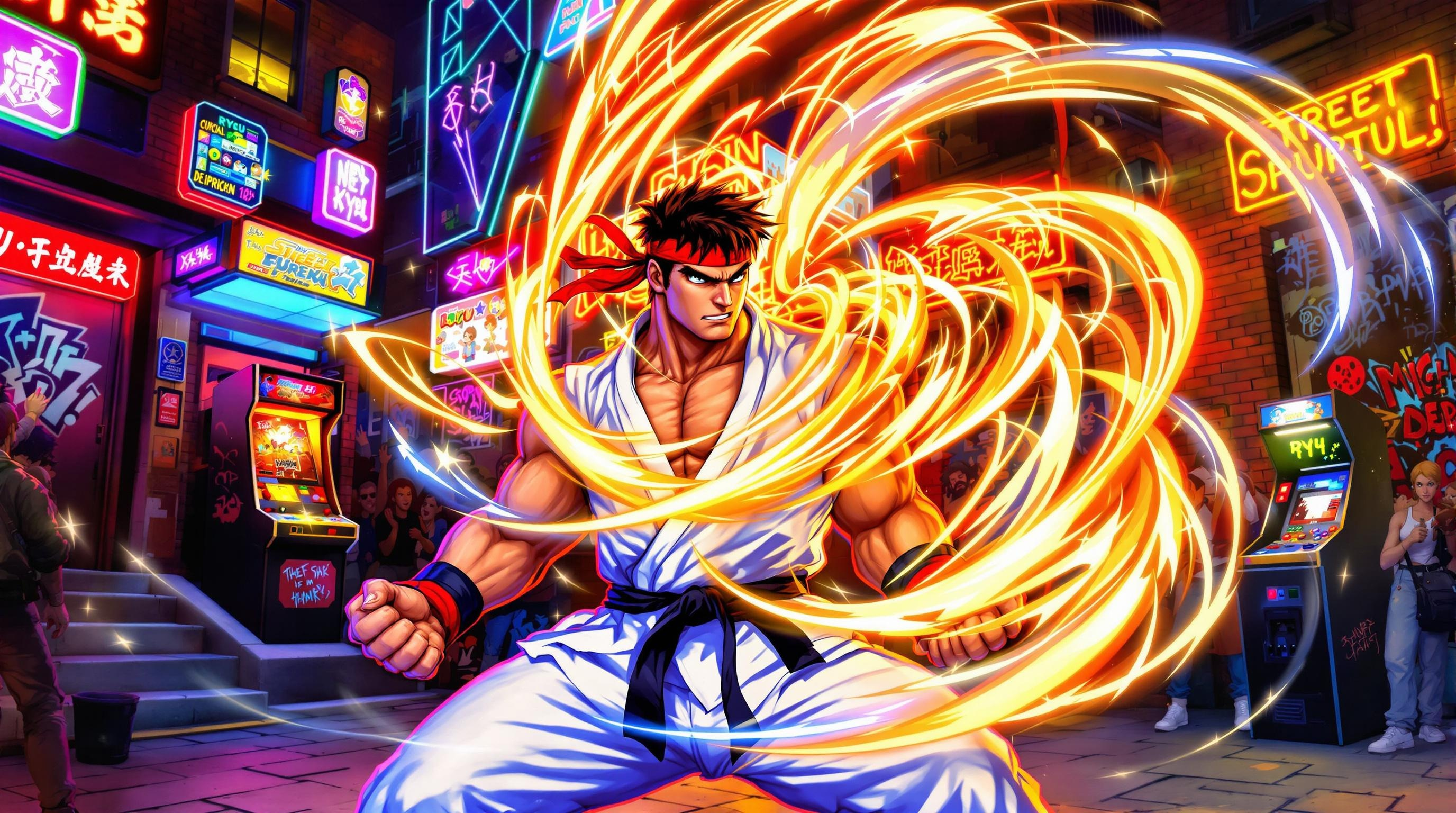
프롬프트
Create a dynamic fighting scene inspired by the classic arcade game "Street Fighter II." Showcase Ryu, a muscular martial artist with a determined expression, wearing his iconic white gi, red headband, and black belt. His stance is poised for action, showcasing his powerful physique and signature moves. The background features a vibrant, bustling urban setting, with neon lights and graffiti on brick walls, capturing the essence of 1990s street culture. Include elements like a cheering crowd and a glowing arcade machine in the distance. Ryu is surrounded by a swirling energy aura, hinting at his signature Hadouken attack. The overall mood is intense and electrifying, with a sense of anticipation and adrenaline in the air, emphasizing the thrill of combat and the spirit of competition.
Flux AI 이미지 프롬프트에 대한 상세 분석
Flux AI Image Generator를 사용하여 이미지를 생성하는 데 사용된 상세한 프롬프트를 분석합니다.
Flux AI 이미지 생성기 프롬프트 탐색
을 통해 이미지를 생성하는 방법 Flux.1.1 pro
원하는 이미지를 만들기 위해 다음 네 가지 간단한 단계를 따르세요.
단계 1: 텍스트 입력 (더 나은 결과를 위해 프롬프트를 자유롭게 수정하세요)
단계 2: 이미지 종횡비 선택
단계 3: Flux 모델 선택:
단계 4: 생성 버튼을 클릭하고 몇 초간 기다려 이미지를 받으세요
프롬프트와 관련된 Flux AI 도구 Flux.1.1 pro
Flux AI의 고급 도구를 발견하여 창의적인 작업 흐름을 향상시키세요.