Summer Radiance: Joy in Motion - Flux.1.1 pro
프롬프트
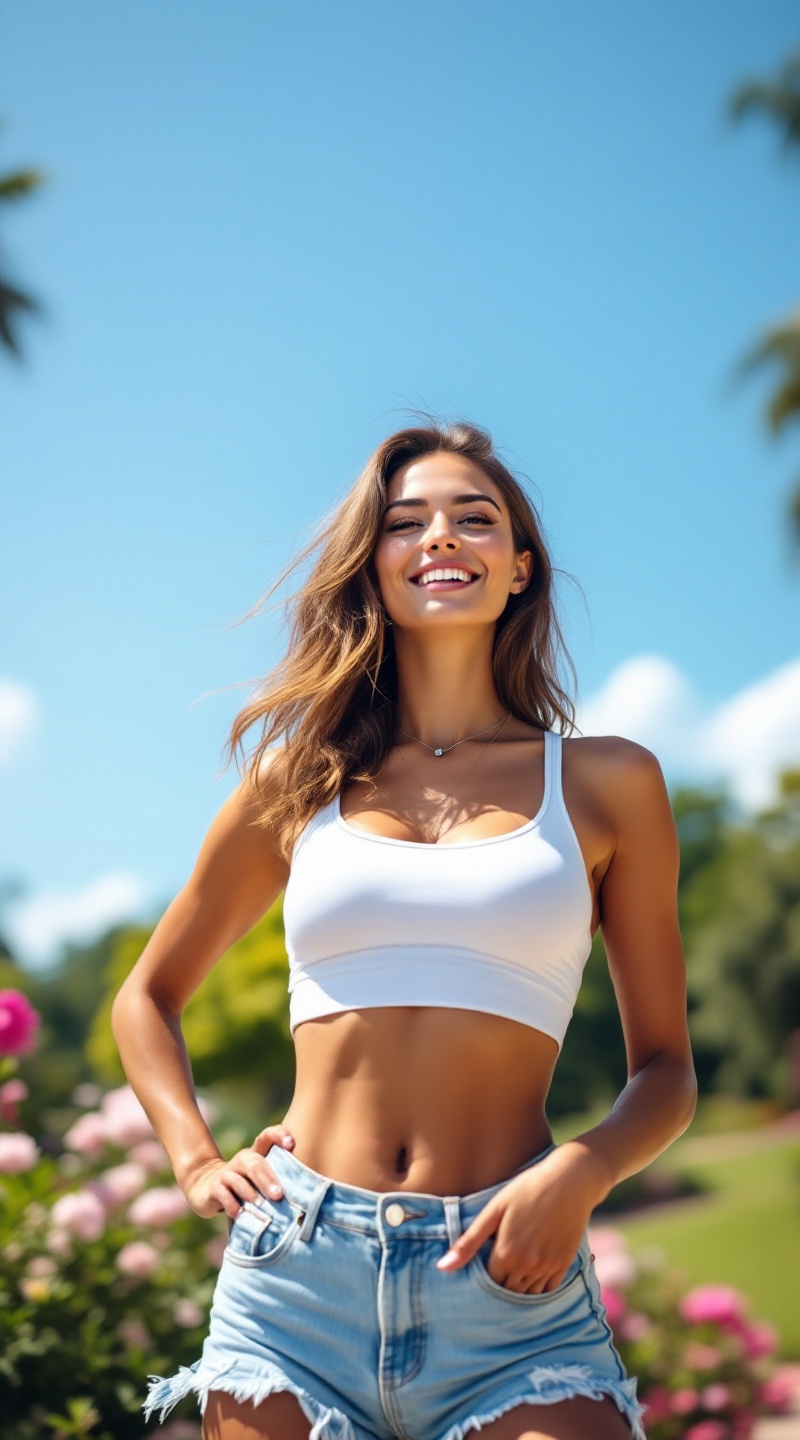
A fit woman with a radiant smile, her shoulder-length wavy hair cascading in soft chestnut tones, stands confidently under the warm summer sun. Her sun-kissed skin glows with a healthy tan, accentuating her defined cheekbones and bright hazel eyes. She has a toned, athletic body with a balanced hourglass shape, showcasing her strong arms and sculpted legs. Dressed in a light, breezy white tank top that hugs her figure and high-waisted denim shorts with frayed edges, she exudes a casual summer vibe. Her outfit is complemented by stylish flip-flops and a delicate silver necklace. With one hand on her hip and the other playfully tossing her hair back, she radiates joy and energy. In the background, a lush green park with blooming flowers and a clear blue sky sets a vibrant, lively atmosphere.
Flux AI 이미지 프롬프트에 대한 상세 분석
Flux AI Image Generator를 사용하여 이미지를 생성하는 데 사용된 상세한 프롬프트를 분석합니다.
Flux AI 이미지 생성기 프롬프트 탐색
을 통해 이미지를 생성하는 방법 Flux.1.1 pro
원하는 이미지를 만들기 위해 다음 네 가지 간단한 단계를 따르세요.
단계 1: 텍스트 입력 (더 나은 결과를 위해 프롬프트를 자유롭게 수정하세요)
단계 2: 이미지 종횡비 선택
단계 3: Flux 모델 선택:
단계 4: 생성 버튼을 클릭하고 몇 초간 기다려 이미지를 받으세요
프롬프트와 관련된 Flux AI 도구 Flux.1.1 pro
Flux AI의 고급 도구를 발견하여 창의적인 작업 흐름을 향상시키세요.