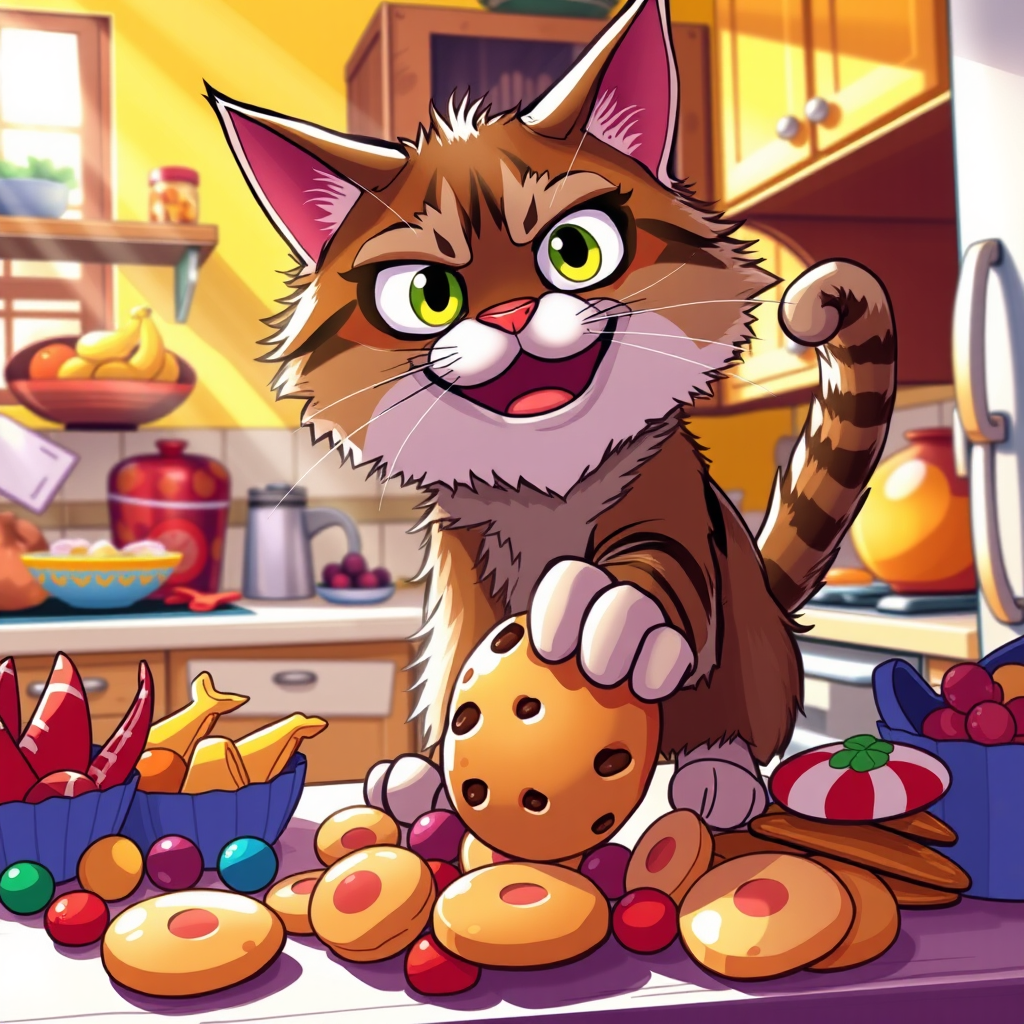
Cookie Caper: Cat's Sneaky Snack! - Flux.1 schnell
프롬프트
Create an image depicting a mischievous cat with wide, cunning eyes, perched atop a kitchen counter, surrounded by an array of colorful snacks—chips, cookies, and candy. The cat, a fluffy tabby with a sly grin, is stealthily reaching for a cookie, its paw outstretched. The kitchen is warmly lit, with sunlight streaming through a window, casting playful shadows. The background features a cozy, cluttered kitchen with vibrant colors—yellow walls, wooden cabinets, and a bowl of fruit. The atmosphere is humorous and slightly chaotic, capturing the moment of realization. Use a cartoonish style with exaggerated expressions and bright, saturated colors to enhance the playful tone. Incorporate dynamic angles to emphasize the cat's plotting demeanor, creating a sense of action and mischief.
Flux AI 이미지 프롬프트에 대한 상세 분석
Flux AI Image Generator를 사용하여 이미지를 생성하는 데 사용된 상세한 프롬프트를 분석합니다.
Flux AI 이미지 생성기 프롬프트 탐색
을 통해 이미지를 생성하는 방법 Flux.1 schnell
원하는 이미지를 만들기 위해 다음 네 가지 간단한 단계를 따르세요.
단계 1: 텍스트 입력 (더 나은 결과를 위해 프롬프트를 자유롭게 수정하세요)
단계 2: 이미지 종횡비 선택
단계 3: Flux 모델 선택:
단계 4: 생성 버튼을 클릭하고 몇 초간 기다려 이미지를 받으세요
프롬프트와 관련된 Flux AI 도구 Flux.1 schnell
Flux AI의 고급 도구를 발견하여 창의적인 작업 흐름을 향상시키세요.