《Yakuza: Like a Dragon》-Ichiban Kasuga - Flux.1 dev
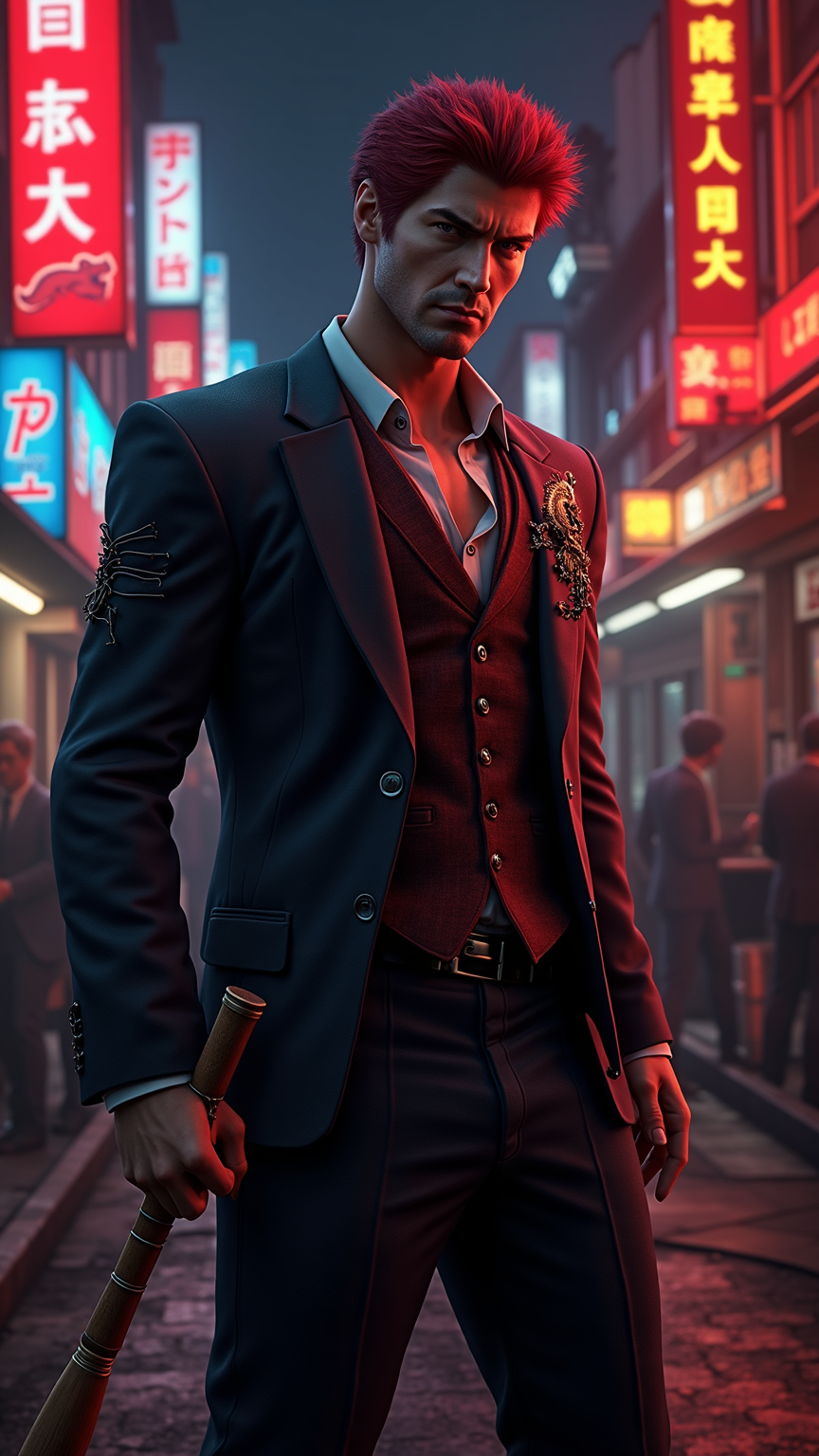
프롬프트
**"Dynamic action RPG set in the neon-lit underworld of Yokohama and Kamurocho, inspired by *Yakuza: Like a Dragon*. Center stage: Ichiban Kasuga, a rugged ex-yakuza with wild red hair, a scarred face, and a fiery determination, clad in a torn suit with a dragon tattoo peeking through. Surround him with a motley crew—the sharp-witted Saeko, the hulking Adachi, and the quirky Nanba—amidst bustling streets, smoky back alleys, and vibrant pachinko parlors. Highlight Ichiban’s signature bat wrapped in barbed wire, glowing with exaggerated 'Dragon Quest'-esque battle effects. Capture the game’s blend of gritty realism and over-the-top humor, with dramatic lighting, saturated neon hues, and a cinematic, street-brawler energy. Mood: high-stakes, chaotic, yet oddly heartfelt."**
Flux AI 이미지 프롬프트에 대한 상세 분석
Flux AI Image Generator를 사용하여 이미지를 생성하는 데 사용된 상세한 프롬프트를 분석합니다.
Flux AI 이미지 생성기 프롬프트 탐색
을 통해 이미지를 생성하는 방법 Flux.1 dev
원하는 이미지를 만들기 위해 다음 네 가지 간단한 단계를 따르세요.
단계 1: 텍스트 입력 (더 나은 결과를 위해 프롬프트를 자유롭게 수정하세요)
단계 2: 이미지 종횡비 선택
단계 3: Flux 모델 선택:
단계 4: 생성 버튼을 클릭하고 몇 초간 기다려 이미지를 받으세요
프롬프트와 관련된 Flux AI 도구 Flux.1 dev
Flux AI의 고급 도구를 발견하여 창의적인 작업 흐름을 향상시키세요.