Tandoori Chicken - Flux.1 schnell
프롬프트
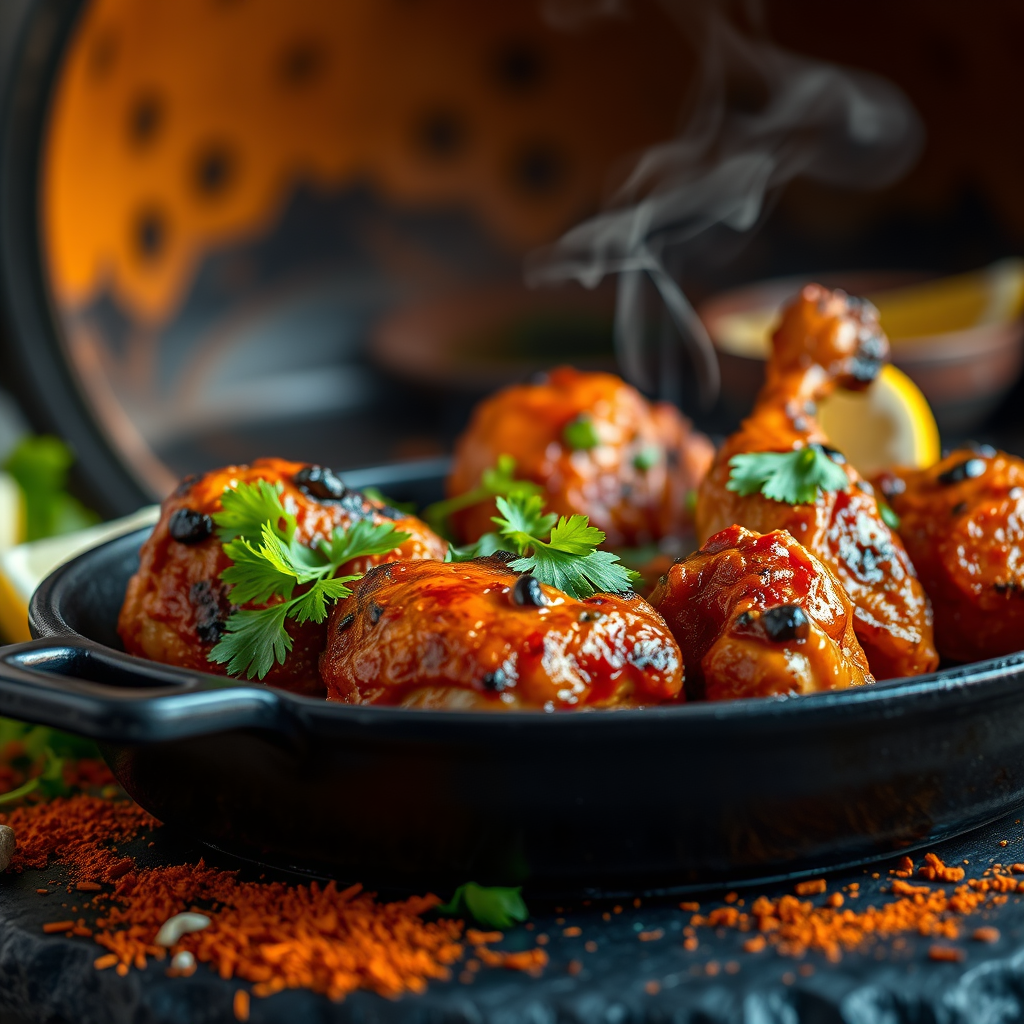
Close-up macro shot of sizzling Tandoori Chicken, its vibrant red-orange marinade charred at the edges from the tandoor, with juicy, tender meat glistening under warm golden-hour lighting. The dish is artfully arranged on a rustic, blackened cast-iron skillet, garnished with fresh cilantro and lemon wedges, their bright green and yellow hues popping against the smoky hues. A wisp of aromatic steam rises from the chicken, hinting at the bold spices—cumin, coriander, and smoky paprika—while the crisp, slightly charred skin contrasts with the succulent interior. The background is softly blurred, featuring a traditional clay tandoor oven and scattered spices, evoking an authentic Indian street food vibe. Style: rich, high-detail food photography with a touch of rustic warmth." (999 characters)
Flux AI 이미지 프롬프트에 대한 상세 분석
Flux AI Image Generator를 사용하여 이미지를 생성하는 데 사용된 상세한 프롬프트를 분석합니다.
Flux AI 이미지 생성기 프롬프트 탐색
을 통해 이미지를 생성하는 방법 Flux.1 schnell
원하는 이미지를 만들기 위해 다음 네 가지 간단한 단계를 따르세요.
단계 1: 텍스트 입력 (더 나은 결과를 위해 프롬프트를 자유롭게 수정하세요)
단계 2: 이미지 종횡비 선택
단계 3: Flux 모델 선택:
단계 4: 생성 버튼을 클릭하고 몇 초간 기다려 이미지를 받으세요
프롬프트와 관련된 Flux AI 도구 Flux.1 schnell
Flux AI의 고급 도구를 발견하여 창의적인 작업 흐름을 향상시키세요.