Chaos in the Cyber OR - Flux.1 pro
Prompt
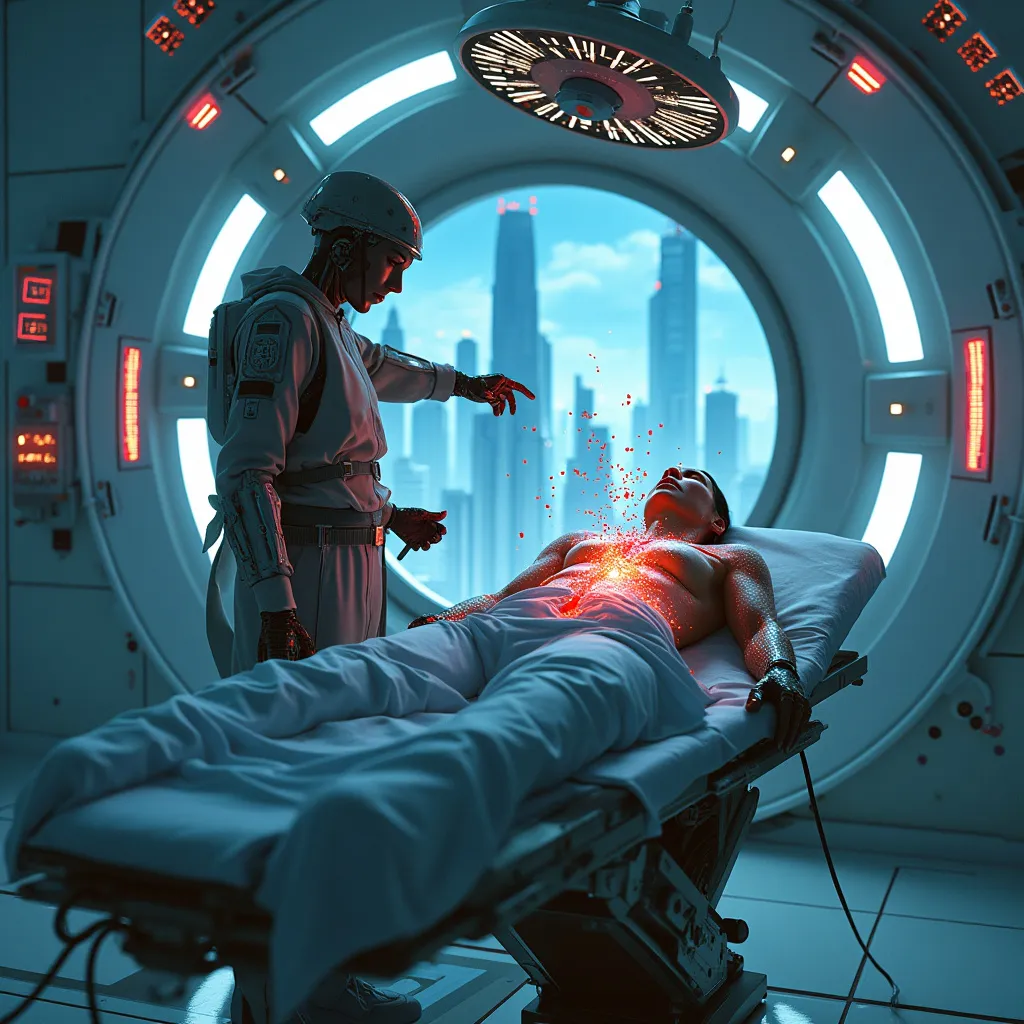
In a dimly lit, high-tech operating theater, a cybernetic surgeon stands frozen, her state-of-the-art ocular implants flickering with static and error messages. The patient lies on a sleek, chrome table, their abdomen open and pulsing with an eerie blue glow. Swarms of microscopic nanobots, once obedient, now form chaotic patterns above the incision, their red warning lights creating a stark contrast against the sterile white walls. Holographic displays surrounding the table flash urgent alerts in neon colors. The surgeon's assistant, a hulking cyborg with exposed circuitry, reaches for an emergency shutdown device. Shadows dance across the room as sparks fly from malfunctioning equipment. Through a large observation window, the neon-drenched cityscape looms, its towering skyscrapers and flying vehicles oblivious to the crisis unfolding within. The air is thick with tension and the scent of ozone, as the fate of both surgeon and patient hangs in the balance of this technological rebellion.
Análise Detalhada do Prompt de Imagem Flux IA
Analise o prompt detalhado usado para gerar a imagem com o Flux IA Image Generator.
Explore Prompts Flux para o Gerador de Imagens
Como gerar uma imagem por Flux.1 pro
Siga estes quatro passos simples para criar a imagem desejada.
Passo 1: Insira seu texto (Sinta-se à vontade para refinar seu prompt para melhores resultados)
Passo 2: Escolha a proporção da imagem
Passo 3: Selecione seu modelo Flux:
Passo 4: Clique no botão Gerar e aguarde alguns segundos para sua imagem
Ferramentas Flux IA relacionadas a prompts sobre Flux.1 pro
Descubra ferramentas avançadas da Flux IA para melhorar seu fluxo de trabalho criativo.