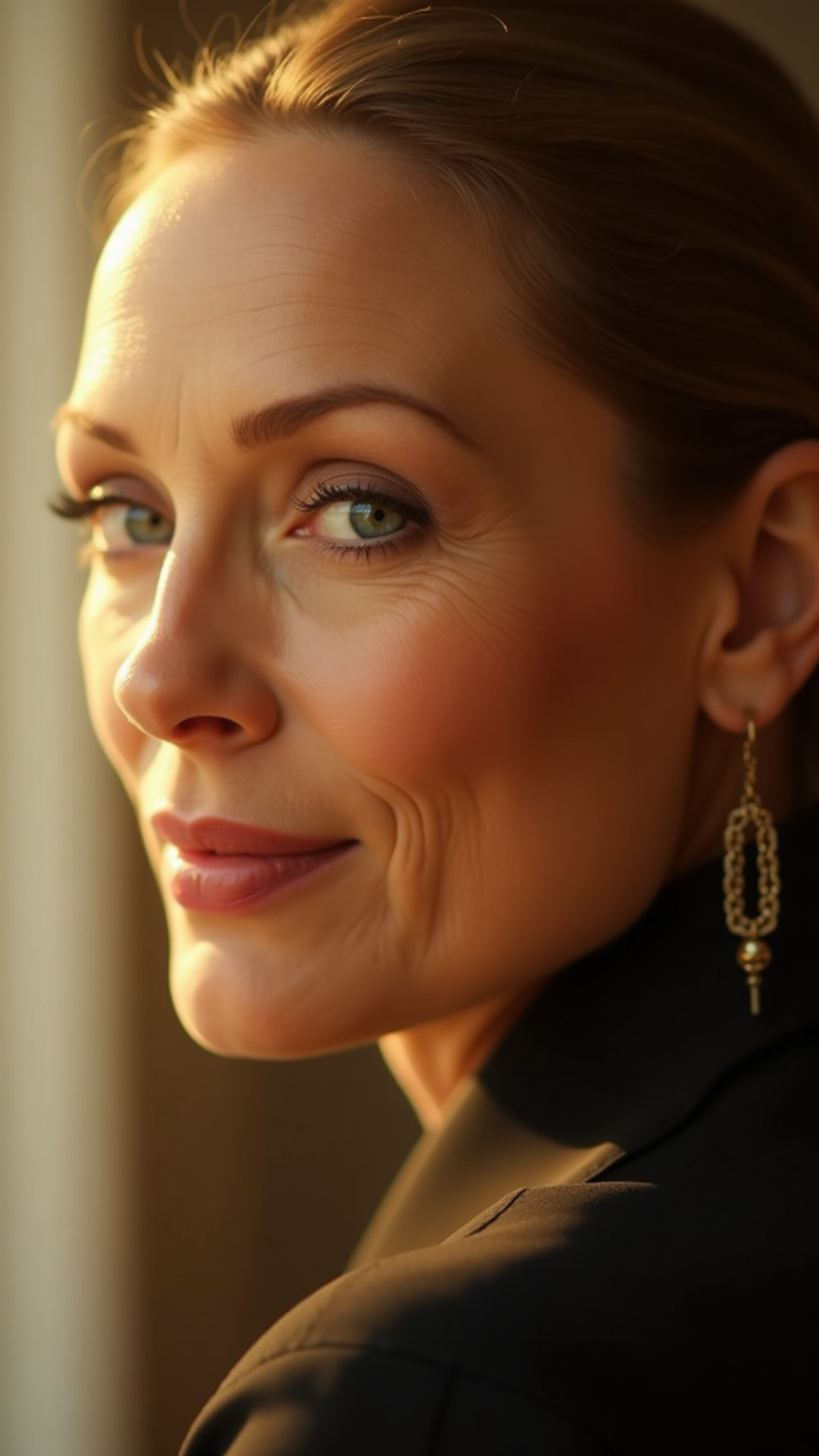
Meryl Streep - Flux.1 dev
提示
**Prompt:** "Create a hyper-realistic portrait of Meryl Streep, capturing her timeless elegance and expressive depth. Focus on her piercing blue eyes, high cheekbones, and soft, slightly asymmetrical smile. Render her in a warm, cinematic lighting setup—soft golden hour sunlight diffused through a window, casting gentle shadows that highlight her refined bone structure. She wears a subtle, knowing expression, blending wisdom and warmth. Frame the shot as a close-up, shot with an 85mm lens at f/1.8 for creamy bokeh, emphasizing her face against a softly blurred, neutral-toned background. Style: classic Hollywood glamour with a modern twist, reminiscent of Annie Leibovitz’s portraiture. Ultra-detailed skin texture, fine wrinkles, and natural makeup with a satin finish. Mood: contemplative, regal, and effortlessly charismatic." (999 characters)
Flux AI 圖像提示的詳細分析
分析使用 Flux AI 圖像生成器生成圖像所使用的詳細提示。
探索 Flux AI 圖像生成器的提示
如何通過 Flux.1 dev
遵循以下四個簡單步驟來創建您想要的圖片。
步驟 1:輸入您的文字 (可自由調整提示以獲得更好的結果)
步驟 2:選擇圖片的縱橫比
步驟 3:選擇您的 Flux 模型:
步驟 4:點擊生成按鈕並等待幾秒鐘獲取您的圖片
與提示相關的 Flux AI 工具 Flux.1 dev
發現來自 Flux AI 的高級工具,提升您的創意工作流程。