Shadows of a Fallen City - Flux.1 schnell
提示
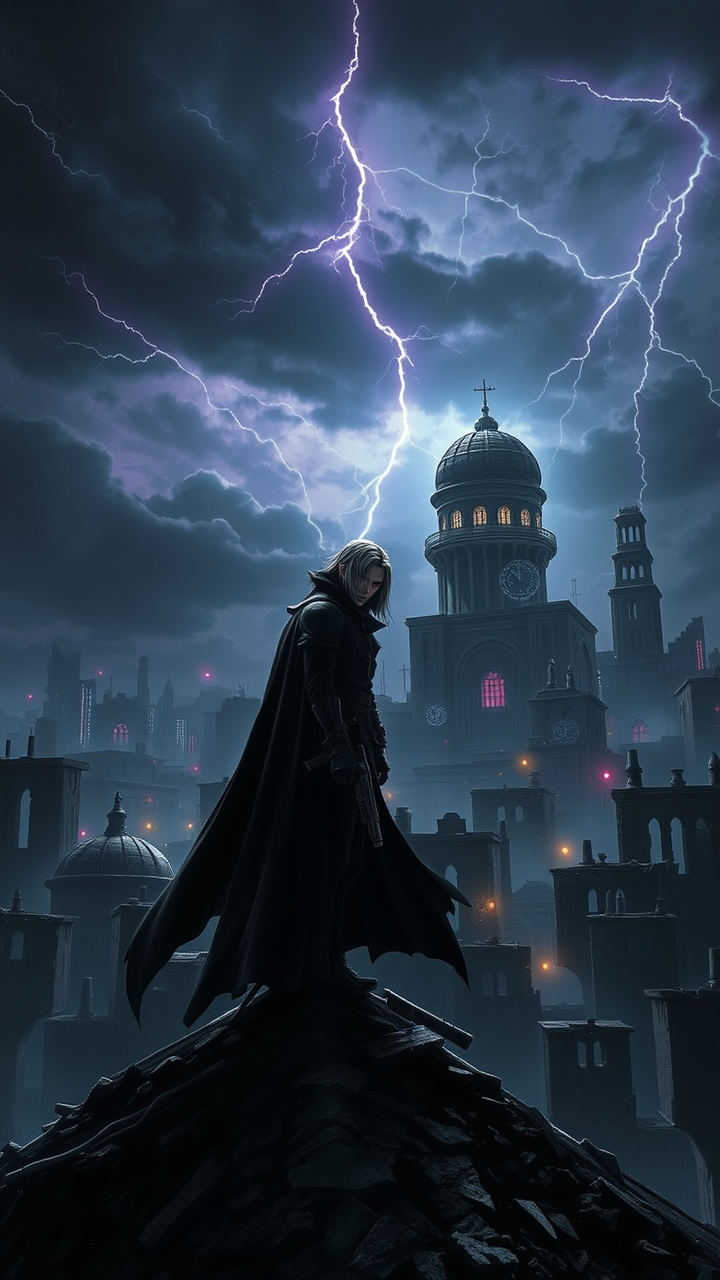
Create a dramatic scene set in a dystopian cityscape inspired by Final Fantasy VII, showcasing the brooding figure of Vincent Valentine. He stands atop a crumbling rooftop, silhouetted against a dark, stormy sky filled with swirling clouds and flashes of lightning. Vincent, with his long, flowing black cloak and crimson eyes, exudes an aura of mystery and melancholy. His signature weapon, the Cerberus handgun, gleams ominously in his hand, while the iconic Bugenhagen’s observatory looms in the background, surrounded by ancient ruins. The environment is a mix of high-tech and decay, with neon lights flickering amidst the shadows of dilapidated buildings. The overall mood is intense and foreboding, capturing the essence of a world filled with conflict, secrets, and the struggle between light and darkness.
Flux AI 图像提示的详细分析
分析用于通过 Flux AI 图像生成器生成图像的详细提示。
探索Flux AI图像生成器的提示词
如何通过 Flux.1 schnell
按照以下四个简单步骤创建您想要的图像。
步骤 1:输入您的文字 (可以优化您的提示以获得更好的结果)
步骤 2:选择图片宽高比
步骤 3:选择您的 Flux 模型:
步骤 4:点击生成按钮,等待几秒钟获取您的图像
与提示相关的 Flux AI 工具 Flux.1 schnell
发现来自 Flux AI 的高级工具,提升您的创意工作流程。