Shadows of a Fallen City - Flux.1 schnell
プロンプト
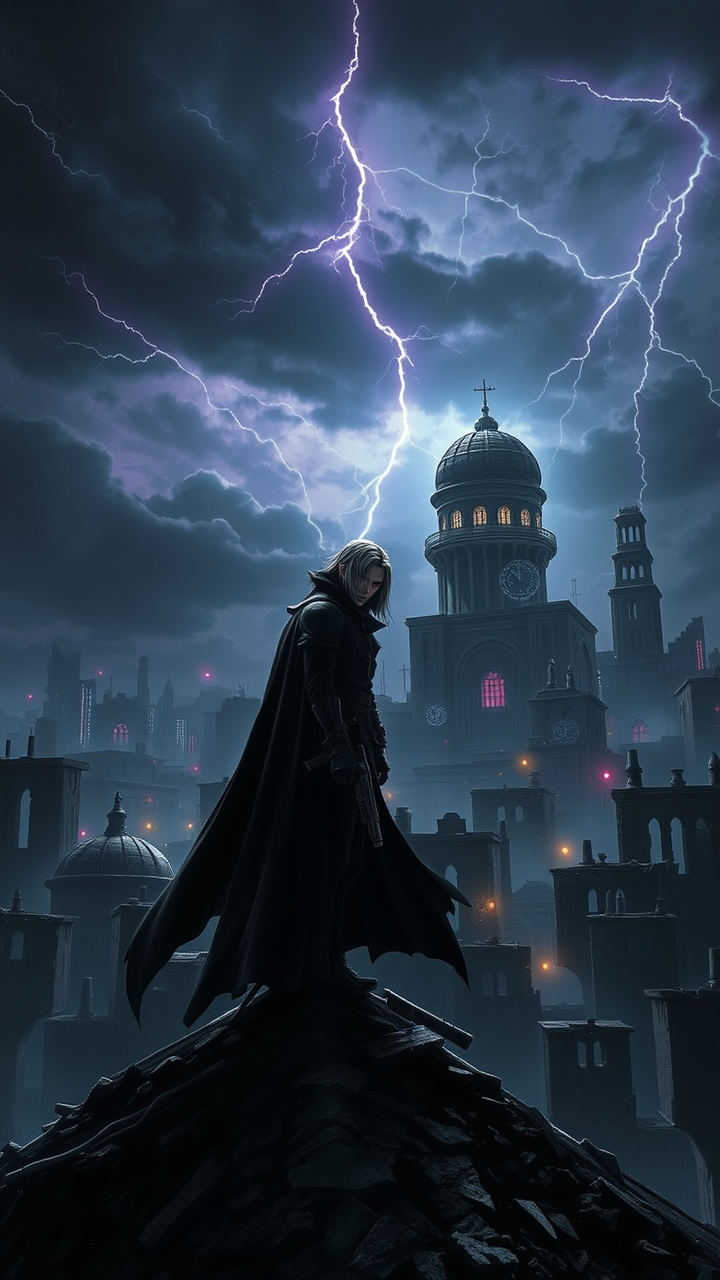
Create a dramatic scene set in a dystopian cityscape inspired by Final Fantasy VII, showcasing the brooding figure of Vincent Valentine. He stands atop a crumbling rooftop, silhouetted against a dark, stormy sky filled with swirling clouds and flashes of lightning. Vincent, with his long, flowing black cloak and crimson eyes, exudes an aura of mystery and melancholy. His signature weapon, the Cerberus handgun, gleams ominously in his hand, while the iconic Bugenhagen’s observatory looms in the background, surrounded by ancient ruins. The environment is a mix of high-tech and decay, with neon lights flickering amidst the shadows of dilapidated buildings. The overall mood is intense and foreboding, capturing the essence of a world filled with conflict, secrets, and the struggle between light and darkness.
Flux AI Image Promptの詳細分析
Flux AI Image Generatorを使用して画像を生成するために使用された詳細なプロンプトを分析します。
Flux AI画像生成のプロンプトを探索
で画像を生成する方法 Flux.1 schnell
以下の4つの簡単なステップに従って、希望する画像を作成してください。
ステップ 1: テキストを入力 (より良い結果のためにプロンプトを調整してください)
ステップ 2: 画像のアスペクト比を選択
ステップ 3: Fluxモデルを選択:
ステップ 4: 生成ボタンをクリックして数秒待ち、画像を取得
プロンプトに関連するFlux AIツール Flux.1 schnell
Flux AIの高度なツールを発見して、クリエイティブな作業フローを強化しましょう。