Hikaru Shindo - Flux.1.1 pro
提示
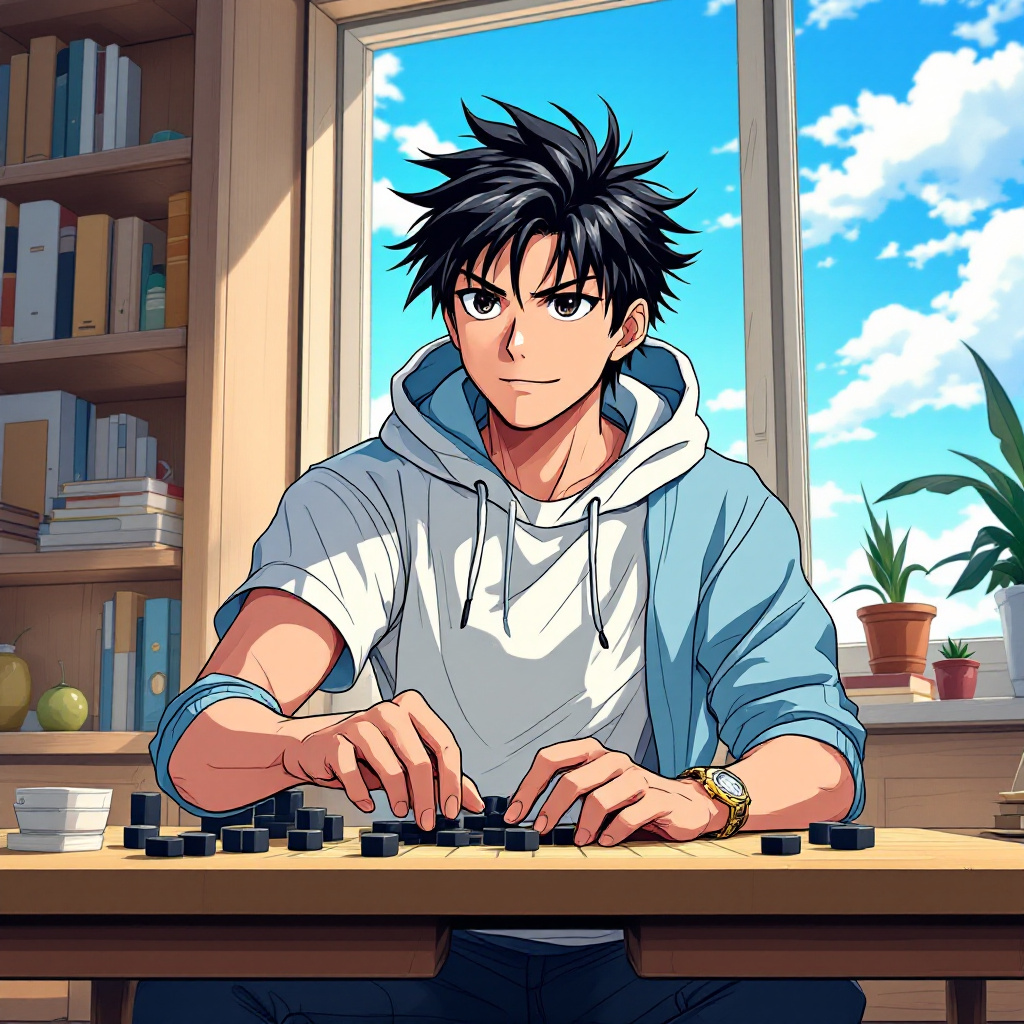
Create an anime-style image of Hikaru Shindo from "Hikaru no Go." Capture his key physical features: spiky black hair with a slight sheen, expressive dark eyes, and a youthful face. Dress him in a casual, stylish outfit—a fitted white t-shirt layered with a light blue hoodie, and dark jeans. Include his signature Go board and stones as accessories, with a few stones scattered around him. Hikaru's expression should be a mix of determination and excitement, reflecting his passion for the game, as he leans slightly forward in a dynamic pose, one hand poised above the Go board as if contemplating his next move. Set the scene in a cozy, sunlit room filled with books and a window showing a clear blue sky, creating an inviting atmosphere. Use a vibrant anime art style with clean lines and bright colors, emphasizing Hikaru's youthful energy and the intensity of his focus on the game.
Flux AI 图像提示的详细分析
分析用于通过 Flux AI 图像生成器生成图像的详细提示。
探索Flux AI图像生成器的提示词
如何通过 Flux.1.1 pro
按照以下四个简单步骤创建您想要的图像。
步骤 1:输入您的文字 (可以优化您的提示以获得更好的结果)
步骤 2:选择图片宽高比
步骤 3:选择您的 Flux 模型:
步骤 4:点击生成按钮,等待几秒钟获取您的图像
与提示相关的 Flux AI 工具 Flux.1.1 pro
发现来自 Flux AI 的高级工具,提升您的创意工作流程。