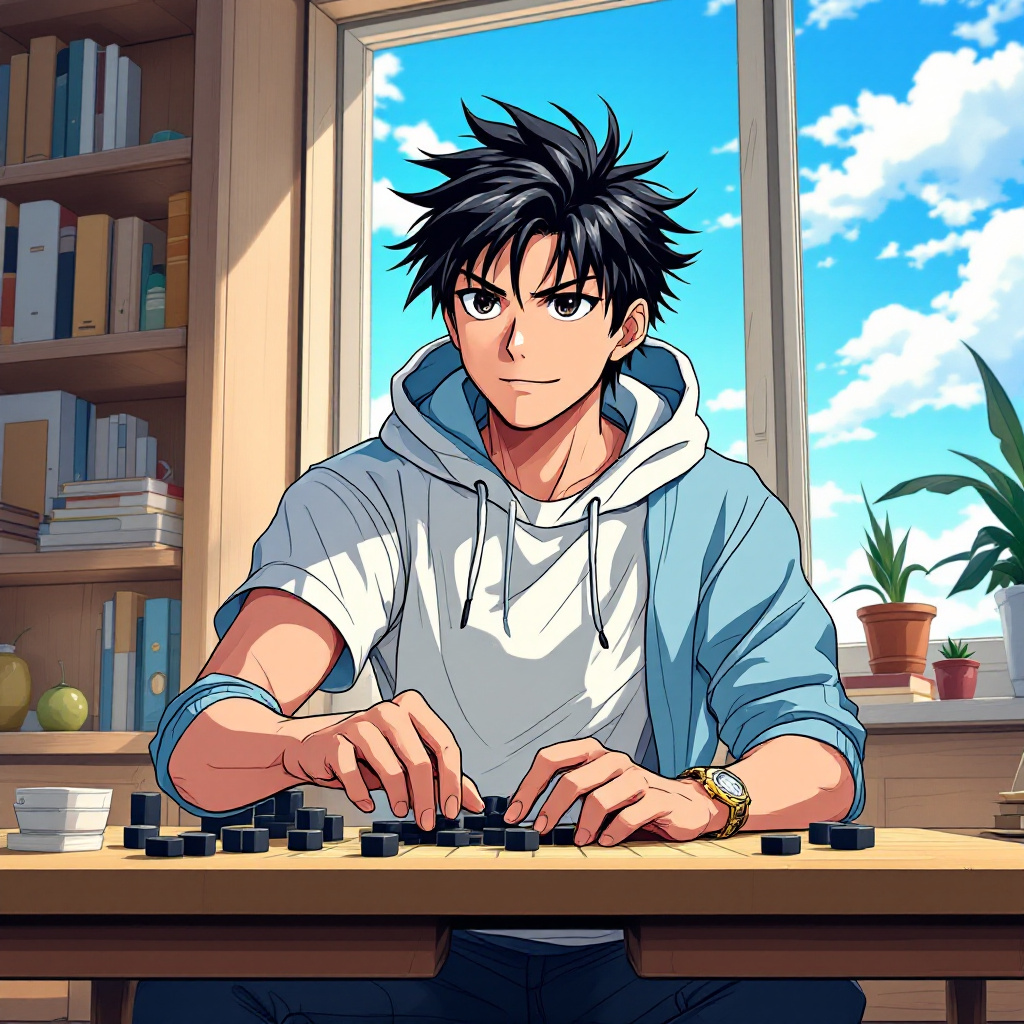
Hikaru Shindo - Flux.1.1 pro
プロンプト
Create an anime-style image of Hikaru Shindo from "Hikaru no Go." Capture his key physical features: spiky black hair with a slight sheen, expressive dark eyes, and a youthful face. Dress him in a casual, stylish outfit—a fitted white t-shirt layered with a light blue hoodie, and dark jeans. Include his signature Go board and stones as accessories, with a few stones scattered around him. Hikaru's expression should be a mix of determination and excitement, reflecting his passion for the game, as he leans slightly forward in a dynamic pose, one hand poised above the Go board as if contemplating his next move. Set the scene in a cozy, sunlit room filled with books and a window showing a clear blue sky, creating an inviting atmosphere. Use a vibrant anime art style with clean lines and bright colors, emphasizing Hikaru's youthful energy and the intensity of his focus on the game.
Flux AI Image Promptの詳細分析
Flux AI Image Generatorを使用して画像を生成するために使用された詳細なプロンプトを分析します。
Flux AI画像生成のプロンプトを探索
で画像を生成する方法 Flux.1.1 pro
以下の4つの簡単なステップに従って、希望する画像を作成してください。
ステップ 1: テキストを入力 (より良い結果のためにプロンプトを調整してください)
ステップ 2: 画像のアスペクト比を選択
ステップ 3: Fluxモデルを選択:
ステップ 4: 生成ボタンをクリックして数秒待ち、画像を取得
プロンプトに関連するFlux AIツール Flux.1.1 pro
Flux AIの高度なツールを発見して、クリエイティブな作業フローを強化しましょう。