Hikaru Shindo - Flux.1.1 pro
Eingabe
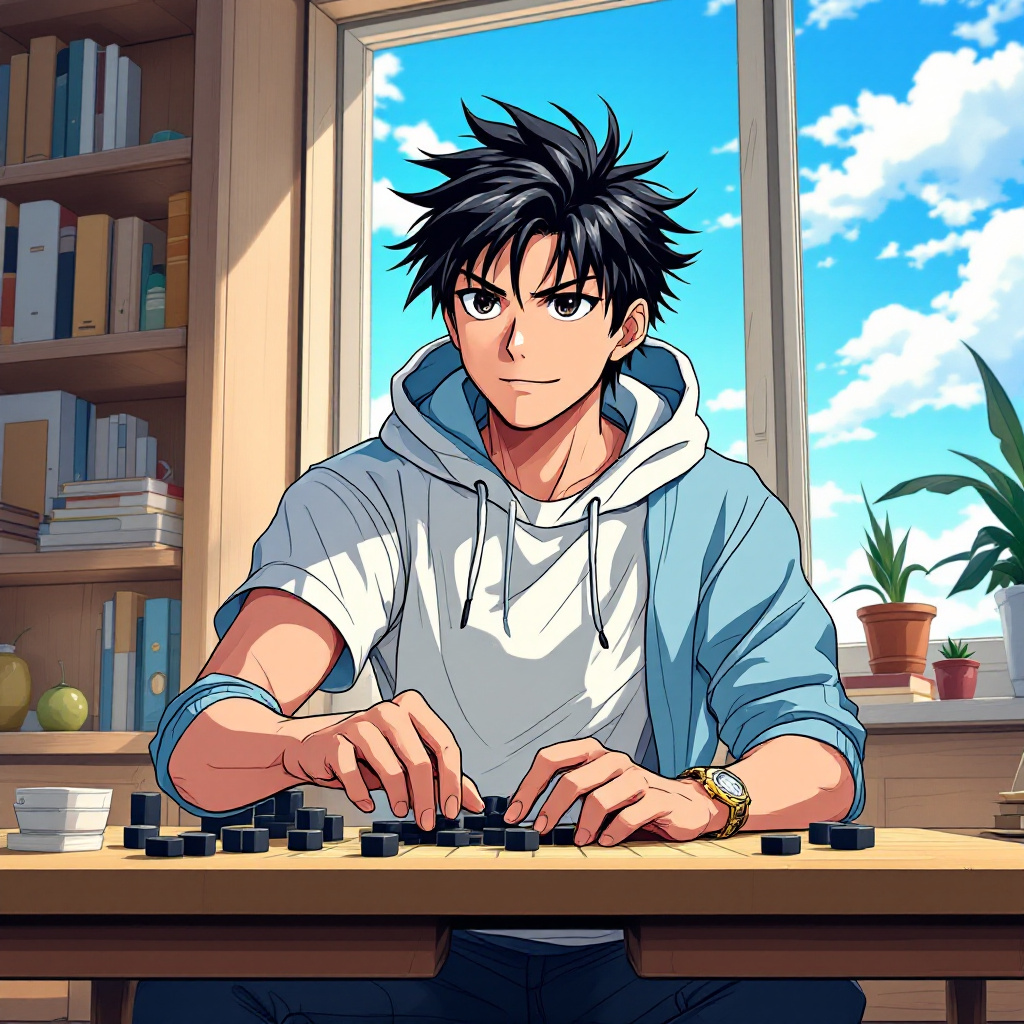
Create an anime-style image of Hikaru Shindo from "Hikaru no Go." Capture his key physical features: spiky black hair with a slight sheen, expressive dark eyes, and a youthful face. Dress him in a casual, stylish outfit—a fitted white t-shirt layered with a light blue hoodie, and dark jeans. Include his signature Go board and stones as accessories, with a few stones scattered around him. Hikaru's expression should be a mix of determination and excitement, reflecting his passion for the game, as he leans slightly forward in a dynamic pose, one hand poised above the Go board as if contemplating his next move. Set the scene in a cozy, sunlit room filled with books and a window showing a clear blue sky, creating an inviting atmosphere. Use a vibrant anime art style with clean lines and bright colors, emphasizing Hikaru's youthful energy and the intensity of his focus on the game.
Detaillierte Analyse des Flux KI Image Prompt
Analysiere den detaillierten Prompt, der zur Erstellung des Bildes mit dem Flux KI Image Generator verwendet wurde.
Flux-Prompts für den KI-Bildgenerator erkunden
Wie man ein Bild generiert von Flux.1.1 pro
Folge diesen vier einfachen Schritten, um das gewünschte Bild zu erstellen.
Schritt 1: Gib deinen Text ein (Fühle dich frei, deinen Prompt für bessere Ergebnisse zu verfeinern)
Schritt 2: Wähle das Bildseitenverhältnis
Schritt 3: Wähle dein Flux-Modell:
Schritt 4: Klicke auf die Generieren-Schaltfläche und warte ein paar Sekunden auf dein Bild
Verwandte Flux KI Tools für Prompts über Flux.1.1 pro
Entdecke fortschrittliche Tools von Flux KI, um deinen kreativen Workflow zu verbessern.