《Undertale》-Frisk - Flux.1 schnell
提示
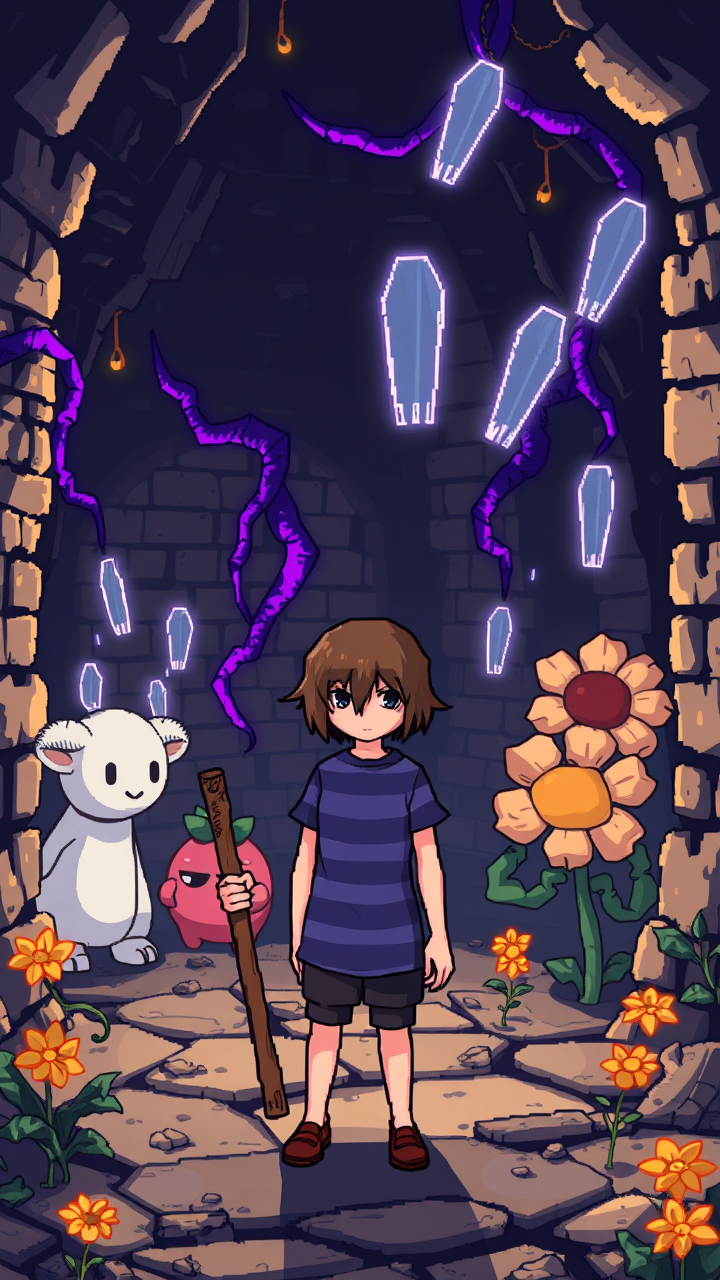
**Prompt:** "A pixel-art style RPG scene from *Undertale*, featuring Frisk, the silent protagonist, in their iconic blue and purple striped shirt, standing determinedly in the Ruins—a cavernous underground world with ancient brick walls, glowing purple vines, and golden flowers. Surrounding them are whimsical yet eerie monsters like Toriel, the gentle goat-like caretaker, and Flowey, the sinister smiling flower. The atmosphere is a mix of melancholic mystery and playful charm, with soft lighting casting long shadows. Frisk holds a weathered wooden stick, their default weapon, while ghostly bullet-pattern attacks float in the air, reflecting the game's unique combat mechanics. The scene balances retro 8-bit aesthetics with expressive character designs, evoking nostalgia and emotional depth." *(Characters: 860)*
Flux AI 图像提示的详细分析
分析用于通过 Flux AI 图像生成器生成图像的详细提示。
探索Flux AI图像生成器的提示词
如何通过 Flux.1 schnell
按照以下四个简单步骤创建您想要的图像。
步骤 1:输入您的文字 (可以优化您的提示以获得更好的结果)
步骤 2:选择图片宽高比
步骤 3:选择您的 Flux 模型:
步骤 4:点击生成按钮,等待几秒钟获取您的图像
与提示相关的 Flux AI 工具 Flux.1 schnell
发现来自 Flux AI 的高级工具,提升您的创意工作流程。