《Undertale》-Frisk - Flux.1 schnell
プロンプト
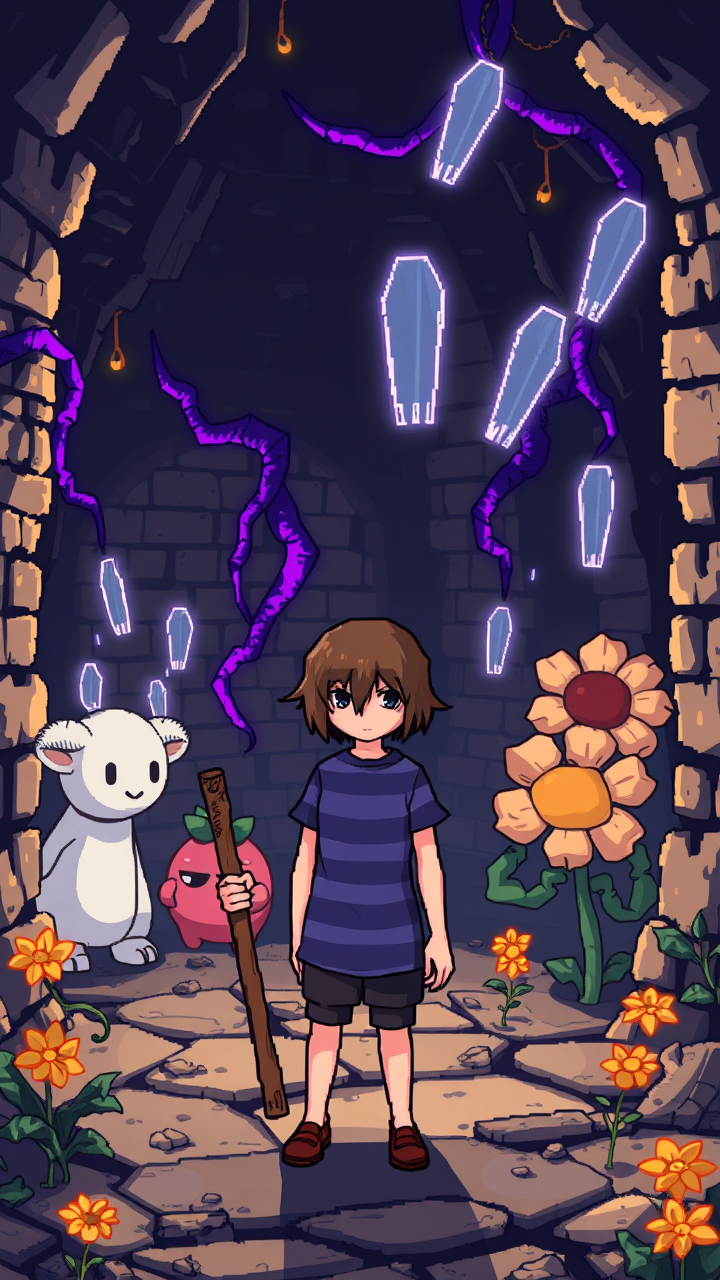
**Prompt:** "A pixel-art style RPG scene from *Undertale*, featuring Frisk, the silent protagonist, in their iconic blue and purple striped shirt, standing determinedly in the Ruins—a cavernous underground world with ancient brick walls, glowing purple vines, and golden flowers. Surrounding them are whimsical yet eerie monsters like Toriel, the gentle goat-like caretaker, and Flowey, the sinister smiling flower. The atmosphere is a mix of melancholic mystery and playful charm, with soft lighting casting long shadows. Frisk holds a weathered wooden stick, their default weapon, while ghostly bullet-pattern attacks float in the air, reflecting the game's unique combat mechanics. The scene balances retro 8-bit aesthetics with expressive character designs, evoking nostalgia and emotional depth." *(Characters: 860)*
Flux AI Image Promptの詳細分析
Flux AI Image Generatorを使用して画像を生成するために使用された詳細なプロンプトを分析します。
Flux AI画像生成のプロンプトを探索
で画像を生成する方法 Flux.1 schnell
以下の4つの簡単なステップに従って、希望する画像を作成してください。
ステップ 1: テキストを入力 (より良い結果のためにプロンプトを調整してください)
ステップ 2: 画像のアスペクト比を選択
ステップ 3: Fluxモデルを選択:
ステップ 4: 生成ボタンをクリックして数秒待ち、画像を取得
プロンプトに関連するFlux AIツール Flux.1 schnell
Flux AIの高度なツールを発見して、クリエイティブな作業フローを強化しましょう。