《Code Geass》-Lelouch Lamperouge - Flux.1.1 pro
提示
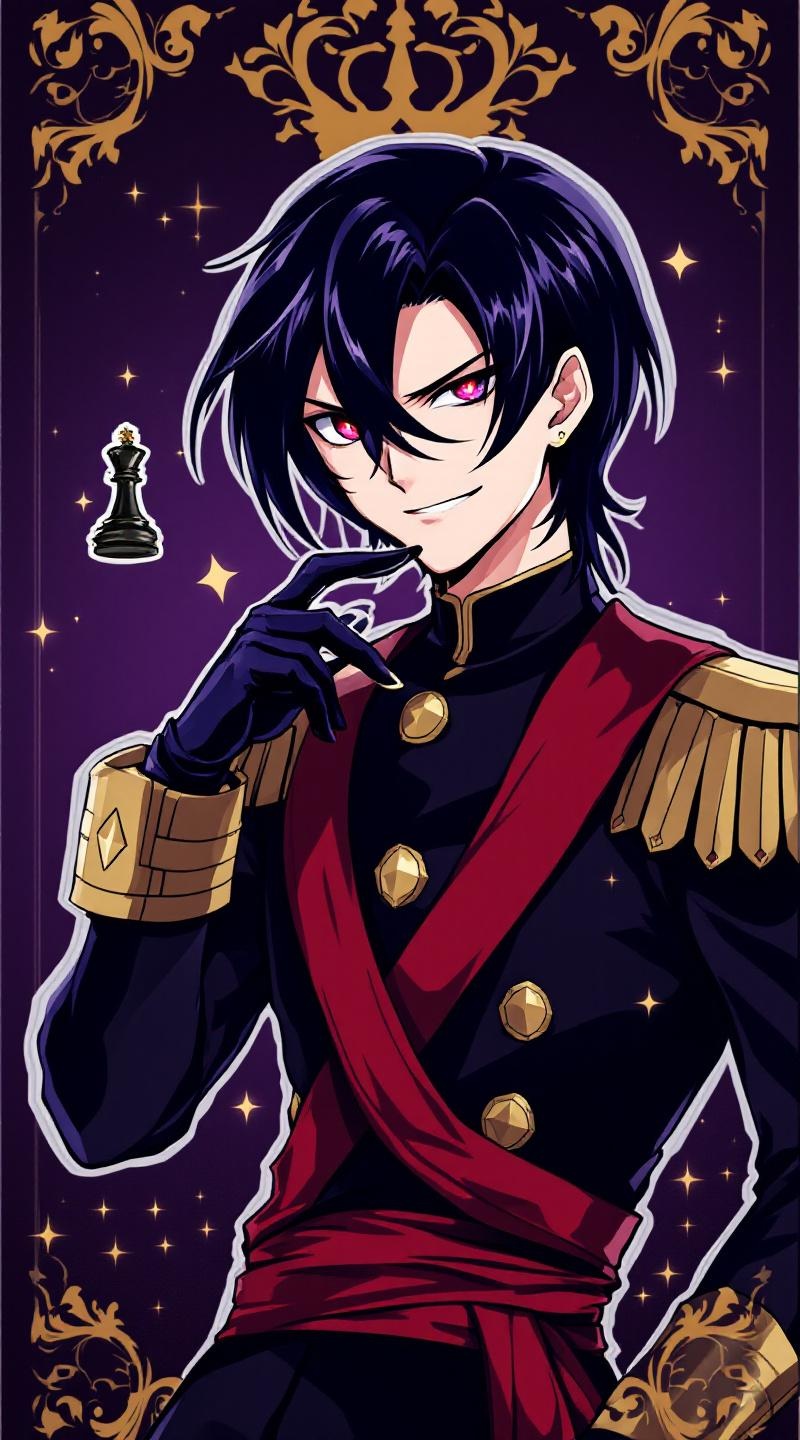
**Prompt:** *"Anime sticker style portrait of Lelouch vi Britannia (Lelouch Lamperouge) from 《Code Geass》, featuring his sharp violet eyes, pale skin, and sleek black hair. He wears his signature black Ashford Academy uniform with gold trim, a red sash, and fingerless gloves. His expression is intense and calculating, with a slight smirk, exuding his strategic genius. Pose him in a dynamic half-body stance, one hand raised near his face as if commanding Geass, glowing red eye effect subtly visible. The background is a dark, regal purple with faint golden royal insignias, evoking his imperial lineage. Stylized with clean line art, bold colors, and soft cel-shading for a polished anime sticker aesthetic. Include his iconic black chess king piece subtly floating nearby."* (Characters: 798)
Flux AI 图像提示的详细分析
分析用于通过 Flux AI 图像生成器生成图像的详细提示。
探索Flux AI图像生成器的提示词
如何通过 Flux.1.1 pro
按照以下四个简单步骤创建您想要的图像。
步骤 1:输入您的文字 (可以优化您的提示以获得更好的结果)
步骤 2:选择图片宽高比
步骤 3:选择您的 Flux 模型:
步骤 4:点击生成按钮,等待几秒钟获取您的图像
与提示相关的 Flux AI 工具 Flux.1.1 pro
发现来自 Flux AI 的高级工具,提升您的创意工作流程。