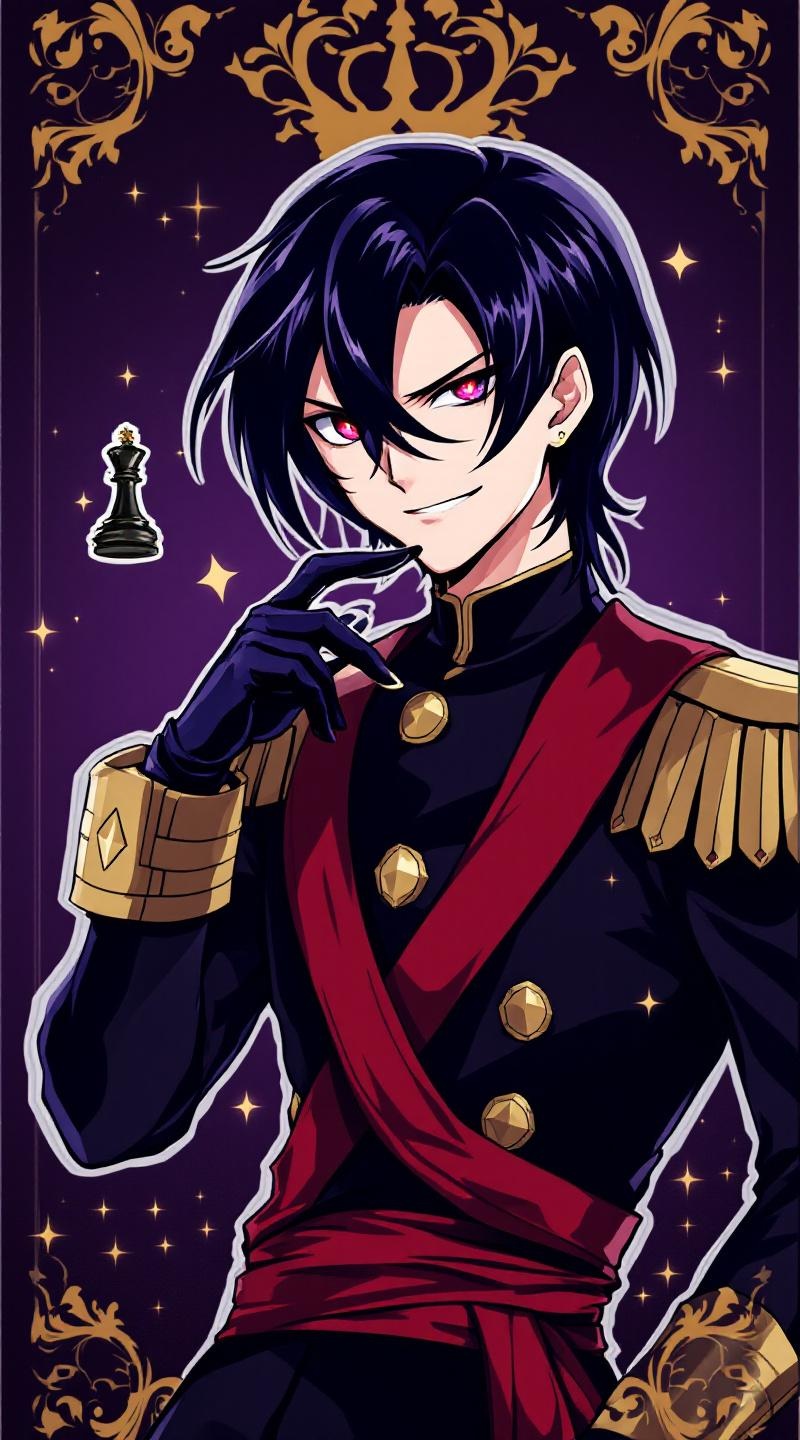
《Code Geass》-Lelouch Lamperouge - Flux.1.1 pro
Invite
**Prompt:** *"Anime sticker style portrait of Lelouch vi Britannia (Lelouch Lamperouge) from 《Code Geass》, featuring his sharp violet eyes, pale skin, and sleek black hair. He wears his signature black Ashford Academy uniform with gold trim, a red sash, and fingerless gloves. His expression is intense and calculating, with a slight smirk, exuding his strategic genius. Pose him in a dynamic half-body stance, one hand raised near his face as if commanding Geass, glowing red eye effect subtly visible. The background is a dark, regal purple with faint golden royal insignias, evoking his imperial lineage. Stylized with clean line art, bold colors, and soft cel-shading for a polished anime sticker aesthetic. Include his iconic black chess king piece subtly floating nearby."* (Characters: 798)
Analyse Détaillée du Prompt d'Image Flux IA
Analysez le prompt détaillé utilisé pour générer l'image avec Flux IA Image Generator.
Explorez les invites Flux IA
Comment générer une image par Flux.1.1 pro
Suivez ces quatre étapes simples pour créer l'image désirée.
Étape 1 : Entrez votre texte (N'hésitez pas à affiner votre prompt pour de meilleurs résultats)
Étape 2 : Choisissez le ratio d'aspect de l'image
Étape 3 : Sélectionnez votre modèle Flux :
Étape 4 : Cliquez sur le bouton Générer et attendez quelques secondes pour votre image
Outils Flux IA liés aux prompts sur Flux.1.1 pro
Découvrez des outils avancés de Flux IA pour booster votre flux de travail créatif.