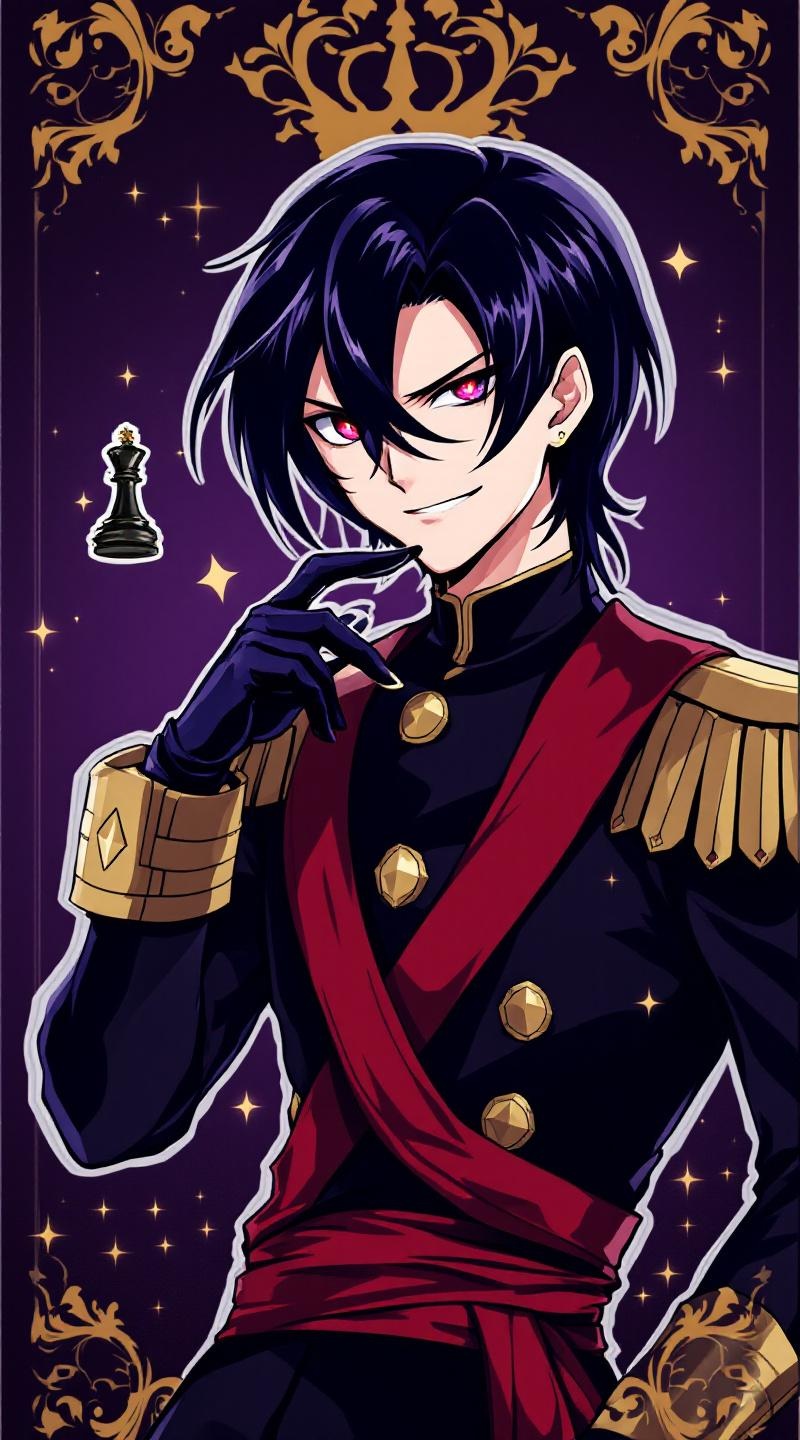
《Code Geass》-Lelouch Lamperouge - Flux.1.1 pro
プロンプト
**Prompt:** *"Anime sticker style portrait of Lelouch vi Britannia (Lelouch Lamperouge) from 《Code Geass》, featuring his sharp violet eyes, pale skin, and sleek black hair. He wears his signature black Ashford Academy uniform with gold trim, a red sash, and fingerless gloves. His expression is intense and calculating, with a slight smirk, exuding his strategic genius. Pose him in a dynamic half-body stance, one hand raised near his face as if commanding Geass, glowing red eye effect subtly visible. The background is a dark, regal purple with faint golden royal insignias, evoking his imperial lineage. Stylized with clean line art, bold colors, and soft cel-shading for a polished anime sticker aesthetic. Include his iconic black chess king piece subtly floating nearby."* (Characters: 798)
Flux AI Image Promptの詳細分析
Flux AI Image Generatorを使用して画像を生成するために使用された詳細なプロンプトを分析します。
Flux AI画像生成のプロンプトを探索
で画像を生成する方法 Flux.1.1 pro
以下の4つの簡単なステップに従って、希望する画像を作成してください。
ステップ 1: テキストを入力 (より良い結果のためにプロンプトを調整してください)
ステップ 2: 画像のアスペクト比を選択
ステップ 3: Fluxモデルを選択:
ステップ 4: 生成ボタンをクリックして数秒待ち、画像を取得
プロンプトに関連するFlux AIツール Flux.1.1 pro
Flux AIの高度なツールを発見して、クリエイティブな作業フローを強化しましょう。