Phantoms of the Cyber Abyss - Flux.1 dev
Eingabe
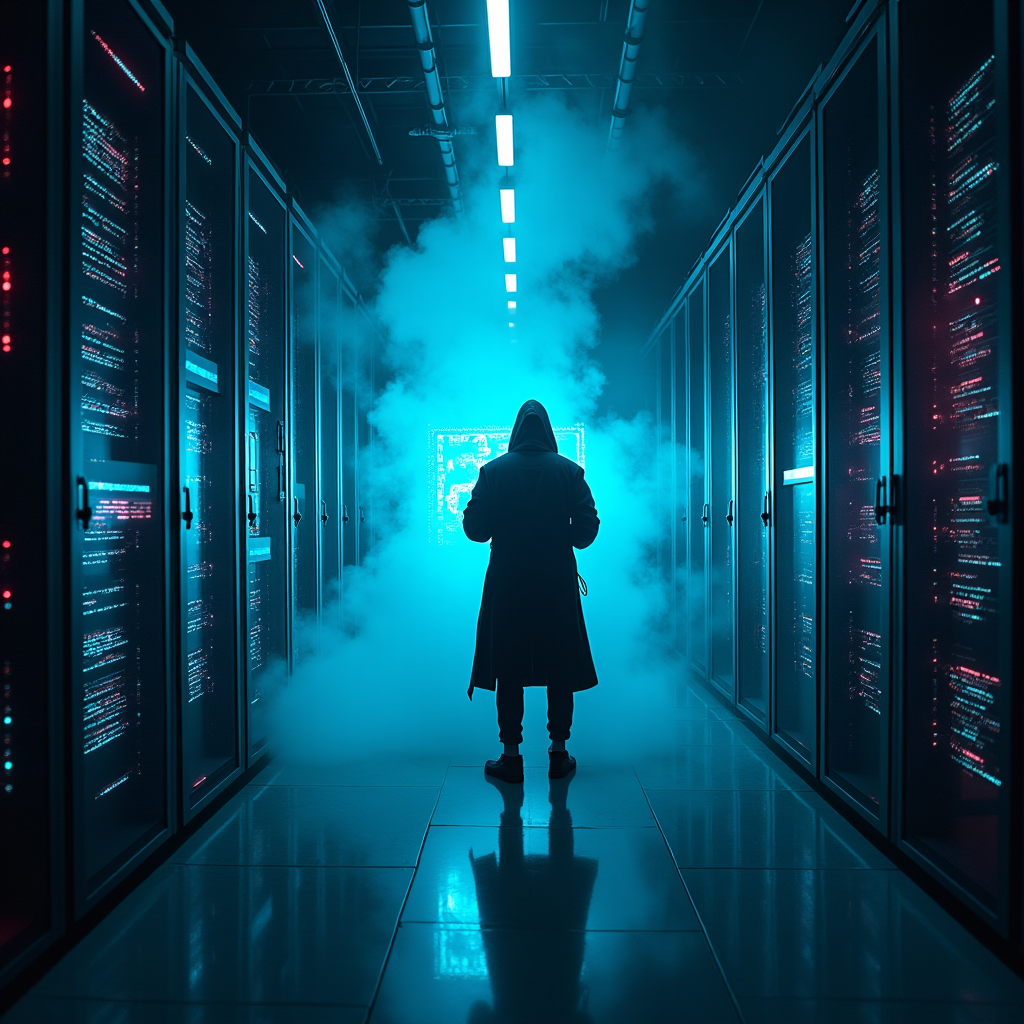
In a dimly lit, sprawling mega-corp server room, rows of towering, sleek black servers hum with a pulsating neon blue light, casting eerie reflections on the polished metal floor. Wisps of digital phantoms, shimmering in translucent hues of violet and emerald, glide through encrypted firewalls, their ghostly forms whispering secrets in a language of flickering binary code. The atmosphere crackles with tension, illuminated by sporadic bursts of crimson alerts flashing across holographic displays. A lone hacker, cloaked in a tattered, luminescent trench coat, stands silhouetted against a backdrop of cascading data streams, fingers poised above a holographic interface that glows with iridescent symbols. Wisps of smoke curl around their feet, merging with the electric haze that fills the air, creating an otherworldly ambiance where reality and the digital realm intertwine in a dance of shadows and light.
Detaillierte Analyse des Flux KI Image Prompt
Analysiere den detaillierten Prompt, der zur Erstellung des Bildes mit dem Flux KI Image Generator verwendet wurde.
Flux-Prompts für den KI-Bildgenerator erkunden
Wie man ein Bild generiert von Flux.1 dev
Folge diesen vier einfachen Schritten, um das gewünschte Bild zu erstellen.
Schritt 1: Gib deinen Text ein (Fühle dich frei, deinen Prompt für bessere Ergebnisse zu verfeinern)
Schritt 2: Wähle das Bildseitenverhältnis
Schritt 3: Wähle dein Flux-Modell:
Schritt 4: Klicke auf die Generieren-Schaltfläche und warte ein paar Sekunden auf dein Bild
Verwandte Flux KI Tools für Prompts über Flux.1 dev
Entdecke fortschrittliche Tools von Flux KI, um deinen kreativen Workflow zu verbessern.