Phantoms of the Cyber Abyss - Flux.1 dev
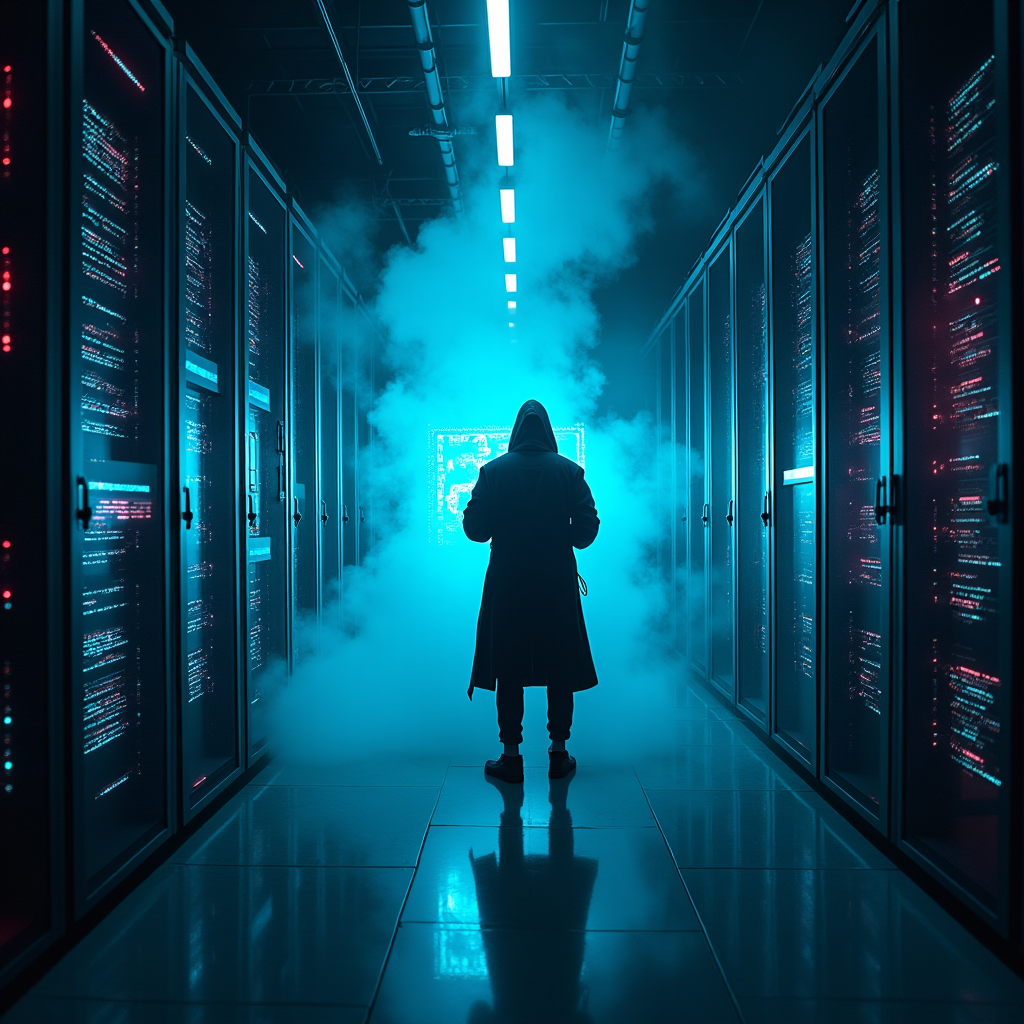
Prompt
In a dimly lit, sprawling mega-corp server room, rows of towering, sleek black servers hum with a pulsating neon blue light, casting eerie reflections on the polished metal floor. Wisps of digital phantoms, shimmering in translucent hues of violet and emerald, glide through encrypted firewalls, their ghostly forms whispering secrets in a language of flickering binary code. The atmosphere crackles with tension, illuminated by sporadic bursts of crimson alerts flashing across holographic displays. A lone hacker, cloaked in a tattered, luminescent trench coat, stands silhouetted against a backdrop of cascading data streams, fingers poised above a holographic interface that glows with iridescent symbols. Wisps of smoke curl around their feet, merging with the electric haze that fills the air, creating an otherworldly ambiance where reality and the digital realm intertwine in a dance of shadows and light.
Análise Detalhada do Prompt de Imagem Flux IA
Analise o prompt detalhado usado para gerar a imagem com o Flux IA Image Generator.
Explore Prompts Flux para o Gerador de Imagens
Como gerar uma imagem por Flux.1 dev
Siga estes quatro passos simples para criar a imagem desejada.
Passo 1: Insira seu texto (Sinta-se à vontade para refinar seu prompt para melhores resultados)
Passo 2: Escolha a proporção da imagem
Passo 3: Selecione seu modelo Flux:
Passo 4: Clique no botão Gerar e aguarde alguns segundos para sua imagem
Ferramentas Flux IA relacionadas a prompts sobre Flux.1 dev
Descubra ferramentas avançadas da Flux IA para melhorar seu fluxo de trabalho criativo.