Phantoms of the Cyber Abyss - Flux.1 dev
prompt
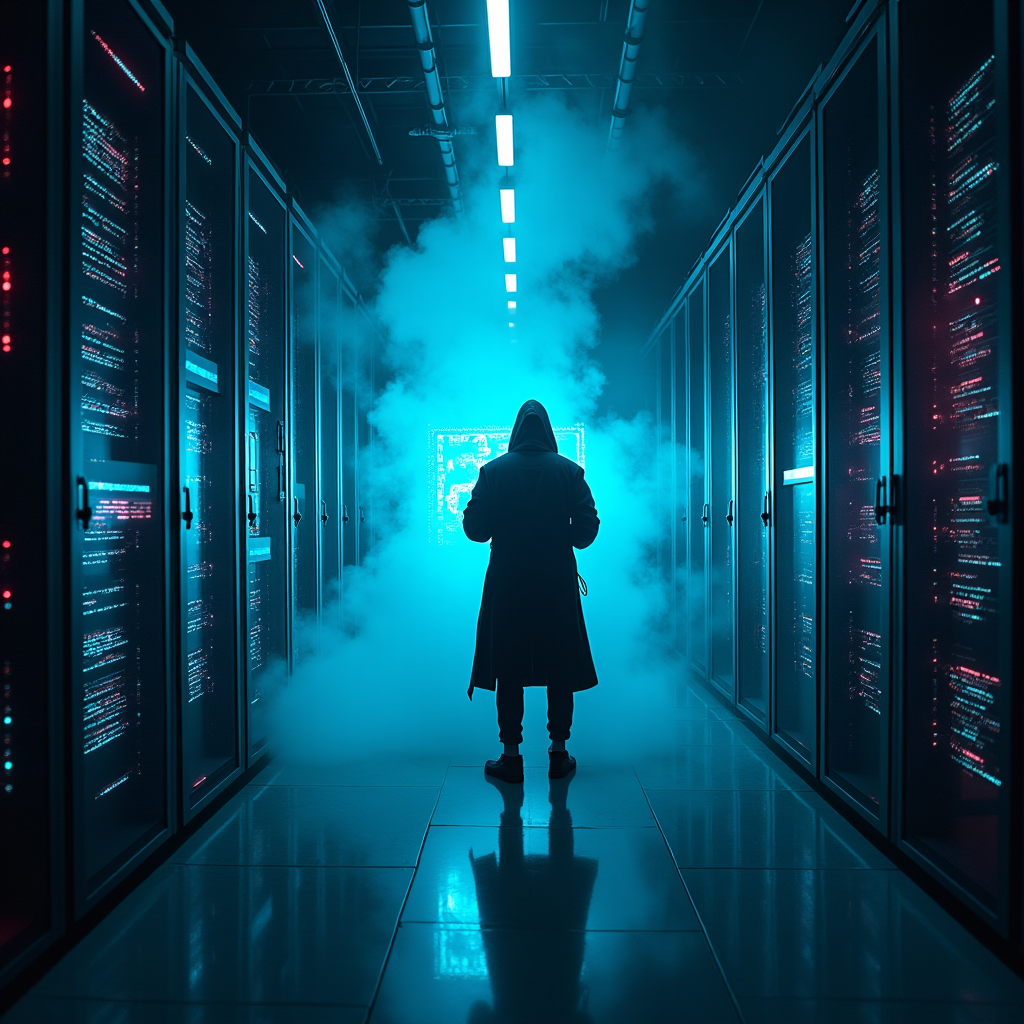
In a dimly lit, sprawling mega-corp server room, rows of towering, sleek black servers hum with a pulsating neon blue light, casting eerie reflections on the polished metal floor. Wisps of digital phantoms, shimmering in translucent hues of violet and emerald, glide through encrypted firewalls, their ghostly forms whispering secrets in a language of flickering binary code. The atmosphere crackles with tension, illuminated by sporadic bursts of crimson alerts flashing across holographic displays. A lone hacker, cloaked in a tattered, luminescent trench coat, stands silhouetted against a backdrop of cascading data streams, fingers poised above a holographic interface that glows with iridescent symbols. Wisps of smoke curl around their feet, merging with the electric haze that fills the air, creating an otherworldly ambiance where reality and the digital realm intertwine in a dance of shadows and light.
Analisi Dettagliata del Prompt Immagine Flux AI
Analizza il prompt dettagliato utilizzato per generare l'immagine con il Generatore Immagini Flux AI.
Esplora i Prompt Flux per il Generatore Immagini Flux AI
Come generare immagini con Flux.1 dev
Segui questi quattro semplici passaggi per creare l'immagine desiderata.
Passaggio 1: Inserisci il Tuo Testo (Sentiti libero di perfezionare il prompt per risultati migliori)
Passaggio 2: Scegli le Proporzioni dell'Immagine
Passaggio 3: Seleziona il Tuo Modello Flux:
Passaggio 4: Clicca il Pulsante Genera e Attendi Alcuni Secondi per la Tua Immagine
Strumenti Flux AI correlati per prompt su Flux.1 dev
Scopri strumenti avanzati di Flux AI per potenziare il tuo flusso di lavoro creativo.