Neon Shadows: Hacking the Dark - Flux.1.1 pro
Eingabe
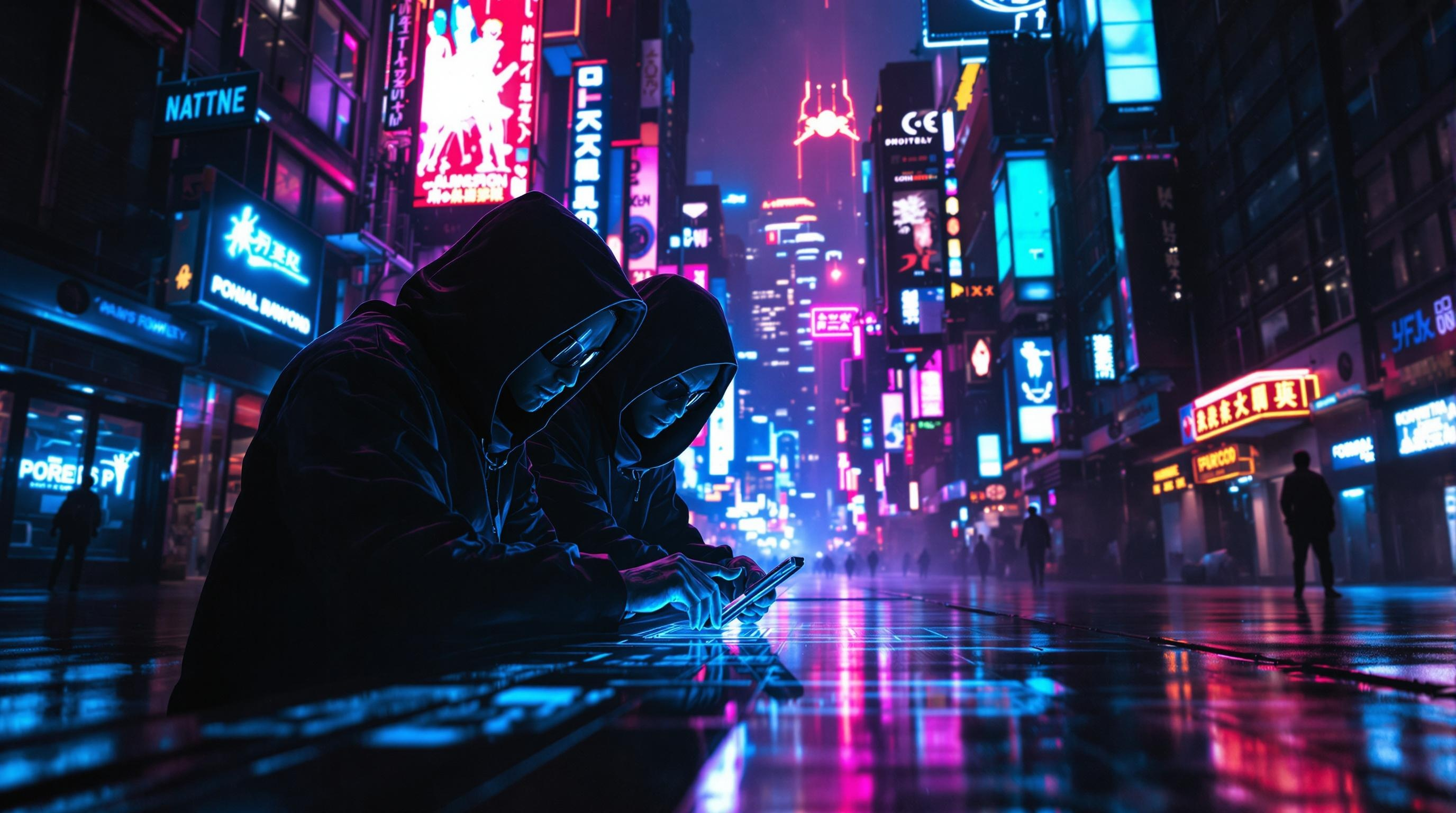
In a dimly lit, rain-soaked alleyway of a sprawling cyberpunk metropolis, neon signs flicker in electric blues, vibrant pinks, and pulsating greens, casting eerie glows that dance upon the slick pavement. Shadows converge as cloaked figures, augmented with bioluminescent tattoos and sleek cybernetic enhancements, huddle around a holographic interface projected from a sleek, handheld device. Their faces, partially obscured by high-tech visors, reflect the chaotic colors of the city, while their fingers move with precision, decoding layers of encrypted corporate secrets. A distant hum of drones fills the air, mingling with the soft patter of rain, creating an atmosphere thick with tension and intrigue. In the background, towering skyscrapers loom, adorned with massive digital billboards that pulse rhythmically, illuminating the scene with a surreal, otherworldly glow. The air is heavy with anticipation, as the hackers work in silence, immersed in their clandestine operation beneath the neon-lit sky.
Detaillierte Analyse des Flux KI Image Prompt
Analysiere den detaillierten Prompt, der zur Erstellung des Bildes mit dem Flux KI Image Generator verwendet wurde.
Flux-Prompts für den KI-Bildgenerator erkunden
Wie man ein Bild generiert von Flux.1.1 pro
Folge diesen vier einfachen Schritten, um das gewünschte Bild zu erstellen.
Schritt 1: Gib deinen Text ein (Fühle dich frei, deinen Prompt für bessere Ergebnisse zu verfeinern)
Schritt 2: Wähle das Bildseitenverhältnis
Schritt 3: Wähle dein Flux-Modell:
Schritt 4: Klicke auf die Generieren-Schaltfläche und warte ein paar Sekunden auf dein Bild
Verwandte Flux KI Tools für Prompts über Flux.1.1 pro
Entdecke fortschrittliche Tools von Flux KI, um deinen kreativen Workflow zu verbessern.