Neon Shadows: Hacking the Dark - Flux.1.1 pro
Indicador
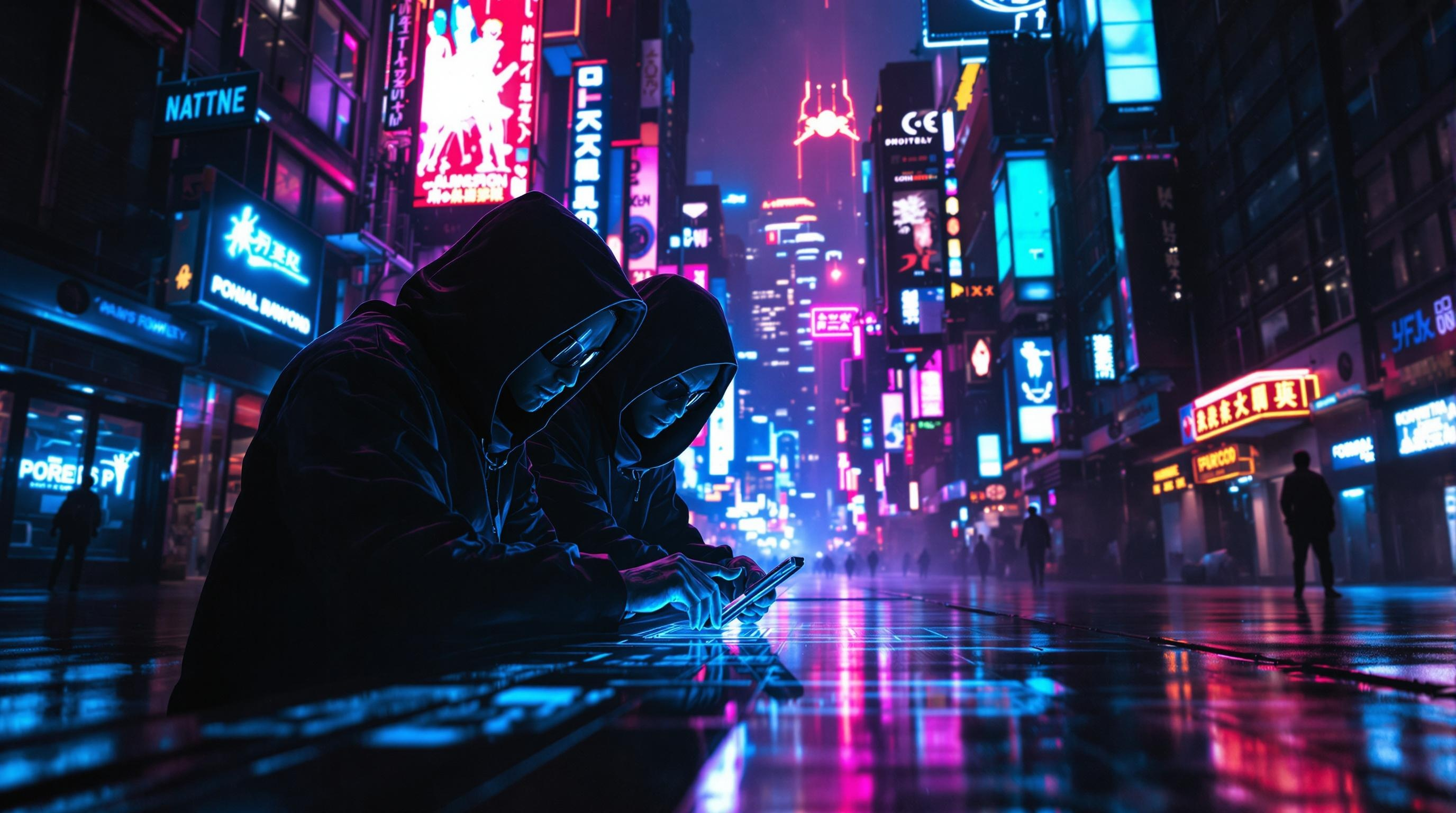
In a dimly lit, rain-soaked alleyway of a sprawling cyberpunk metropolis, neon signs flicker in electric blues, vibrant pinks, and pulsating greens, casting eerie glows that dance upon the slick pavement. Shadows converge as cloaked figures, augmented with bioluminescent tattoos and sleek cybernetic enhancements, huddle around a holographic interface projected from a sleek, handheld device. Their faces, partially obscured by high-tech visors, reflect the chaotic colors of the city, while their fingers move with precision, decoding layers of encrypted corporate secrets. A distant hum of drones fills the air, mingling with the soft patter of rain, creating an atmosphere thick with tension and intrigue. In the background, towering skyscrapers loom, adorned with massive digital billboards that pulse rhythmically, illuminating the scene with a surreal, otherworldly glow. The air is heavy with anticipation, as the hackers work in silence, immersed in their clandestine operation beneath the neon-lit sky.
Análisis Detallado del Prompt de Imagen de Flux IA
Analiza el prompt detallado utilizado para generar la imagen con Flux IA Image Generator.
Explorar Mensajes para Flux IA
Cómo generar una imagen por Flux.1.1 pro
Sigue estos cuatro sencillos pasos para crear la imagen que deseas.
Paso 1: Ingresa tu texto (No dudes en refinar tu prompt para mejores resultados)
Paso 2: Elige la relación de aspecto de la imagen
Paso 3: Selecciona tu modelo Flux:
Paso 4: Haz clic en el botón Generar y espera unos segundos para tu imagen
Herramientas Flux IA relacionadas para prompts sobre Flux.1.1 pro
Descubre herramientas avanzadas de Flux IA para potenciar tu flujo de trabajo creativo.