Neon Shadows: Hacking the Dark - Flux.1.1 pro
prompt
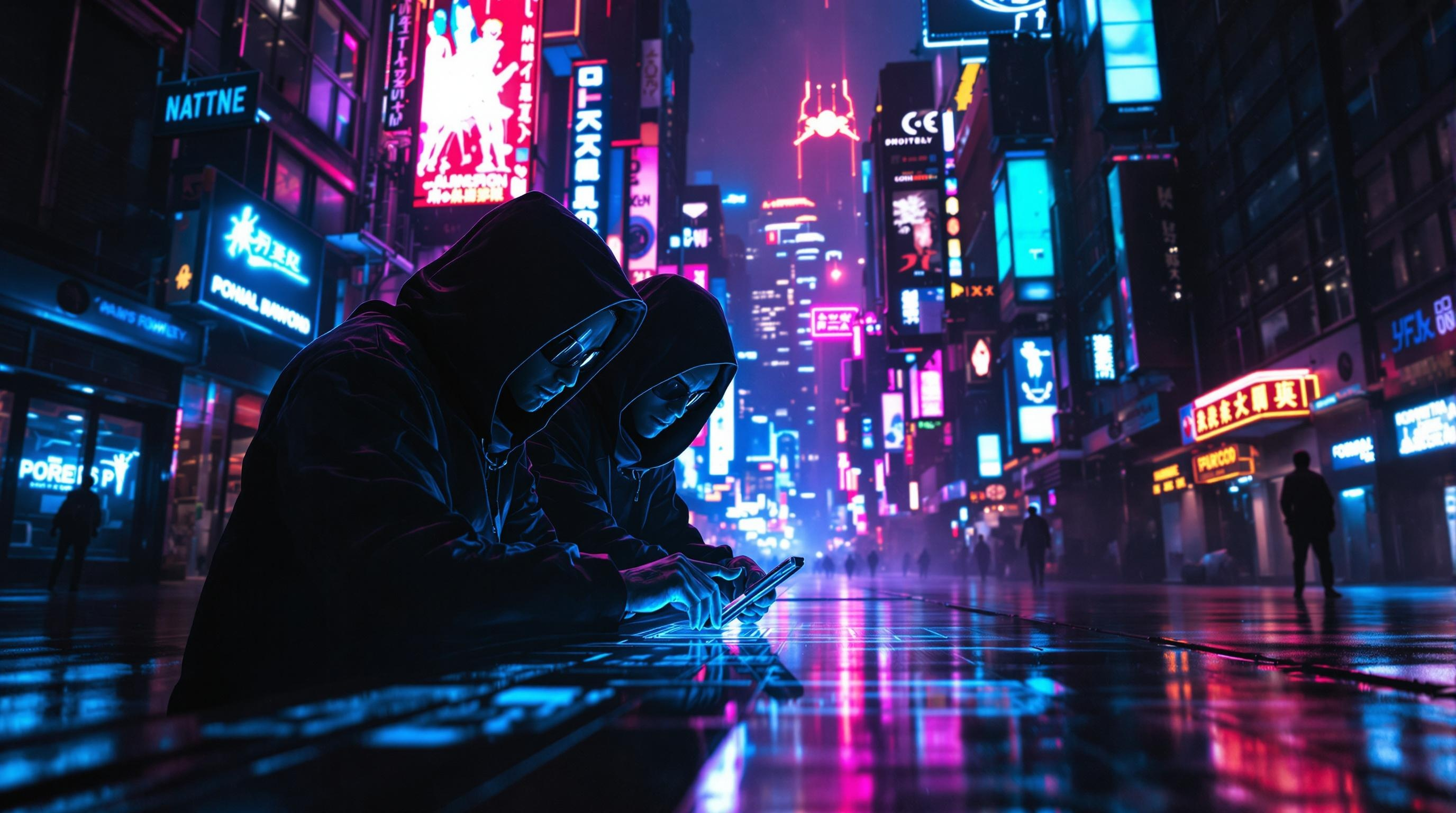
In a dimly lit, rain-soaked alleyway of a sprawling cyberpunk metropolis, neon signs flicker in electric blues, vibrant pinks, and pulsating greens, casting eerie glows that dance upon the slick pavement. Shadows converge as cloaked figures, augmented with bioluminescent tattoos and sleek cybernetic enhancements, huddle around a holographic interface projected from a sleek, handheld device. Their faces, partially obscured by high-tech visors, reflect the chaotic colors of the city, while their fingers move with precision, decoding layers of encrypted corporate secrets. A distant hum of drones fills the air, mingling with the soft patter of rain, creating an atmosphere thick with tension and intrigue. In the background, towering skyscrapers loom, adorned with massive digital billboards that pulse rhythmically, illuminating the scene with a surreal, otherworldly glow. The air is heavy with anticipation, as the hackers work in silence, immersed in their clandestine operation beneath the neon-lit sky.
Analisi Dettagliata del Prompt Immagine Flux AI
Analizza il prompt dettagliato utilizzato per generare l'immagine con il Generatore Immagini Flux AI.
Esplora i Prompt Flux per il Generatore Immagini Flux AI
Come generare immagini con Flux.1.1 pro
Segui questi quattro semplici passaggi per creare l'immagine desiderata.
Passaggio 1: Inserisci il Tuo Testo (Sentiti libero di perfezionare il prompt per risultati migliori)
Passaggio 2: Scegli le Proporzioni dell'Immagine
Passaggio 3: Seleziona il Tuo Modello Flux:
Passaggio 4: Clicca il Pulsante Genera e Attendi Alcuni Secondi per la Tua Immagine
Strumenti Flux AI correlati per prompt su Flux.1.1 pro
Scopri strumenti avanzati di Flux AI per potenziare il tuo flusso di lavoro creativo.