Neon Shadows: Barter in the Dark - Flux.1.1 pro
Eingabe
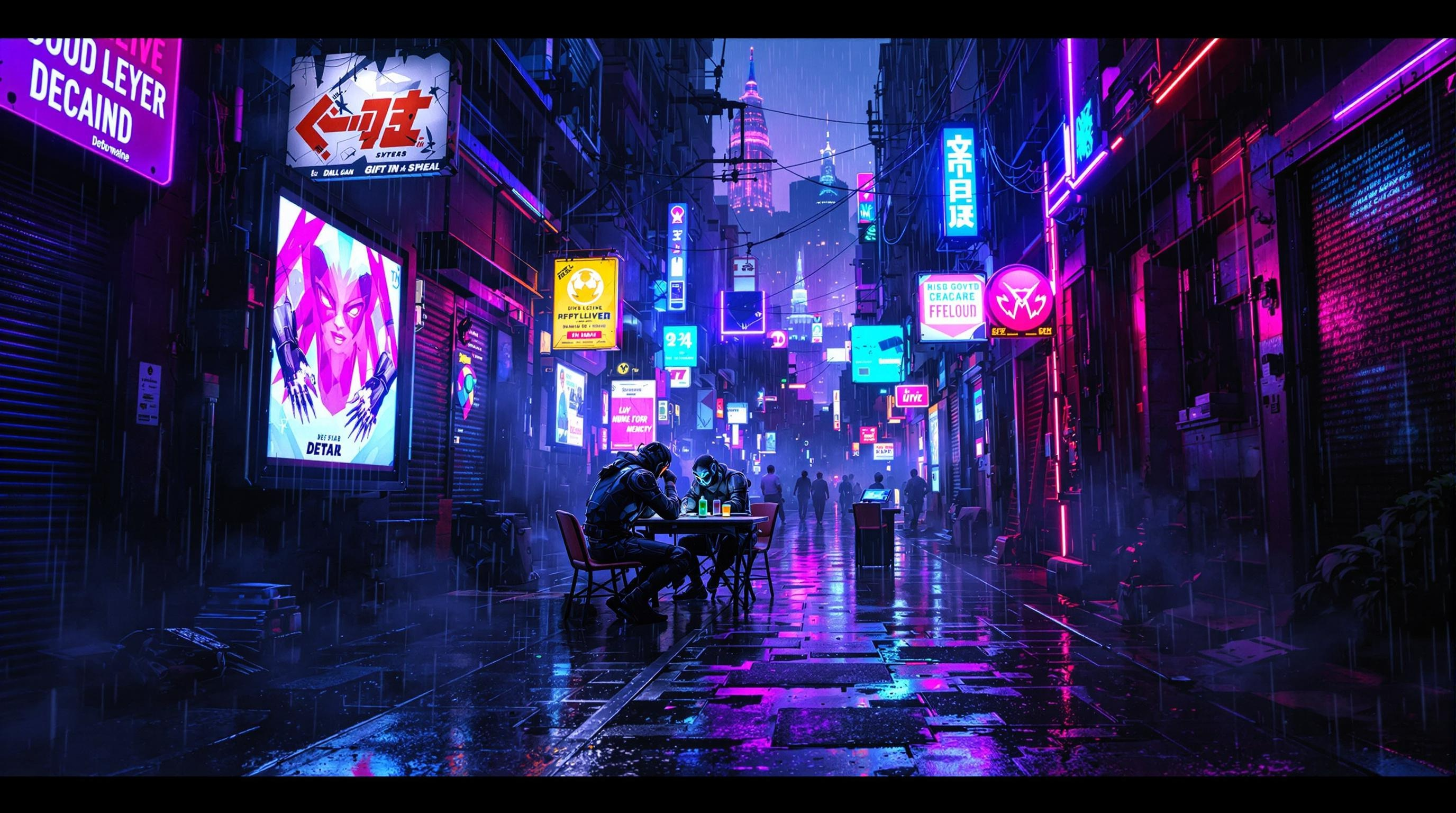
In a neon-drenched alleyway pulsating with energy, glowing data streams twist and intertwine like serpents of light, casting an electric blue and vibrant magenta glow against the rain-slicked pavement. Shadows dance as renegade bioware dealers, clad in tattered leather and augmented limbs, huddle beneath flickering holographic advertisements, their faces obscured by glowing visors and biomechanical masks. The air is thick with the scent of ozone and the low hum of technology, while ethereal wisps of digital code drift like smoke around them. A makeshift table, cluttered with shimmering memory chips and glimmering vials of liquid memories, serves as the focal point of this clandestine barter. Overhead, a fractured skyline looms, illuminated by the distant glow of towering megacorporations, their silhouettes stark against a sky heavy with rain and electric energy, encapsulating the gritty allure of a cyberpunk underworld.
Detaillierte Analyse des Flux KI Image Prompt
Analysiere den detaillierten Prompt, der zur Erstellung des Bildes mit dem Flux KI Image Generator verwendet wurde.
Flux-Prompts für den KI-Bildgenerator erkunden
Wie man ein Bild generiert von Flux.1.1 pro
Folge diesen vier einfachen Schritten, um das gewünschte Bild zu erstellen.
Schritt 1: Gib deinen Text ein (Fühle dich frei, deinen Prompt für bessere Ergebnisse zu verfeinern)
Schritt 2: Wähle das Bildseitenverhältnis
Schritt 3: Wähle dein Flux-Modell:
Schritt 4: Klicke auf die Generieren-Schaltfläche und warte ein paar Sekunden auf dein Bild
Verwandte Flux KI Tools für Prompts über Flux.1.1 pro
Entdecke fortschrittliche Tools von Flux KI, um deinen kreativen Workflow zu verbessern.