Neon Shadows: Barter in the Dark - Flux.1.1 pro
prompt
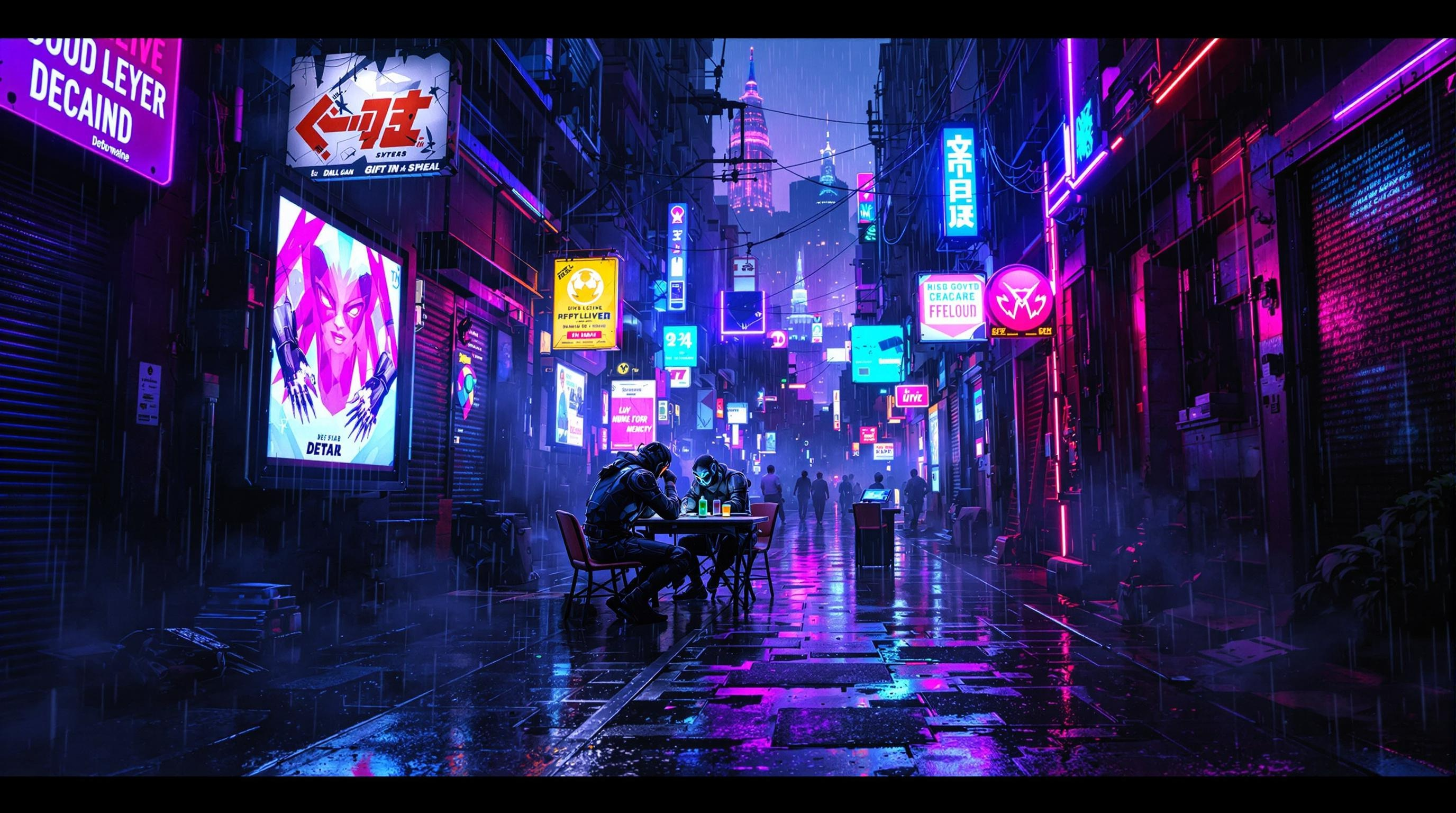
In a neon-drenched alleyway pulsating with energy, glowing data streams twist and intertwine like serpents of light, casting an electric blue and vibrant magenta glow against the rain-slicked pavement. Shadows dance as renegade bioware dealers, clad in tattered leather and augmented limbs, huddle beneath flickering holographic advertisements, their faces obscured by glowing visors and biomechanical masks. The air is thick with the scent of ozone and the low hum of technology, while ethereal wisps of digital code drift like smoke around them. A makeshift table, cluttered with shimmering memory chips and glimmering vials of liquid memories, serves as the focal point of this clandestine barter. Overhead, a fractured skyline looms, illuminated by the distant glow of towering megacorporations, their silhouettes stark against a sky heavy with rain and electric energy, encapsulating the gritty allure of a cyberpunk underworld.
Analisi Dettagliata del Prompt Immagine Flux AI
Analizza il prompt dettagliato utilizzato per generare l'immagine con il Generatore Immagini Flux AI.
Esplora i Prompt Flux per il Generatore Immagini Flux AI
Come generare immagini con Flux.1.1 pro
Segui questi quattro semplici passaggi per creare l'immagine desiderata.
Passaggio 1: Inserisci il Tuo Testo (Sentiti libero di perfezionare il prompt per risultati migliori)
Passaggio 2: Scegli le Proporzioni dell'Immagine
Passaggio 3: Seleziona il Tuo Modello Flux:
Passaggio 4: Clicca il Pulsante Genera e Attendi Alcuni Secondi per la Tua Immagine
Strumenti Flux AI correlati per prompt su Flux.1.1 pro
Scopri strumenti avanzati di Flux AI per potenziare il tuo flusso di lavoro creativo.