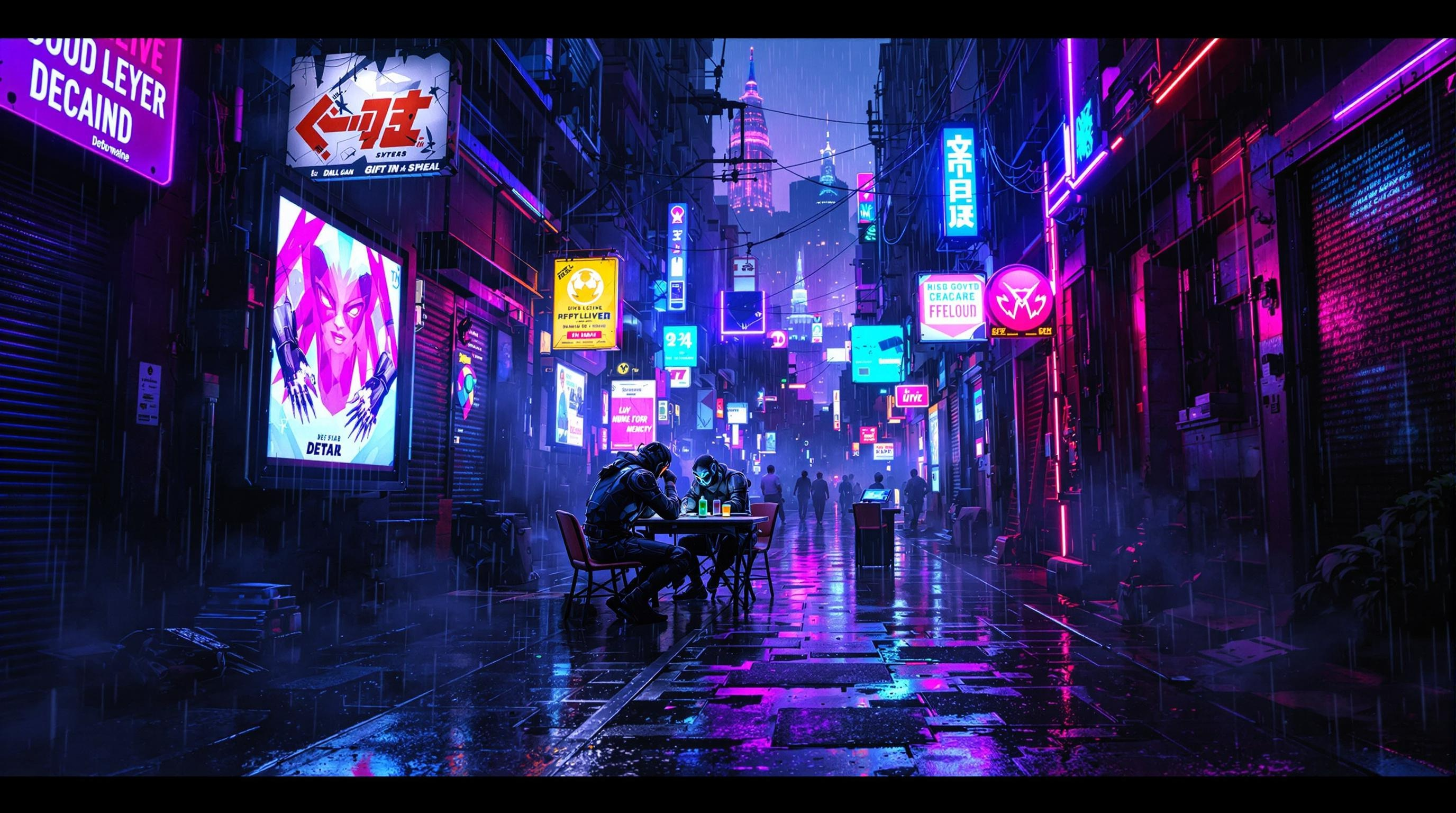
Neon Shadows: Barter in the Dark - Flux.1.1 pro
Indicador
In a neon-drenched alleyway pulsating with energy, glowing data streams twist and intertwine like serpents of light, casting an electric blue and vibrant magenta glow against the rain-slicked pavement. Shadows dance as renegade bioware dealers, clad in tattered leather and augmented limbs, huddle beneath flickering holographic advertisements, their faces obscured by glowing visors and biomechanical masks. The air is thick with the scent of ozone and the low hum of technology, while ethereal wisps of digital code drift like smoke around them. A makeshift table, cluttered with shimmering memory chips and glimmering vials of liquid memories, serves as the focal point of this clandestine barter. Overhead, a fractured skyline looms, illuminated by the distant glow of towering megacorporations, their silhouettes stark against a sky heavy with rain and electric energy, encapsulating the gritty allure of a cyberpunk underworld.
Análisis Detallado del Prompt de Imagen de Flux IA
Analiza el prompt detallado utilizado para generar la imagen con Flux IA Image Generator.
Explorar Mensajes para Flux IA
Cómo generar una imagen por Flux.1.1 pro
Sigue estos cuatro sencillos pasos para crear la imagen que deseas.
Paso 1: Ingresa tu texto (No dudes en refinar tu prompt para mejores resultados)
Paso 2: Elige la relación de aspecto de la imagen
Paso 3: Selecciona tu modelo Flux:
Paso 4: Haz clic en el botón Generar y espera unos segundos para tu imagen
Herramientas Flux IA relacionadas para prompts sobre Flux.1.1 pro
Descubre herramientas avanzadas de Flux IA para potenciar tu flujo de trabajo creativo.