Neon Shadows: Countdown in Chaos - Flux.1.1 pro
Eingabe
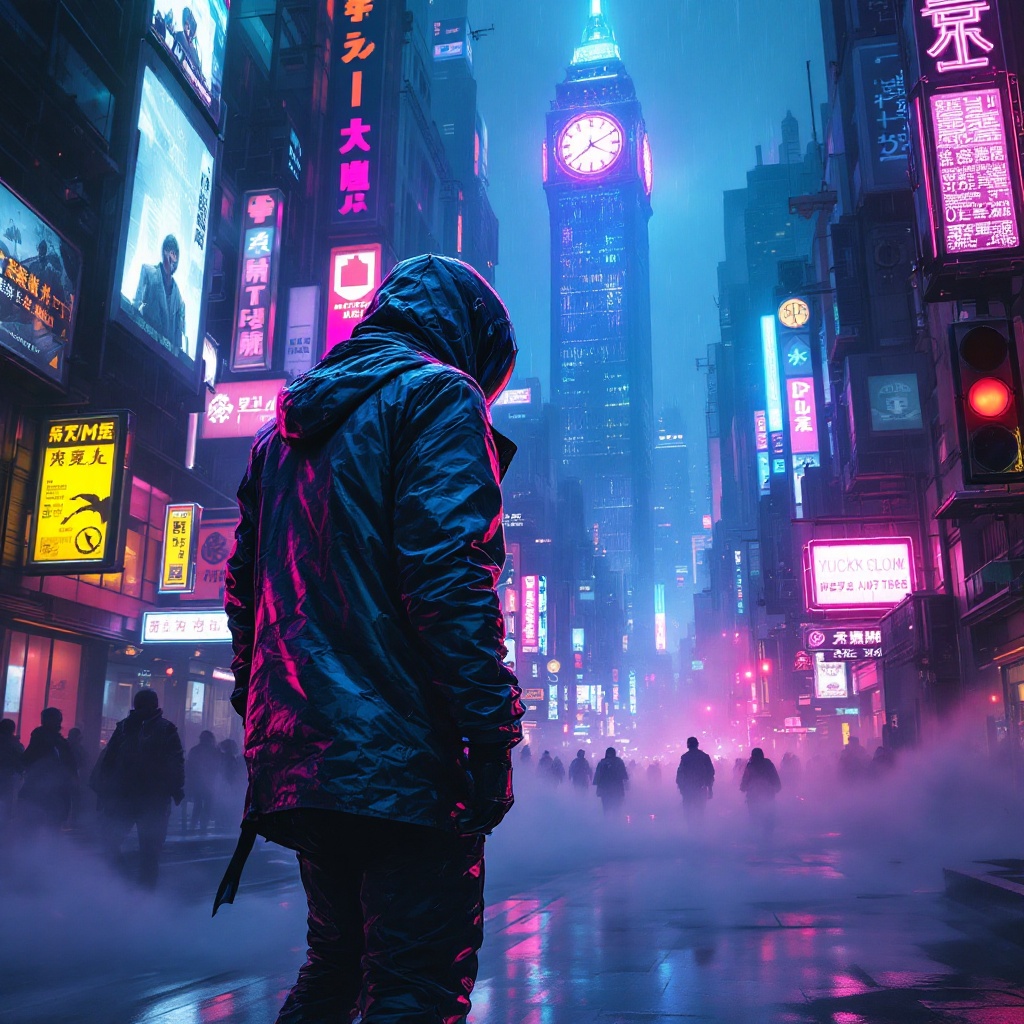
In a sprawling cyberpunk metropolis, electric whispers swirl through the air, casting an ethereal glow across the rain-soaked streets. Neon signs flicker in vibrant hues of electric blue, hot pink, and acid green, illuminating the labyrinthine alleyways lined with towering skyscrapers adorned with digital billboards. A rogue data courier, clad in a sleek, iridescent jacket that shifts colors with movement, navigates the chaotic urban landscape on a hoverboard, a holographic map projected before them. Their face is partially obscured by a high-tech visor, reflecting the pulsating lights around. Wisps of fog curl around their feet, and the distant hum of drones fills the atmosphere. In the background, a massive, glowing clock tower looms, its gears visible through glass panels, counting down to an unknown event. Shadows dance along the walls, hinting at hidden secrets and lurking dangers in this electrifying, neon-drenched world.
Detaillierte Analyse des Flux KI Image Prompt
Analysiere den detaillierten Prompt, der zur Erstellung des Bildes mit dem Flux KI Image Generator verwendet wurde.
Flux-Prompts für den KI-Bildgenerator erkunden
Wie man ein Bild generiert von Flux.1.1 pro
Folge diesen vier einfachen Schritten, um das gewünschte Bild zu erstellen.
Schritt 1: Gib deinen Text ein (Fühle dich frei, deinen Prompt für bessere Ergebnisse zu verfeinern)
Schritt 2: Wähle das Bildseitenverhältnis
Schritt 3: Wähle dein Flux-Modell:
Schritt 4: Klicke auf die Generieren-Schaltfläche und warte ein paar Sekunden auf dein Bild
Verwandte Flux KI Tools für Prompts über Flux.1.1 pro
Entdecke fortschrittliche Tools von Flux KI, um deinen kreativen Workflow zu verbessern.