Neon Shadows: Countdown in Chaos - Flux.1.1 pro
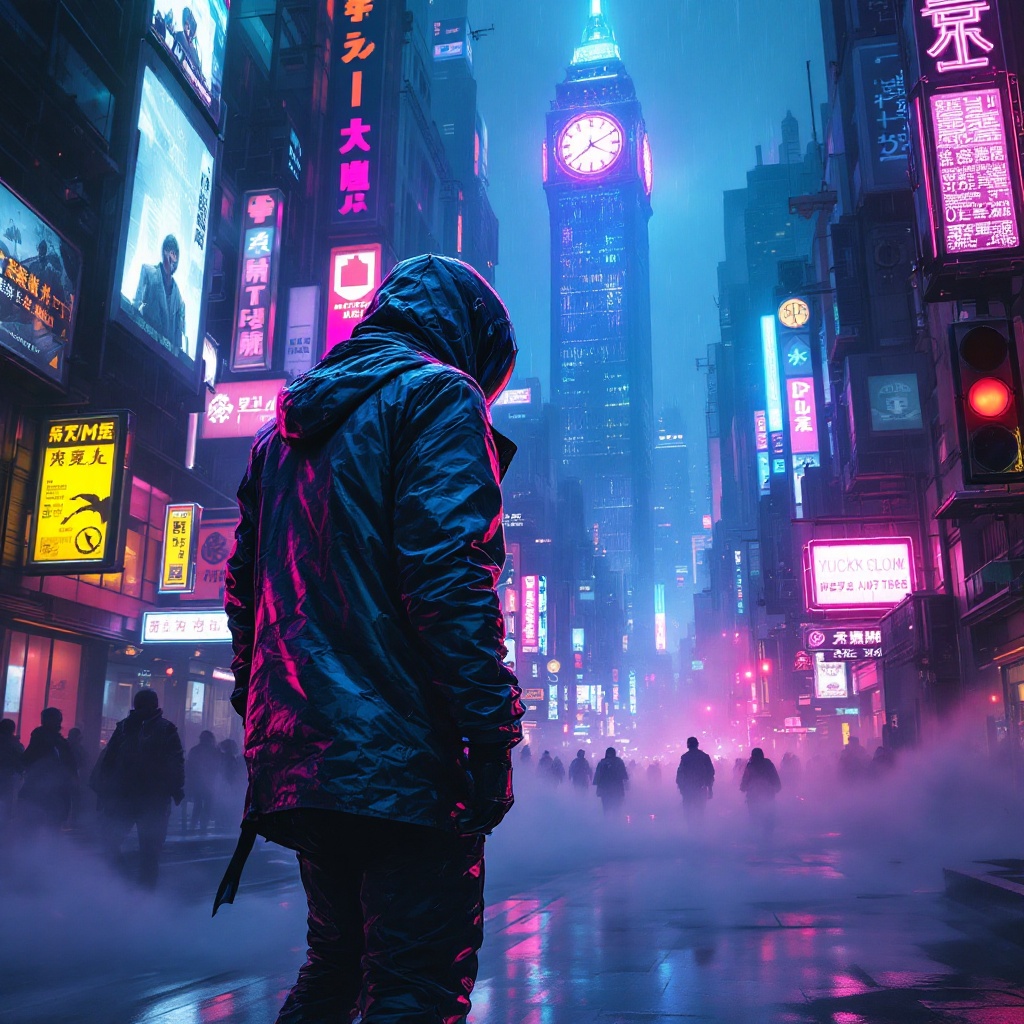
prompt
In a sprawling cyberpunk metropolis, electric whispers swirl through the air, casting an ethereal glow across the rain-soaked streets. Neon signs flicker in vibrant hues of electric blue, hot pink, and acid green, illuminating the labyrinthine alleyways lined with towering skyscrapers adorned with digital billboards. A rogue data courier, clad in a sleek, iridescent jacket that shifts colors with movement, navigates the chaotic urban landscape on a hoverboard, a holographic map projected before them. Their face is partially obscured by a high-tech visor, reflecting the pulsating lights around. Wisps of fog curl around their feet, and the distant hum of drones fills the atmosphere. In the background, a massive, glowing clock tower looms, its gears visible through glass panels, counting down to an unknown event. Shadows dance along the walls, hinting at hidden secrets and lurking dangers in this electrifying, neon-drenched world.
Analisi Dettagliata del Prompt Immagine Flux AI
Analizza il prompt dettagliato utilizzato per generare l'immagine con il Generatore Immagini Flux AI.
Esplora i Prompt Flux per il Generatore Immagini Flux AI
Come generare immagini con Flux.1.1 pro
Segui questi quattro semplici passaggi per creare l'immagine desiderata.
Passaggio 1: Inserisci il Tuo Testo (Sentiti libero di perfezionare il prompt per risultati migliori)
Passaggio 2: Scegli le Proporzioni dell'Immagine
Passaggio 3: Seleziona il Tuo Modello Flux:
Passaggio 4: Clicca il Pulsante Genera e Attendi Alcuni Secondi per la Tua Immagine
Strumenti Flux AI correlati per prompt su Flux.1.1 pro
Scopri strumenti avanzati di Flux AI per potenziare il tuo flusso di lavoro creativo.