Neon Shadows: Countdown in Chaos - Flux.1.1 pro
Invite
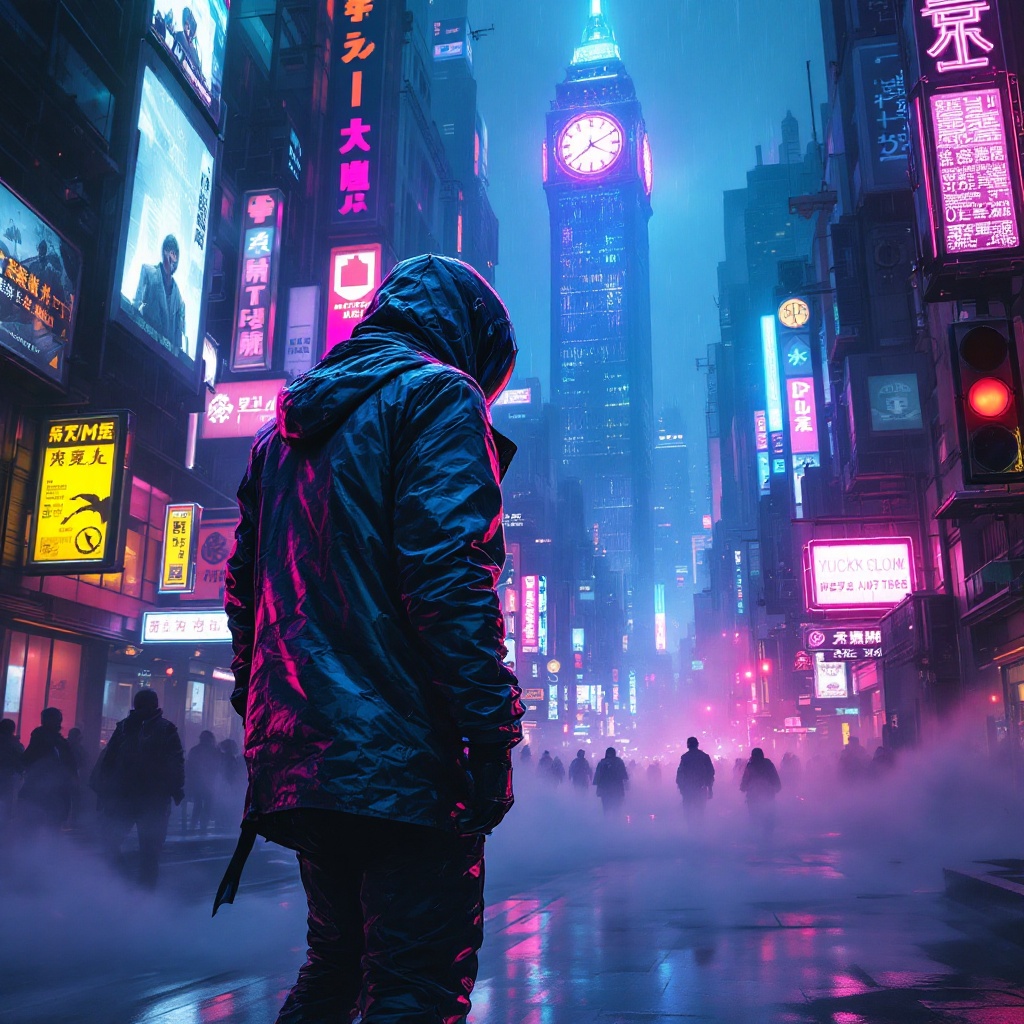
In a sprawling cyberpunk metropolis, electric whispers swirl through the air, casting an ethereal glow across the rain-soaked streets. Neon signs flicker in vibrant hues of electric blue, hot pink, and acid green, illuminating the labyrinthine alleyways lined with towering skyscrapers adorned with digital billboards. A rogue data courier, clad in a sleek, iridescent jacket that shifts colors with movement, navigates the chaotic urban landscape on a hoverboard, a holographic map projected before them. Their face is partially obscured by a high-tech visor, reflecting the pulsating lights around. Wisps of fog curl around their feet, and the distant hum of drones fills the atmosphere. In the background, a massive, glowing clock tower looms, its gears visible through glass panels, counting down to an unknown event. Shadows dance along the walls, hinting at hidden secrets and lurking dangers in this electrifying, neon-drenched world.
Analyse Détaillée du Prompt d'Image Flux IA
Analysez le prompt détaillé utilisé pour générer l'image avec Flux IA Image Generator.
Explorez les invites Flux IA
Comment générer une image par Flux.1.1 pro
Suivez ces quatre étapes simples pour créer l'image désirée.
Étape 1 : Entrez votre texte (N'hésitez pas à affiner votre prompt pour de meilleurs résultats)
Étape 2 : Choisissez le ratio d'aspect de l'image
Étape 3 : Sélectionnez votre modèle Flux :
Étape 4 : Cliquez sur le bouton Générer et attendez quelques secondes pour votre image
Outils Flux IA liés aux prompts sur Flux.1.1 pro
Découvrez des outils avancés de Flux IA pour booster votre flux de travail créatif.